


Shopping Secure
2015 t/m 2026
Tweakers Awards
2022 t/m 2026
Website of the Year
2025 t/m 2026
Sustainable Choice
This product is a sustainable choice More information
Add to favorites
Redable offers you
- Free delivery from €100,-
- 14 days reflection period
- Customers rate Redable 9.2/10
- Business benefits with Rise
- More than 150,000 satisfied customers

Payment & shipping
More than 150,000 satisfied customers
Promotions and services
Need several units?
Ordering for your team or a rollout? We will gladly prepare a no-obligation quote for you, with a price tailored to your needs.
More information
Choose refurbished
Choose a refurbished device: 100% functional, with warranty and much cheaper than new. View our refurbished range.
More information
Product description
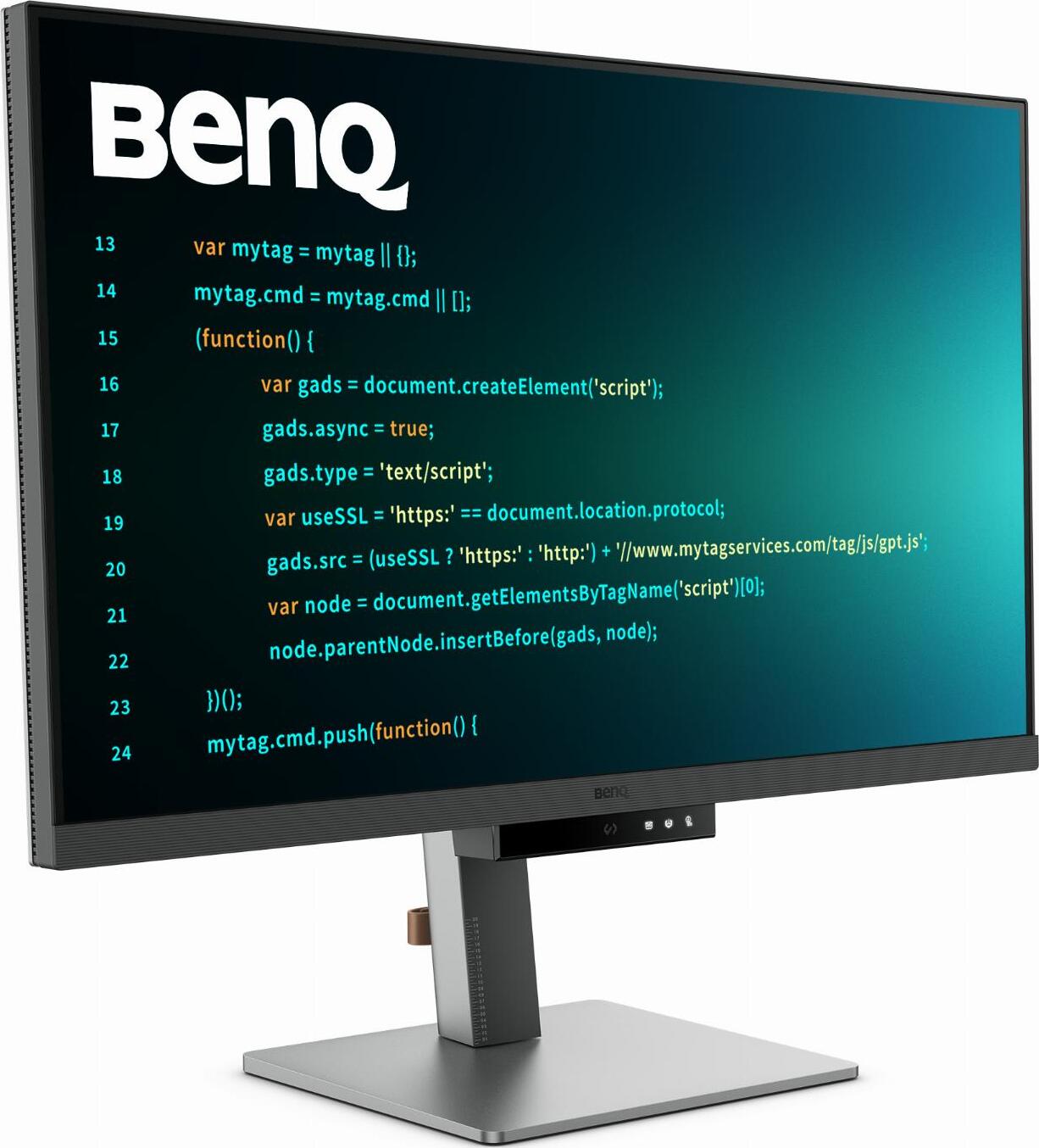
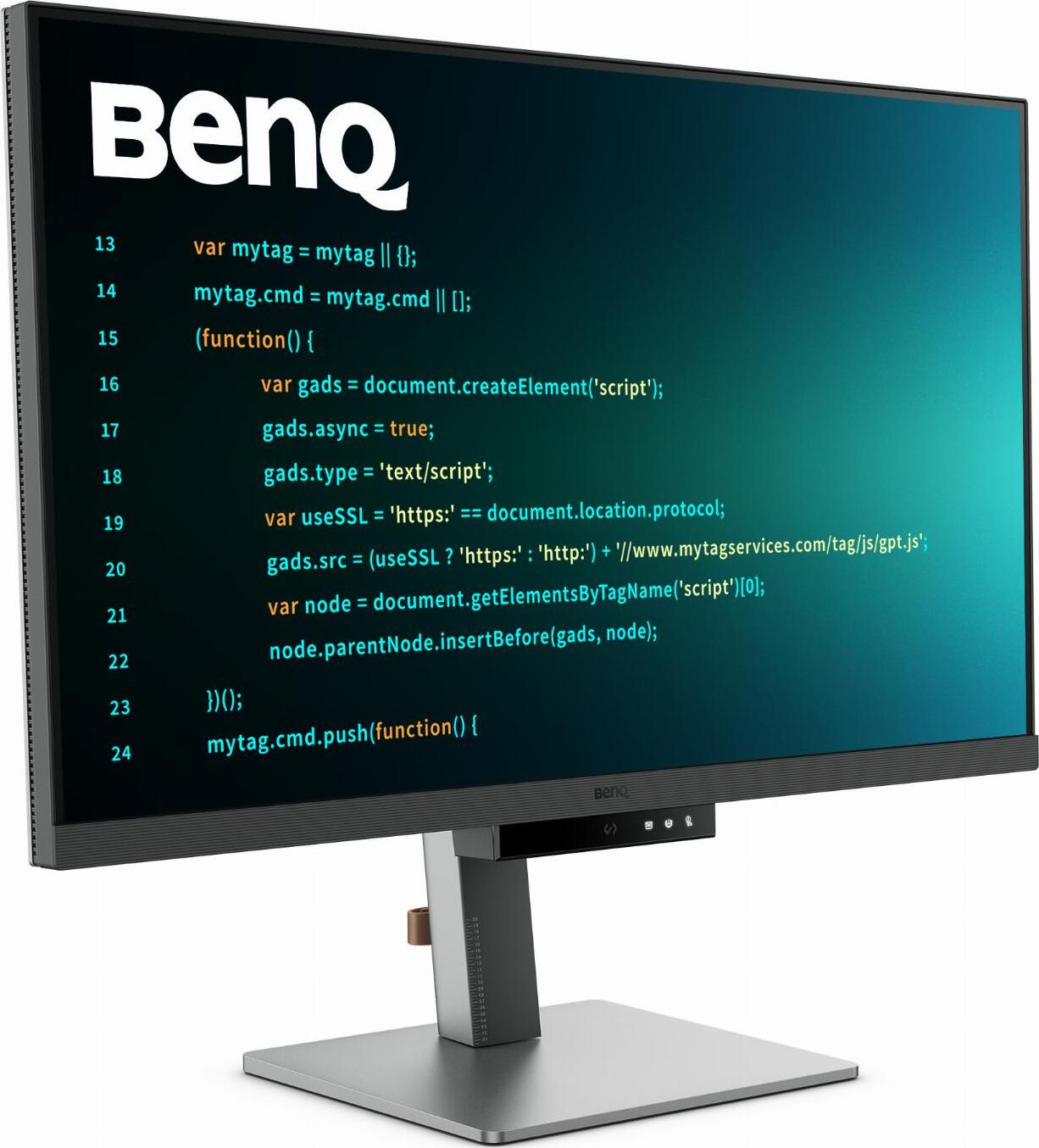
RD320U|32” 4K BenQ Programming Monitor with Backlight
Astonishing Clarity for the Ultimate Coding Experience
Crystal Clear, Entirely Focused
Enter the Coding Flow in Seconds
Enter the coding flow in seconds with BenQ Nano Matte Panel. Featuring a low reflection property to minimize distractions, this advanced technology enhances focus and boosts productivity, delivering unparalleled clarity for peak performance.
2000:1 Contrast Ratio for Clearer Code and Stunning Visuals
Experience unparalleled clarity with a 2000:1 contrast ratio. Enjoy deeper blacks and high contrast with a premium 4K display for coding, movies, and gaming, ensuring exceptional visual performance. This enhancement not only improves image quality but also increases overall immersion, providing a more engaging and captivating experience.
Ignite Night Coding Inspiration
Whether you prefer working in a soft, ambient glow, complete darkness during late-night hours, or complete darkness during late-night work, we've got you covered for long-lasting eye care.
Effortless Comfort with Night Hours Protection
Benefit from minimum brightness technology for reduced eye strain, discover enhanced eye protection during night hours and dark room usage with our Night Hours Protection. Its intelligent ambient light detection and auto-switch capabilities require minimal user intervention, ensuring effortless and consistent eye care.
Experience Focus Anytime with MoonHalo
Experience MoonHalo by BenQ – an illumination system built into the back of the monitor. With customizable color temperature, brightness, and light modes, along with Auto Dimming powered by B.I. Gen2, MoonHalo ensures optimal eye protection and focus anytime, whether you're working from home or the office.
Designed for Coding Excellence
Exclusive Coding Modes Boost Productivity
BenQ's advanced coding modes deliver clear fonts and better code differentiation, reducing eye strain. Choose from dark and light themes and easily adjust brightness, sharpness, and contrast for optimal coding conditions.
Instant Coding with Hotkey and Function Bar
Effortlessly boost productivity with our unique Coding HotKey and Function Bar. With a swift press of the Coding HotKey at the heart of the function bar you can immediately start coding.
Infinite Desk Flexibility for Programmers
Enhance your coding workspace with adjustable height, tilt, pivot, and swivel capabilities for optimal efficiency and comfort.
Optimal Posture, Superior Output
Relieve prolonged neck and body aches. BenQ Programming Monitors prioritize your comfort for long-term projects.
For a maximum ergonomic and flexible user experience, please consider the BenQ Ergo Arm version, the RD320UA.
Quick Connectivity with Easy Plug and Play
BenQ Programming Monitors offer ample port options, including USB Type-C for all-in-one connectivity, meeting your multitasking needs.
Unified Integration with KVM Switching
Maximum efficiency through unified integration with diverse devices and built-in KVM (keyboard, video, mouse) for seamless source switching.
Daisy Chain with the 90W USB Type-C
Multi-Stream Transport Technology allows you to extend screens across multiple displays using the USB Type-C. The 90W USB Type-C carries images, videos, and other data seamlessly and charges your mobile devices simultaneously with one cable.
Please note that Mac and MacBook devices only support daisy chaining via Thunderbolt. Daisy chaining is not supported via HDMI or using regular USB ports on any device. Also, you can only connect a single external display using a Mac device with the M1 or M2 chips. For more information about connecting different models of Mac devices to external displays, please refer to the Apple website.
Effortless Multi-Device Display with PIP/PBP and DualView Plus
DualView Plus simplifies multi-device displays by letting you customize color modes across applications or windows. With support for PIP and PBP, you can easily manage dual-source or single-source viewing.
Optimize Productivity with PIP and PBP
PIP (Picture-in-Picture) and PBP (Picture-by-Picture) efficiently optimize screen space. PIP overlays a secondary window for multitasking, while PBP splits the screen to display content from multiple sources, boosting productivity.
DualView Plus Displays Versatile Color Modes
DualView Plus with PIP/PBP not only displays dual sources simultaneously but also allows different color modes for each screen.
Set Displays with Mouse and Keyboard via Display Pilot 2
Display Pilot 2 caters to your needs, allowing easy arrangement of functions like MoonHalo, Night Hours Protection, and Auto Pivot. Display Pilot 2 for the BenQ programming series also offers software features specifically designed for programmers, including FloW, Shortcuts, Desktop Partition, Application Mode, Software Dimming, and Circadian Mode.
FloW Tailored Screen Performance for Your Day
We understand your need for precise planning. By learning your habits, BenQ RD320U’s FloW will seamlessly adapt to your needs, transitioning between different scenarios and based on preset schedules to support your busy day.
Easily Adjust Built-in MoonHalo Light
With Display Pilot 2, MoonHalo seamlessly syncs with your monitor for easy adjustments of switch, brightness, color temperature, light mode, and non-stop mode.
Circadian Mode for All-Day Comfort and Soothing Ambiance
BenQ Low Blue Light Plus includes Circadian Mode, which automatically adjusts your screen's color temperature throughout the day, mirroring the natural sunrise-to-sunset cycle. Enjoy eye comfort worry-free.
Assign Different Modes to Applications
Application Mode makes it easy to assign different color modes and remembers your frequently used settings for upcoming applications.
Customizable Desktop Partitions for Your Workspace
Launch Desktop Partition and drag the application you're working with into partitions by using preset templates or by customizing your own layouts.
Double Your Coding Speed with Shortcuts
Display Pilot 2 now stores an additional set of copy-and-paste functions, enhancing coding efficiency. Additionally, BenQ’s exclusive Shortcuts allow quick access to pre-set keyboard shortcuts for specific common functions.
Keep Your Eyes Fatigue-Free
Experience unmatched eye comfort with our Brightness Intelligence Gen2. BenQ Eye-Care Technology is dedicated to enhancing your visual comfort.
Brightness Intelligence Gen2
BenQ B.I. Gen2 automatically detects the brightness in your room and adjusts the screen brightness, while also providing the option to manually fine-tune the brightness.
TUV Reflection Free Certified for Refreshed Eyes
Being TUV Reflection Free Certificated ensures coding with minimized distractions, fostering a clearer and more efficient development process. Global safety authority TÜV Rheinland also certifies RD320U's Low Blue Light as truly friendly to the human eye. Eyesafe 2.0 certification ensures that the display reduces blue light while maintaining vivid color.
BenQ’s Green Commitment : A Vision of Sustainability
BenQ prioritizes eco-friendly practices in our product development, underlining our commitment to sustainability.
85% PCR
The housing of monitors is made with 85% PCR (Post-Consumer Recycled) materials, contributing to environmentally conscious production practices.
Recyclable Cardboard Packing
We package our monitors in recyclable cardboard, minimizing our environmental impact and promoting eco-friendliness.
Auto Power Off
The Auto Power Off feature allows users to automatically power down the screen after 10, 20, or 30 minutes of inactivity, conserving energy and further promoting sustainability.
EcoPrivacy
Save power and safeguard screen privacy effortlessly with our feature that automatically dims your monitor during inactivity.
Short specifications
- Display diagonal80 cm (31.5") display diagonal
- Resolution3840 x 2160 pixels resolution
- Response time5 ms Response time
- HD type4K Ultra HD
- Screen coatingMatt screen coating
Questions about this product?
How can I help you? This BenQ monitor is a 31.5-inch 4K display for detailed work.
Product list changed. Ask again for these products.
Advice and inspiration

We hear more and more about 'device as a service' (DaaS), but what exactly is it? In this blog article we provide a detailed explanation of DaaS and tell you whether it is something for your company.
Specifications
General
DPN
6398125
Merk
Benq
MPN
9H.LMSLA.TBE
EAN
4718755094392
Duurzame Keuze
Yes
Display
Screen shape
Flat
Colour gamut
98%
High Dynamic Range (HDR) supported
Yes
High Dynamic Range (HDR) technology
DisplayHDR 400, High Dynamic Range 10 (HDR10)
HDCP
Yes
Maximum refresh rate
60 Hz
Display number of colours
1.07 billion colours
Native aspect ratio
16:9
Viewing angle, vertical
178°
Viewing angle, horizontal
178°
Contrast ratio (typical)
2000:1
Display surface
Matt
Panel type
IPS
Display technology
LED
HD type
4K Ultra HD
LED backlight
Yes
Response time
5 ms
Display resolution
3840 x 2160 pixels
Display brightness (typical)
400 cd/m²
Display diagonal
80 cm (31.5")
Multimedia
RMS rated power
6 W
Number of speakers
3
Built-in speaker(s)
Ja
Performance
Flicker free technology
Yes
Low Blue Light technology
Yes
Design
Product colour
Zwart
Market positioning
Professional
Poorten & interfaces
HDCP version
2.2
Headphone out
Yes
DisplayPorts quantity
1
HDMI ports quantity
2
USB Power Delivery (USB PD)
Yes
USB Type-C downstream ports quantity
2
USB Type-A downstream ports quantity
2
Number of upstream ports
1
USB upstream port type
USB Type-B
USB hub version
3.2 Gen 2 (3.1 Gen 2)
DisplayPort version
1.4
HDMI version
2.0
USB Power Delivery up to
90 W
Ergonomics
Plug and Play
Yes
Picture-in-Picture
Yes
Tilt adjustment
Yes
On Screen Display (OSD) languages
Multi
Pivot
Yes
Pivot angle
0 - 90°
On Screen Display (OSD)
Yes
Height adjustment
Ja
Tilt angle range
-5 - 20°
Swivel angle range
-15 - 15°
Swivelling
Yes
Panel mounting interface
100 x 100 mm
VESA mounting
Yes
Adjustable height (max)
11 cm
Energy
Power consumption (off)
0.3 W
Power consumption (typical)
30 W
Power consumption (standby)
0.5 W
Power consumption (max)
220 W
AC input voltage
100 - 240 V
Energy consumption (HDR) per 1000 hours
33 kWh
Energy consumption (SDR) per 1000 hours
30 kWh
Energy efficiency class (HDR)
G
Energy efficiency scale
A to G
Energy efficiency class (SDR)
F
Weight and size
Height (with stand)
468.6 mm
Depth (with stand)
263.1 mm
Width (with stand)
595.4 mm
Weight (without stand)
7.3 kg
Packaging
Package weight
17.5 kg
Package height
545 mm
Package depth
840 mm
Package width
283 mm
Contents of the package
Quick start guide
Yes
Other specifications
HDMI
Yes
Width (without stand)
714.6 mm
Depth (without stand)
88.6 mm
Height (without stand)
425 mm
Technical details
Sustainability certificates
ENERGY STAR, EPEAT Bronze, TCO
Weight (with stand)
10.8 kg
Native refresh rate
60 Hz
Touchscreen
No
Power supply type
Internal
Country of origin
China
Accessories

Neomounts DS22-840BL6 Desk socket with clamp and USB-C and USB-A ports - Quick charge
Retail price 55,66 46,- 38,72 32.00

Neomounts DS60-600BL1 Monitor arm 10-32" - Quick-fix - 180°-stop
Retail price 62,92 52,- 42,35 35.00

Neomounts DS60-600BL2 Monitor arm 10-32" - Quick-fix - 180°-stop
Retail price 82,28 68,- Regular Price 53,24 Special Price 52,03 43.00

Neomounts DS70-250BL2 Monitor arm 17-32" - gas spring - Topfix - 180°-stop
Retail price 277,09 229,- Regular Price 163,35 Special Price 143,99 119.00

Neomounts DS70PLUS-450BL1 Monitor arm 17-49" - gas spring - Topfix - 180°-stop
Retail price 233,53 193,- Regular Price 153,67 Special Price 145,20 120.00