


Thuiswinkel Waarborg
2015 t/m 2026
Tweakers Awards
2022 t/m 2026
Website van het Jaar
2025 t/m 2026
Duurzame Keuze
Dit product is een duurzame keuze Meer informatie
Toevoegen aan favorieten
Redable biedt
- Gratis verzending vanaf €100,-
- 14 dagen bedenktermijn
- Klanten geven Redable een 9.2/10
- Zakelijke voordelen zoals Rise
- Meer dan 150.000 tevreden klanten

Betaling & verzending
Meer dan 150.000 tevreden klanten
Acties en services
Meerdere stuks nodig?
Bestel je voor je team of een uitrol? Dan stellen wij graag een vrijblijvende offerte voor je op, met een prijs op maat.
Meer informatie
Kies voor Refurbished
Kies voor een refurbished apparaat: 100% functioneel, met garantie en flink goedkoper dan nieuw. Bekijk ons refurbished aanbod.
Meer informatie
Productomschrijving
Astonishing Clarity for the Ultimate Coding Experience
Crystal-Clear Coding, Glare-Free Brilliance
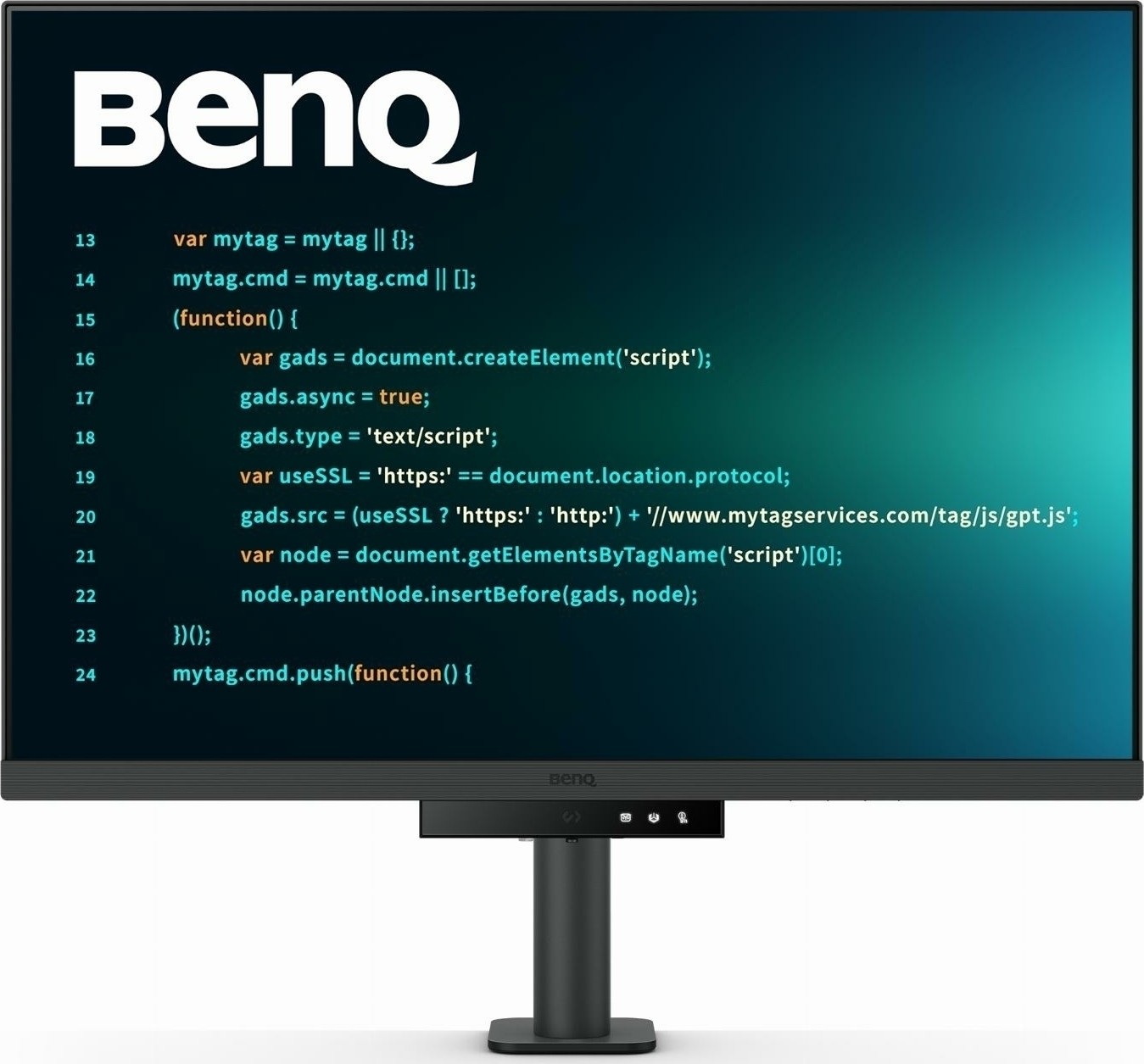
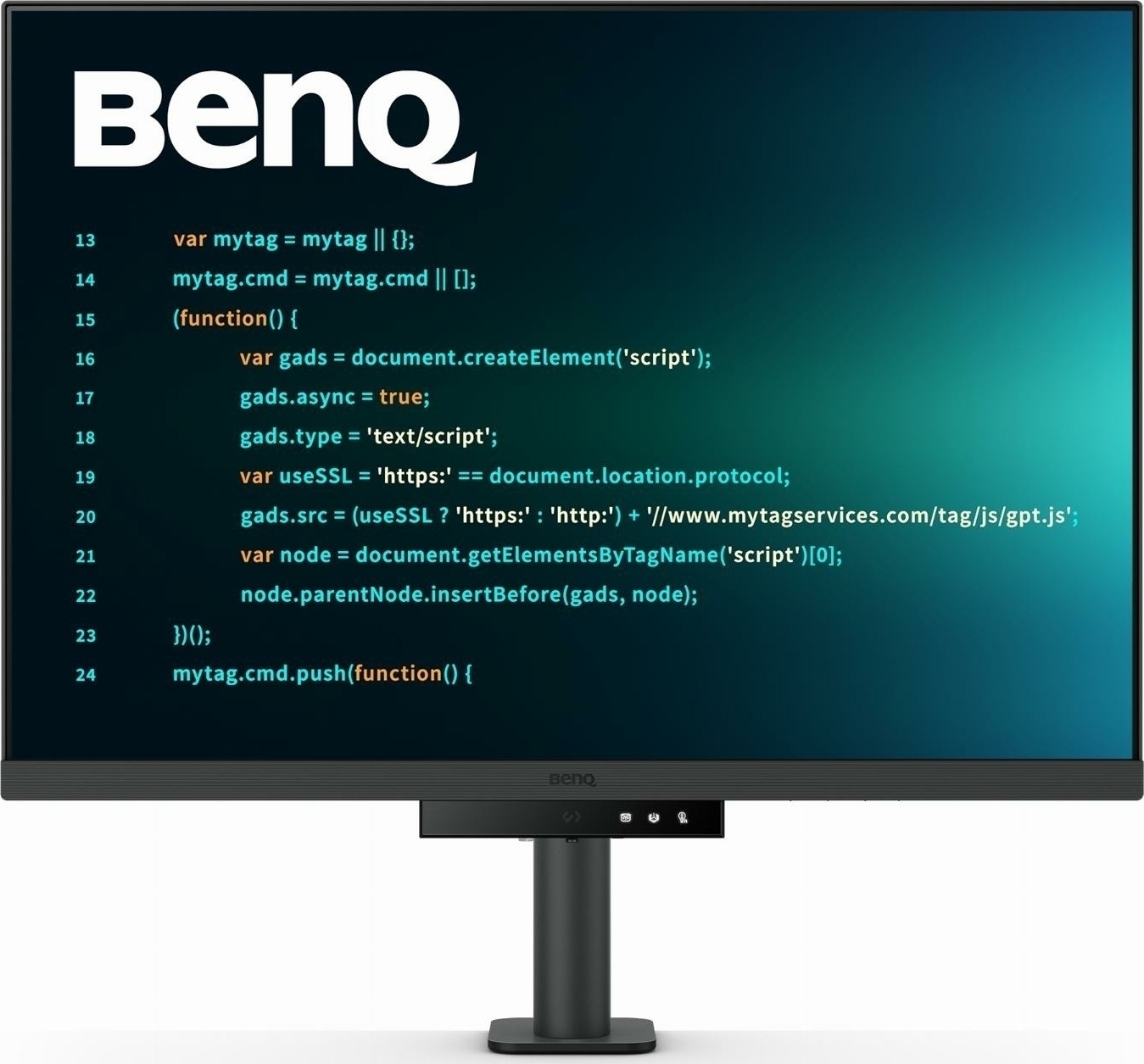
Crafted for Programmers: BenQ Programming Monitors offer you full immersion in your code no matter where you are.
Empowering Programmers with BenQ Nano Matte Panel
Enter the coding flow in seconds with the Nano Matte Panel. Featuring a low reflection property to minimize distractions, this advanced technology enhances focus and boosts productivity, delivering unparalleled clarity for peak performance.
Superior Code Differentiation
BenQ's advanced coding modes ensure crystal-clear fonts and improved code differentiation, reducing eye strain during prolonged use.
Code with Comfort and Efficiency
Offer both dark and light themes for adaptable coding environments. Swiftly adjust brightness, sharpness, and contrast for optimal coding conditions.
Experience Focus Anytime with MoonHalo
Experience MoonHalo by BenQ – an illumination system built into the back of the monitor. With customizable color temperature, brightness, and light modes, along with Auto Dimming powered by B.I. Gen2, MoonHalo ensures optimal eye protection and focus anytime, whether you're working from home or the office.
Take Control of Display Settings with Display Pilot 2
The Display Pilot 2 software gives you complete control of your display settings. Users can set their preferred functions with ease, including MoonHalo Control, Shortcuts, Desktop Partition, Application Mode, Software Dimming, Circadian Mode, and more.
Assign Different Modes to Applications
Application Mode makes it easy to assign different color modes and remembers your frequently-used settings for upcoming applications. Bind your IDE with the RD series’ advanced coding modes for the ultimate workflow!
Intelligent Circadian Displays for Comfortable Eyes
BenQ Low Blue Light Plus includes Circadian Mode, which automatically adjusts your screen's color temperature throughout the day, mirroring the natural sunrise to sunset cycle. Enjoy eye comfort worry-free.
Boost Efficiency with Display Pilot 2 Shortcuts
Exclusive Shortcuts allows you to easily bind commonly used functions to the hotkeys. With Display Pilot 2, copying and pasting shortcuts is no longer limited to one set at a time; it conveniently remembers two sets of content at once.
Monitor Ergonomics for Your Comfort
Enhance your coding workspace with the monitor's adjustable height, tilt, pivot, and swivel capabilities for optimal efficiency and comfort.
Optimal Posture, Superior Output
Relieve prolonged neck and body aches. BenQ Programming Monitors prioritize your comfort for long-term projects.
Ergo Arm Stand : Elevating Coders' Desks with Infinite Flexibility
BenQ Ergo Arm enhances flexibility and provides the optimal screen position for a more comfortable and productive user experience.
Endless Horizons, Intuitive Workflows
Whether it's multi-screen integration or single-screen data comparison, a BenQ Programming Monitor meets your multitasking needs.
Achieve More and Scroll Less
With a rare 3:2 ratio design, RD280UA is crafted for coders to provide them with an expansive field of view.
Seamless Connectivity with Easy Plug and Play
BenQ Programming Monitors offer ample port options, including USB Type-C for all-in-one connectivity.
Maximum Efficiency, Multitask with Ease
Maximum efficiency through unified integration with diverse devices and built-in KVM (keyboard, video, mouse) for seamless source switching.
Daisy Chain with the 90W USB Type-C
Multi-Stream Transport Technology allows you to extend screens across multiple displays using the USB Type-C. The 90W USB Type-C carries images, videos, and other data seamlessly plus charges your mobile devices at the same time all with one cable. Please note that Mac® and MacBook® devices only support daisy chaining via Thunderbolt. Daisy chaining is not supported via HDMI or using regular USB ports on any device. Also, you can only connect a single external display using a Mac device with the M1 or M2 chips. For more information about connecting different models of Mac devices to external displays, please refer to the Apple website.
Coding Hotkey and Function Bar
Effortlessly boost productivity with our unique Coding HotKey and Function Bar. With a swift press of the Coding HotKey at the heart of the function bar you can immerse yourself instantly into the coding realm.
Keep Your Eyes Fatigue-Free
Experience unmatched eye comfort during night hours with our Night Hours Protection and advanced Brightness Intelligence Gen2. BenQ Eye-Care Technology is dedicated to enhancing your visual comfort.
Night Hours Protection
Benefit from minimum brightness technology for reduced eye strain and discover enhanced eye protection at night with our Night Hours Protection. Its intelligent ambient light detection and auto-switch capabilities require minimal user intervention, ensuring effortless and consistent eye care.
Brightness Intelligence Gen2
BenQ B.I. Gen2 automatically detects the brightness in your room and adjusts the screen brightness, while also providing the option to manually fine-tune the brightness.
TUV Reflection Free Certified to Ensure Coding with Refreshed Eyes
Being TUV Reflection Free Certificated ensures coding with minimized distractions, fostering a clearer and more efficient development process. Global safety authority TÜV Rheinland also certifies RD280UA's Low Blue Light as truly friendly to the human eye. Eyesafe 2.0 certification ensures that the display reduces blue light while maintaining vivid color.
Specificaties in het kort
- Beeldschermdiagonaal71,6 cm (28.2") beeldschermdiagonaal
- Resolutie3840 x 2560 Pixels resolutie
- Responstijd5 ms responstijd
- HD-type4K Ultra HD
Vragen over dit product?
Hoe kan ik je helpen? Deze BenQ monitor is een verstelbare 28,2 inch 4K Ultra HD monitor.
Productlijst aangepast. Vraag het opnieuw voor deze producten.
Advies en inspiratie

Steeds vaker horen we over 'device as a service' (DaaS), maar wat is het precies? In dit blogartikel geven we een uitgebreide uitleg over DaaS én vertellen we je of het iets voor jouw bedrijf is.
Specificaties
Algemeen
DPN
6287827
Merk
Benq
MPN
9H.LM2LJ.TBE
EAN
4718755093302
Duurzame Keuze
Ja
Beeldscherm
Pixeldichtheid
164 ppi
Beeldscherm vorm
Flat
Kleurbereik
95 procent
HDR-ondersteuning
Ja
Kleurstandaard gamut
DCI-P3
High Dynamic Range (HDR)-technologie
DisplayHDR 400, High Dynamic Range 10 (HDR10)
Schermdiameter in centimeters
72 cm
HDCP
Ja
Maximale refresh snelheid
60 Hz
Beeldscherm, aantal kleuren
1,07 miljard kleuren
Oorspronkelijke beeldverhouding
3:2
Kijkhoek, verticaal
178°
Kijkhoek, horizontaal
178°
Typische contrastverhouding
1200:1
Antireflectiescherm
Ja
Soort paneel
IPS
HD type
4K Ultra HD
LED backlight
Ja
Display brightness (peak)
400 cd/m²
Responstijd
5 ms
Resolutie
3840 x 2560 Pixels
Helderheid (typisch)
350 cd/m²
Beeldschermdiagonaal
71,6 cm (28.2")
Multimedia
Gemiddeld vermogen
4 W
Audio-ingangen
2
Ingebouwde camera
Nee
Ingebouwde luidsprekers
Ja
Prestatie
Smart modes
ePaper
Knippervrije technologie
Ja
Laag-blauw-licht-technologie
Ja
Ontwerp
Bodygroom/haarclip/gezichtsstyling
Zwart
Markt positionering
Bedrijf
Poorten & interfaces
HDCP versie
2.2
Hoofdtelefoon uit
Ja
Hoofdtelefoonuitgangen
1
Aantal DisplayPorts
1
Aantal HDMI-poorten
1
USB Power Delivery (USB PD)
Ja
USB Type-C DisplayPort alternatieve modus
Ja
Aantal USB Type-C downstreampoorten
1
Aantal USB Type-A downstream-poorten
3
Versie USB-hub
3.2 Gen 1 (3.1 Gen 1)
DisplayPort versie
1.4
HDMI versie
2.0
USB Power Delivery tot max.
90 W
Aantal USB Type-B-upstreampoorten
1
Ingebouwde USB-hub
Ja
Ergonomie
kantel aanpassingen
Ja
On Screen Display (OSD)-talen
Arabisch, Vereenvoudigd Chinees, Traditioneel Chinees, Tsjechisch, Duits, Nederlands, Engels, Spaans, Frans, Hongaars, Italiaans, Japans, Koreaans, Pools, Portugees, Roemeens, Russisch, Zweeds
Scharnier
Ja
Pivot hoek
0 - 90°
On Screen Display (OSD)
Ja
In hoogte verstelbaar
Ja
Bereik kantelhoek
-5 - 30°
Horizontaal draaibaar
-275 - 275°
Draaibaar
Ja
Paneelmontage-interface
100 x 100 mm
VESA-montage
Ja
Bevestigingsmogelijkheid voor kabelslot
Nee
Ophangsysteem voor aan de muur
Ja
Energie
Stroomverbruik (indien uit)
0,3 W
Stroomverbruik (typisch)
34 W
Stroomverbruik (in standby)
0,4 W
Vermogensverbruik (max)
205 W
AC-ingangsspanning
100 - 240 V
Energieverbruik (HDR) per 1000 uur
31 kWu
Energieverbruik (SDR) per 1000 uur
29 kWu
Energie-efficiëntieklasse (HDR)
G
Energie-efficiëntieschaal
A tot G
Energie-efficiëntieklasse (SDR)
G
Gewicht en omvang
Hoogte apparaat (met standaard)
602,2 mm
Diepte apparaat (met standaard)
476 mm
Breedte apparaat (met standaard)
610,4 mm
Gewicht (zonder voet)
7,5 kg
Verpakking
Gewicht verpakking
17,1 kg
Hoogte verpakking
515 mm
Diepte verpakking
780 mm
Breedte verpakking
280 mm
Inhoud van de verpakking
Meegeleverde software
Display Pilot 2
Snelstartgids
Ja
Overige specificaties
HDMI
Ja
Breedte ( zonder voet )
610,4 mm
Diepte ( zonder voet )
87,1 mm
Hoogte (zonder voet )
427,8 mm
Technische details
Duurzaamheidscertificaten
ENERGY STAR, EPEAT Bronze, TCO
Gewicht (met standaard)
11,4 kg
Systeemeigen vernieuwingsfrequentie
60 Hz
Touchscreen
Nee
Soort voeding
Intern
Land van herkomst
China