



Shopping Secure
2015 t/m 2026
Tweakers Awards
2022 t/m 2026
Website of the Year
2025 t/m 2026
Internal SSD drives
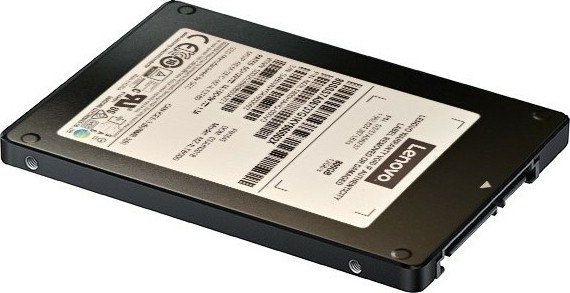
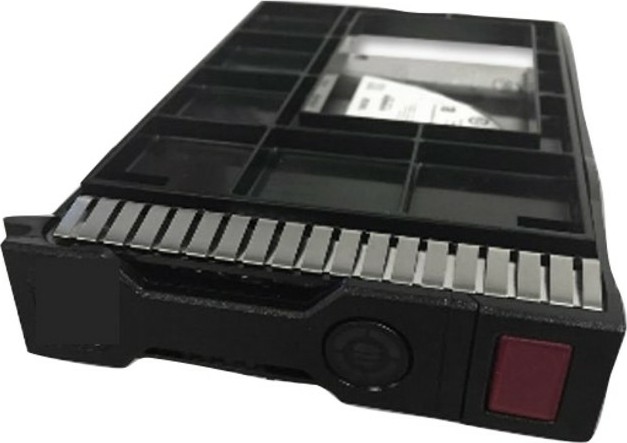
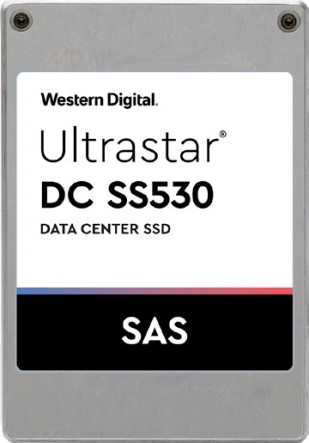
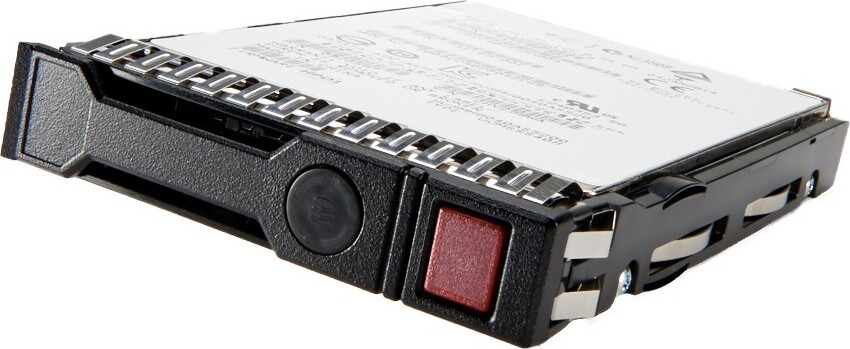
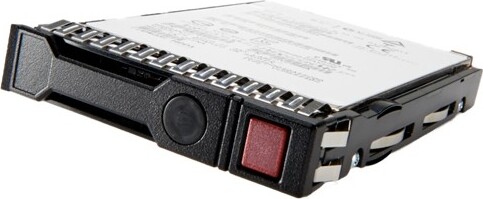
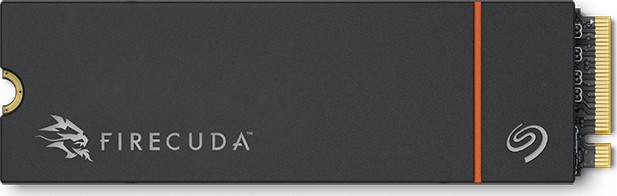
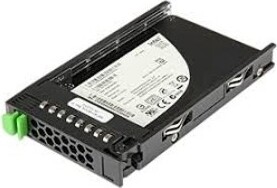
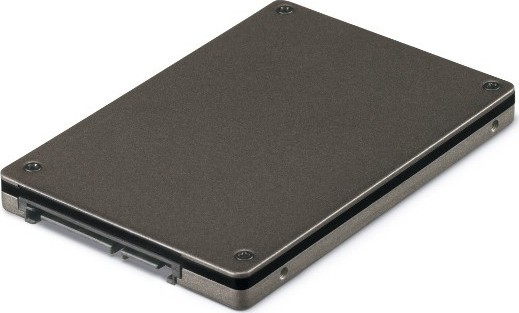
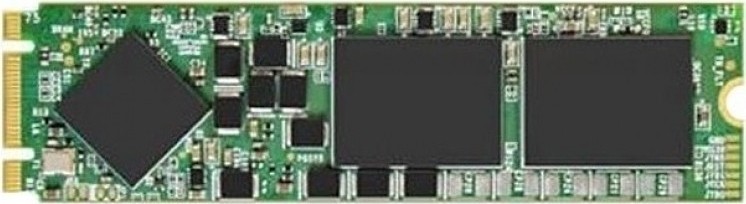
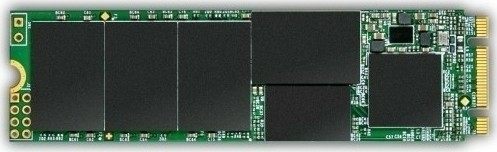
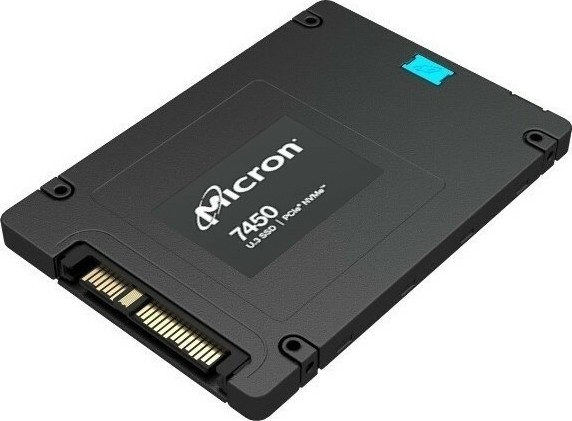
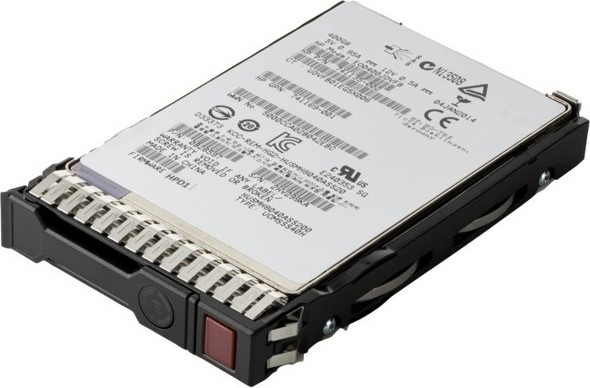
An internal SSD is a data storage device that uses flash memory to store data. Unlike a traditional hard drive, an SSD has no moving parts, making it more resistant to physical damage and data loss due to vibration or shock. In addition, SSDs typically have lower power consumption and faster data transfer rates than hard drives. Therefore, they are often used in laptops and other portable devices where energy efficiency and durability are important. Internal SSDs usually come in the form of a 2.5-inch drive, which can be mounted in a standard 3.5-inch drive bay with an adapter. However, some larger SSDs use the PCI Express interface and are installed directly on the motherboard.
Need help choosing?
How can I help you?
Product list changed. Ask again for these products.
- Ordered before 17.00, shipped for free today
- 14 days reflection period
- Ordered before 17.00, shipped for free today
- 14 days reflection period
- Ordered before 17.00, shipped for free today
- 14 days reflection period
- Ordered before 17.00, shipped for free today
- 14 days reflection period
Need help choosing?(at the end of the list)
How can I help you?
Product list changed. Ask again for these products.
What should I pay attention to when purchasing an internal SSD?
What Should I Consider When buying an internal SSD, there are a few things to keep in mind. First, you need to check if the SSD is compatible with your computer. While most SSDs will work with any computer, some are designed specifically for laptops or desktop computers. Second, look at the capacity of the SSD. How much storage space do you need? Third, consider the speed of the SSD. The faster the better, but keep in mind that faster drives are usually more expensive. Finally, check the reviews on the SSD before buying it. Look for negative experiences that may indicate a problem with the drive. By keeping these things in mind, you can be sure to find the best internal SSD for your needs. Considering buying an internal SSD?
Benefits of an internal SSD
For most computer users, an SSD is a major upgrade over a traditional hard drive. One of the biggest benefits of an SSD is speed. An SSD can dramatically reduce the time it takes for your computer to boot, launch applications, and load files. Another advantage of an SSD is durability. Because there are no moving parts, an SSD can withstand shocks and vibrations. This makes it ideal for use in laptops and other portable devices. Finally, SSDs are becoming more affordable, making them a more practical option for budget-conscious shoppers. When looking for a new hard drive, you should consider the many benefits of an SSD.