
Shopping Secure
2015 t/m 2026
Tweakers Awards
2022 t/m 2026
Website of the Year
2025 t/m 2026
22 inch monitor
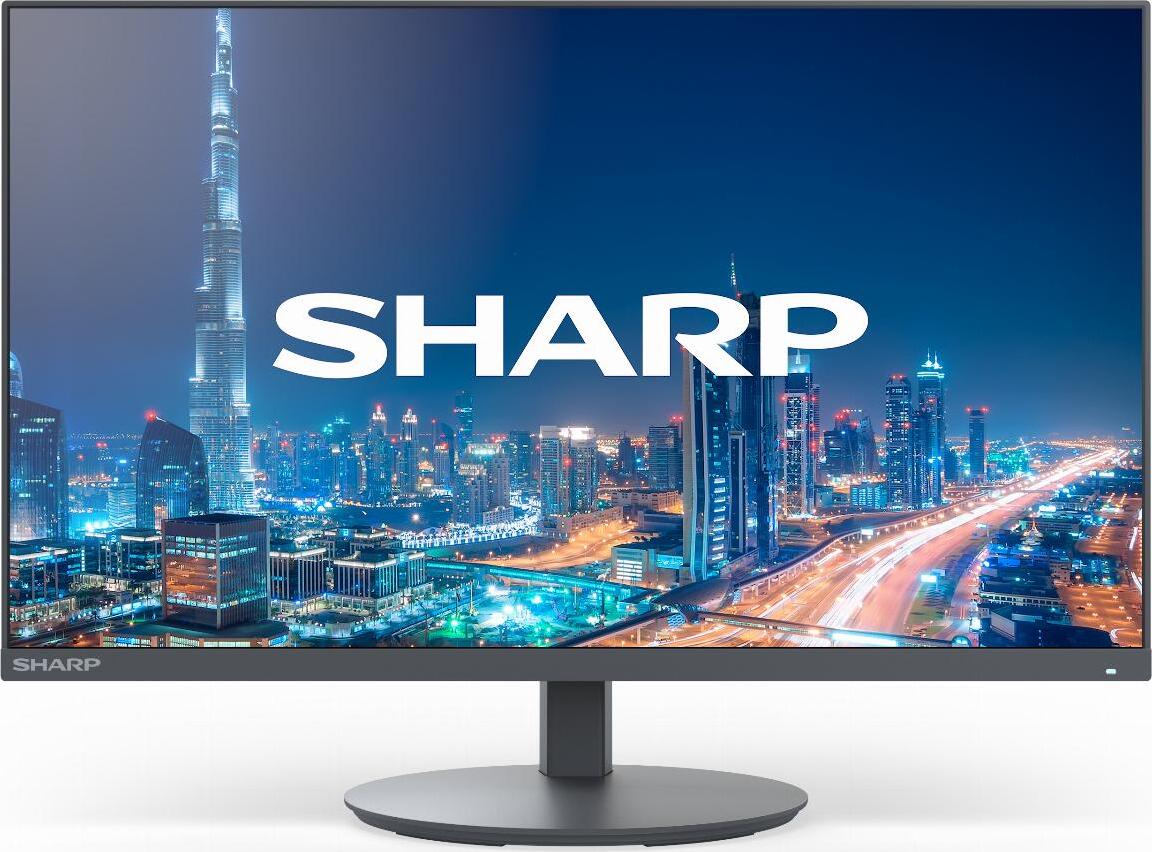
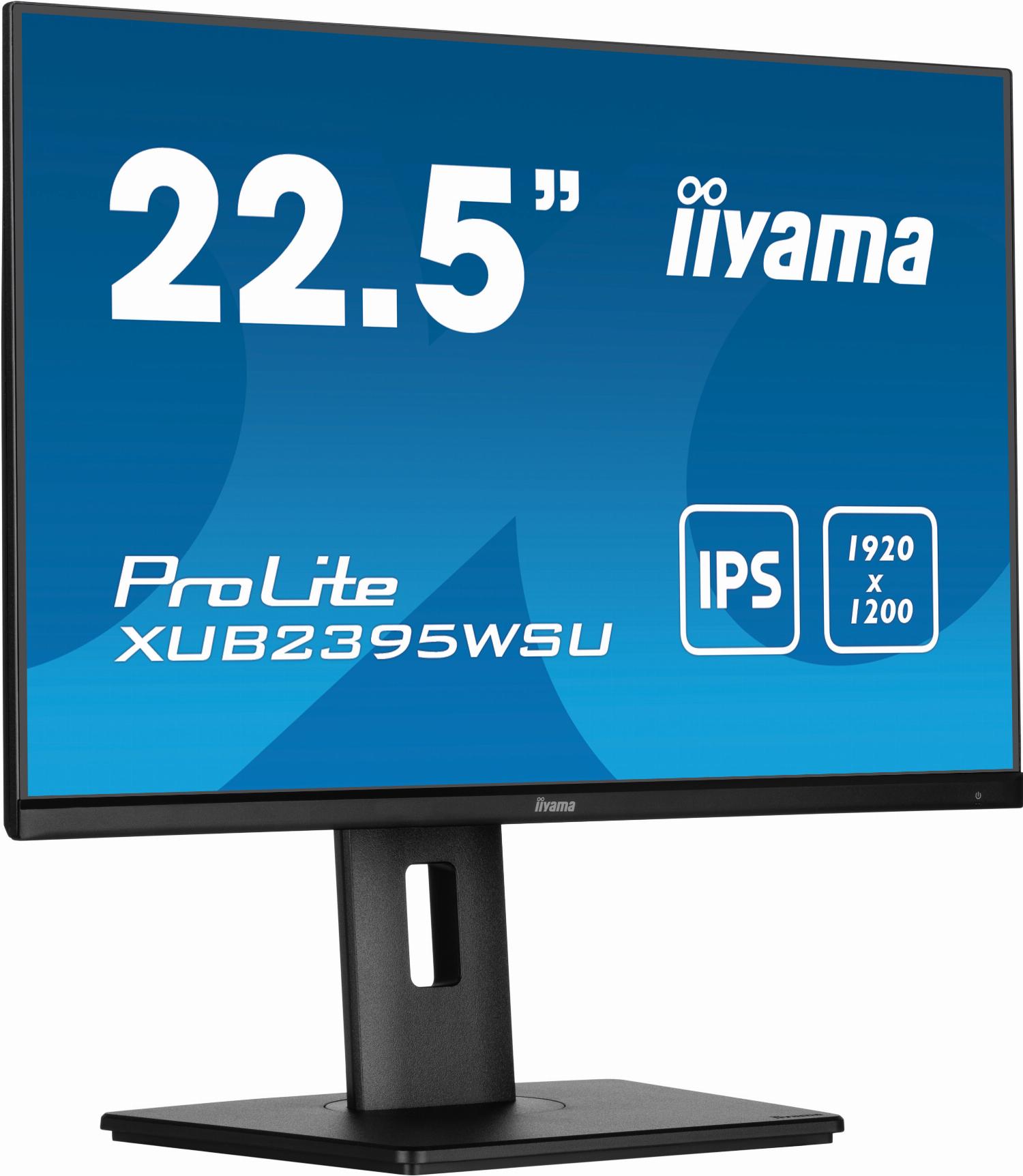
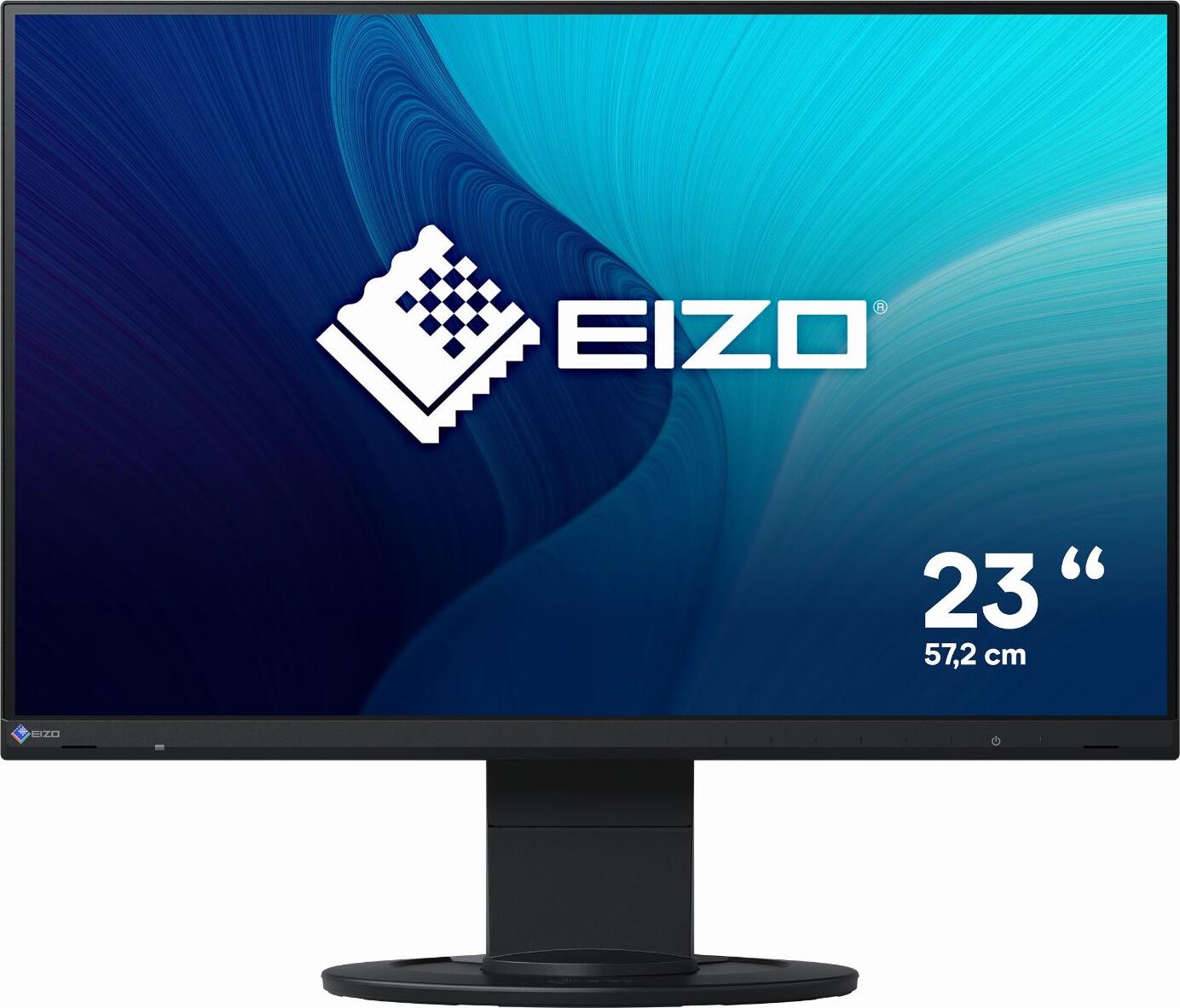
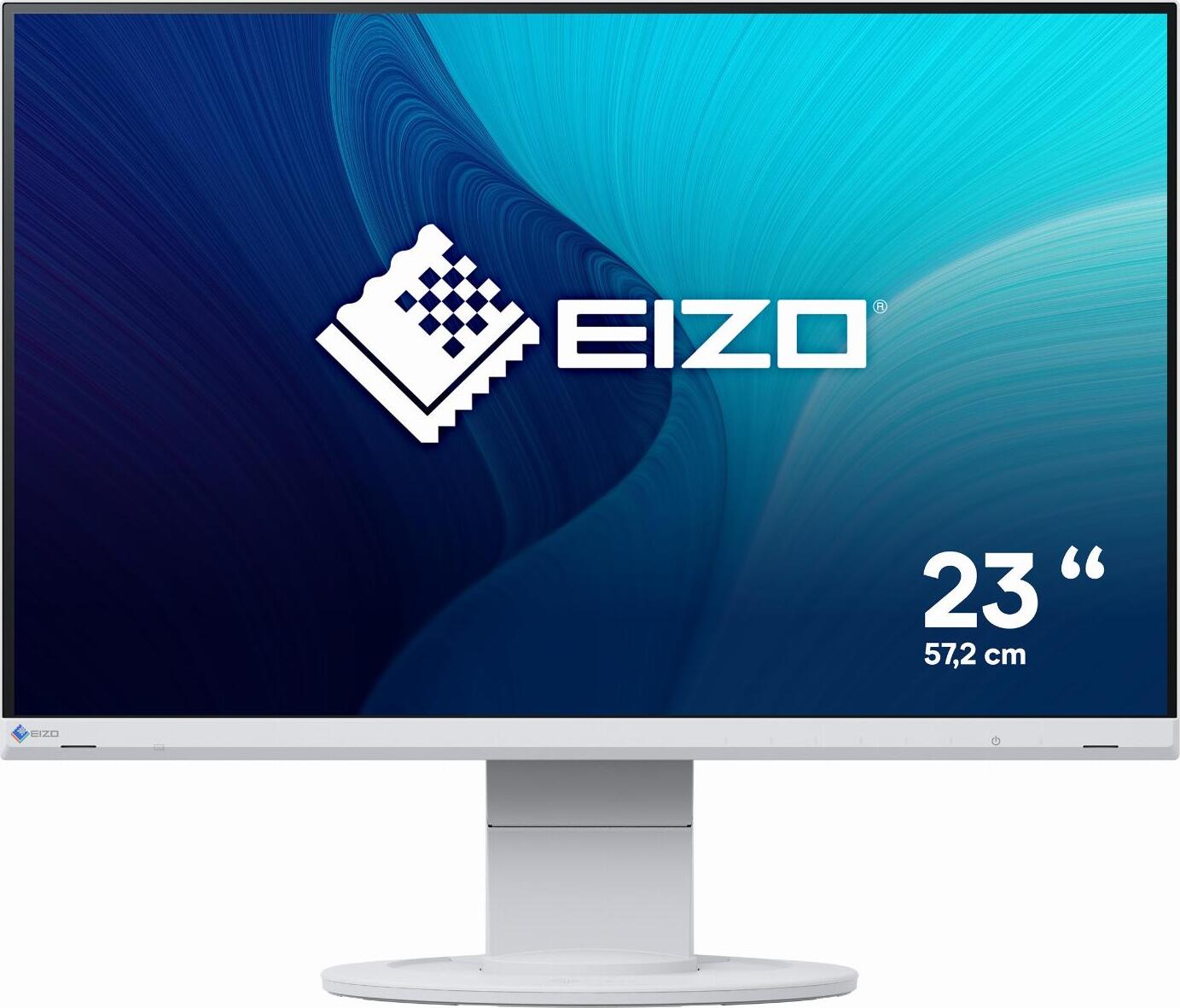
Buy a 22-inch monitor? You've come to the right place at Redable. We have a wide range of 22-inch monitors, so there is always a suitable model. A 22-inch monitor is ideal if you're looking for a monitor that takes up little space. You can place a 22-inch monitor in the office, but also in the living room or bedroom. Another big advantage of a 22 inch monitor is the price. Since producing a 22 inch monitor costs less materials, the monitor is a lot cheaper than larger alternatives. A 22-inch monitor is also perfect if you get started with everyday tasks on your desktop computer. If you prefer to work on a large screen, screens between 24 and 28 inches are a better alternative. If you really want more than enough space for multitasking, for example, it might even be better to go for a screen of 30 inches or larger.
- 57,1 cm (22.5")
- WUXGA
- 1x DisplayPort
- 1x HDMI
- 1x VGA
Need help choosing?
How can I help you?
Product list changed. Ask again for these products.
- Ordered before 17.00, shipped for free today
- 14 days reflection period
Which resolution is suitable?
If you want to buy a 22-inch monitor, you may be wondering what resolution you need. The resolution indicates how many pixels there are on the screen. The more pixels and the higher the pixel density, the higher the resolution. A higher resolution therefore provides a sharper image. For everyday work, a full-HD screen is often more than enough. You can even watch movies in full HD resolution on a full HD screen. Nowadays, most screens are equipped with at least a full-HD resolution and are therefore very affordable. Do you think it's important that you have a razor-sharp image because you're going to work with graphic design, for example? Then it might be better to go for a 2 or 4k resolution.
How many Hz should my 22 inch monitor be?
The Hz of the screen indicates the refresh rate of the monitor. An image refreshes several times per second and this is indicated by hertz (Hz). A 60Hz screen therefore refreshes itself 60 times per second. For everyday activities, a 60Hz screen is more than sufficient and even games can be played smoothly. If you are a fan of e-sports or if you are going to edit videos, it might be worth investing in a 75 or 120Hz screen. This ensures that your images run even more smoothly. In e-sports where every millisecond counts, this can have an important added value.
Redable's advice
Are you not quite sure whether a 22-inch monitor is right for you and are you unsure about the resolution you need, for example? No problem. You can always contact one of our ICT experts free of charge and without obligation. They can talk to you by phone and help you make the right choice. This way you will never be faced with surprises.
A
B
D
H
I
L
M
P
S
T
U
#