








Shopping Secure
2015 t/m 2026
Tweakers Awards
2022 t/m 2026
Website of the Year
2025 t/m 2026
LG monitor
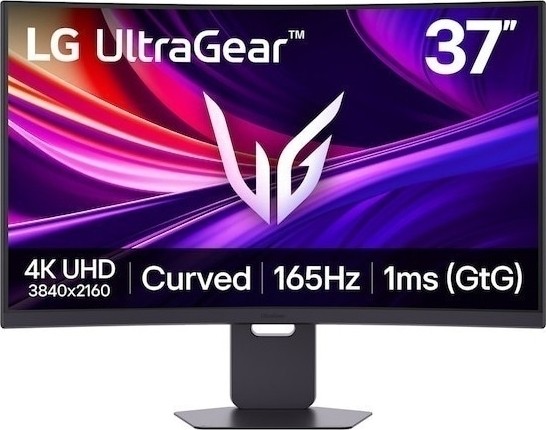
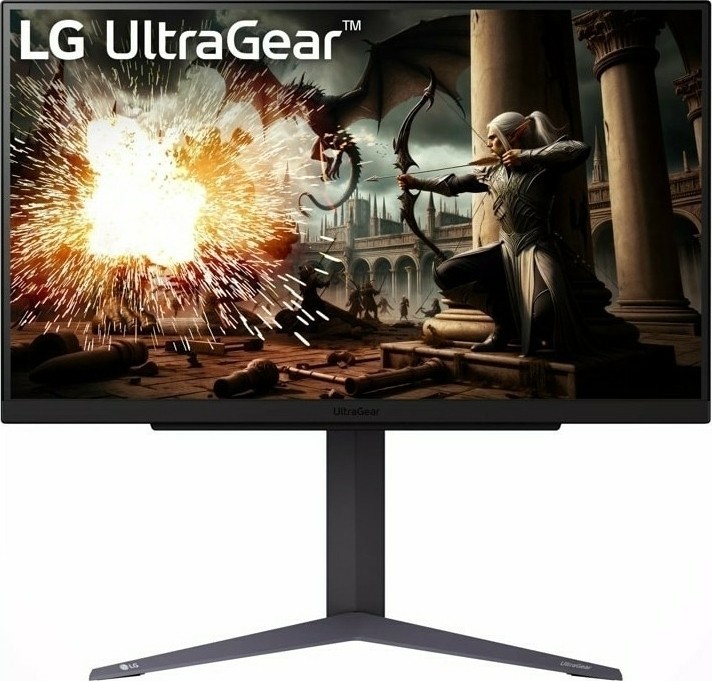
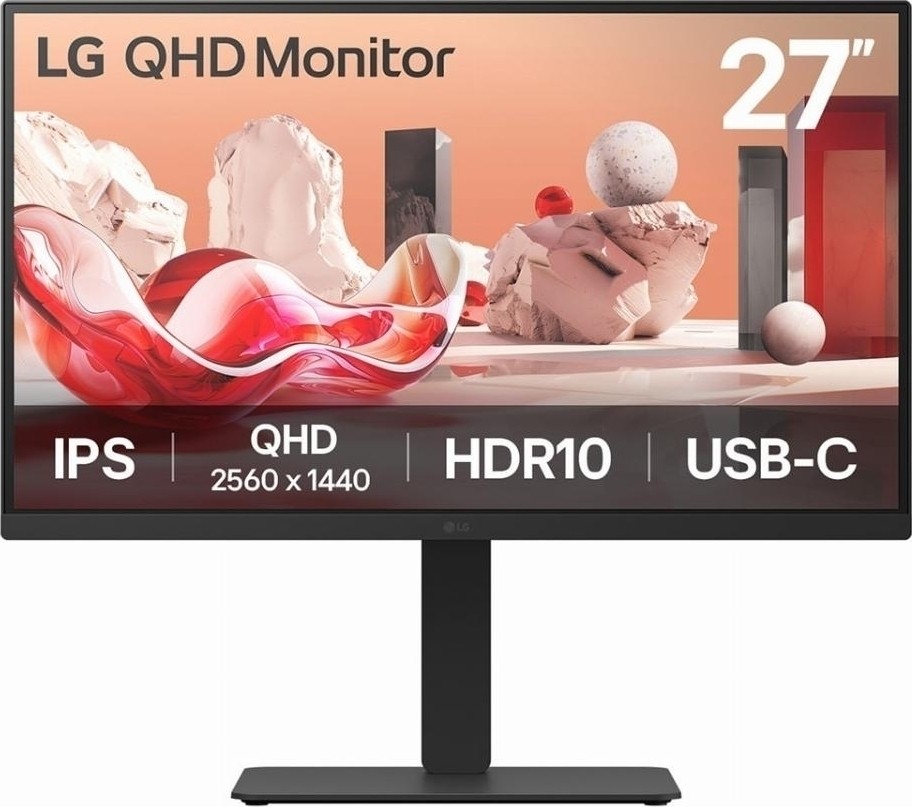
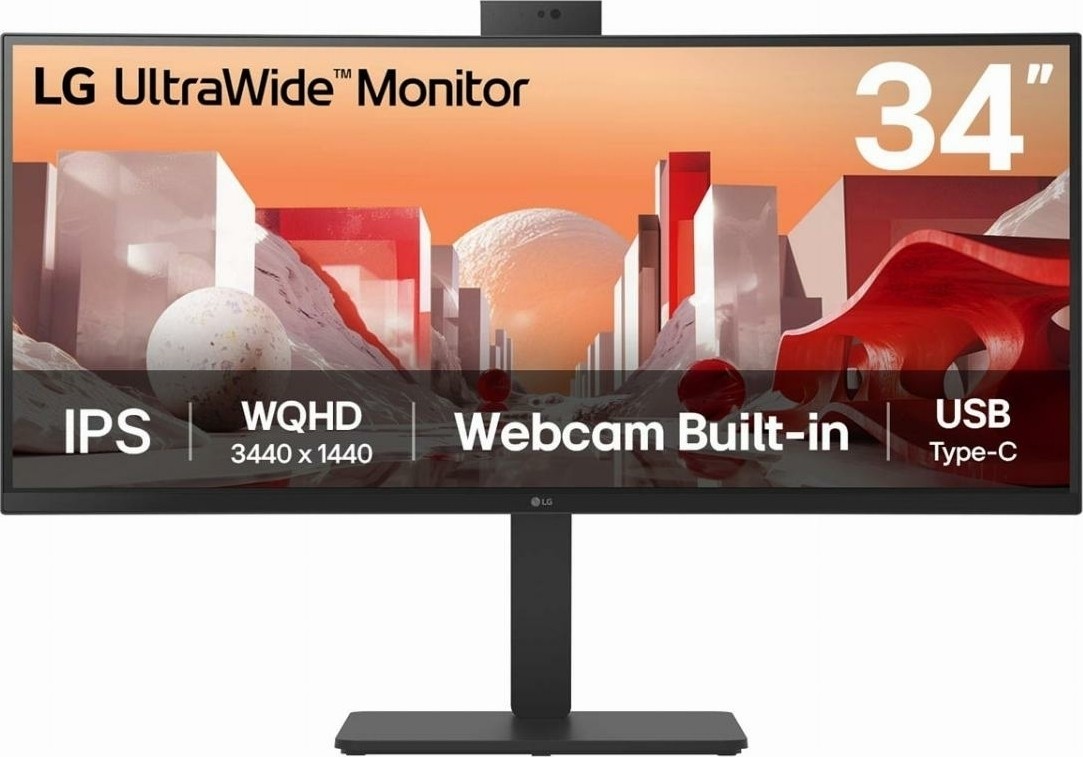
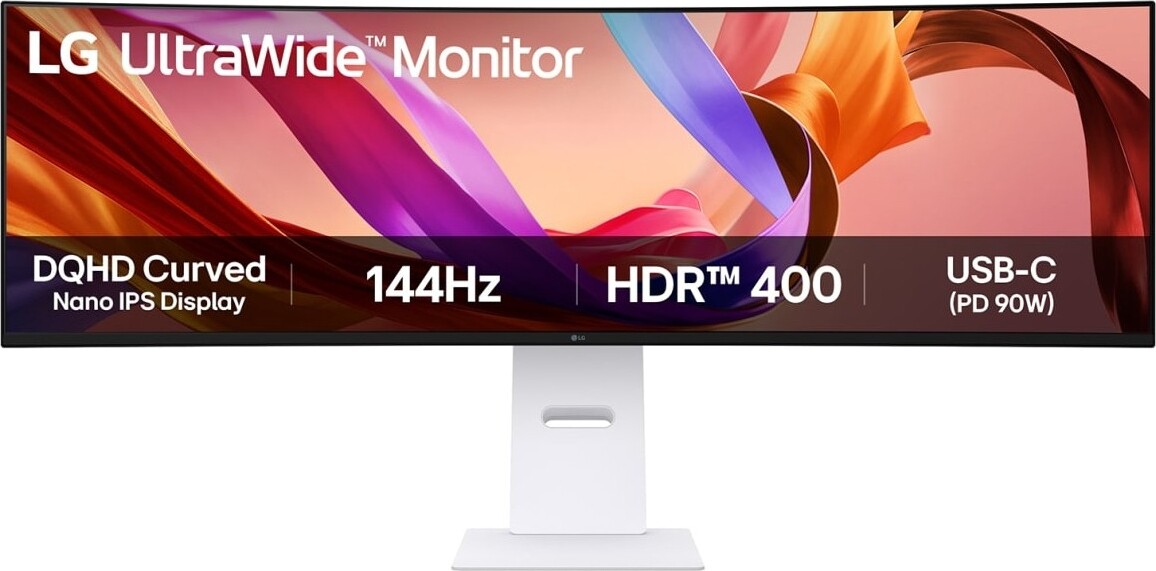
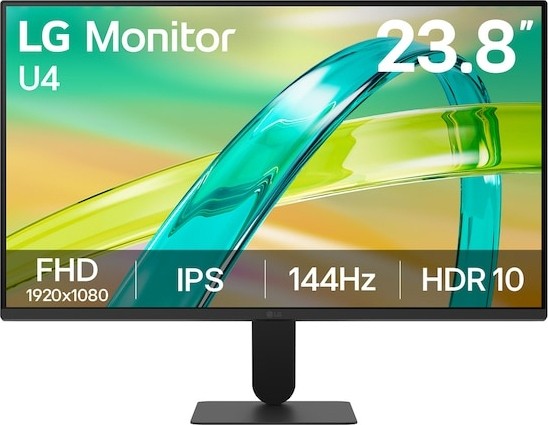
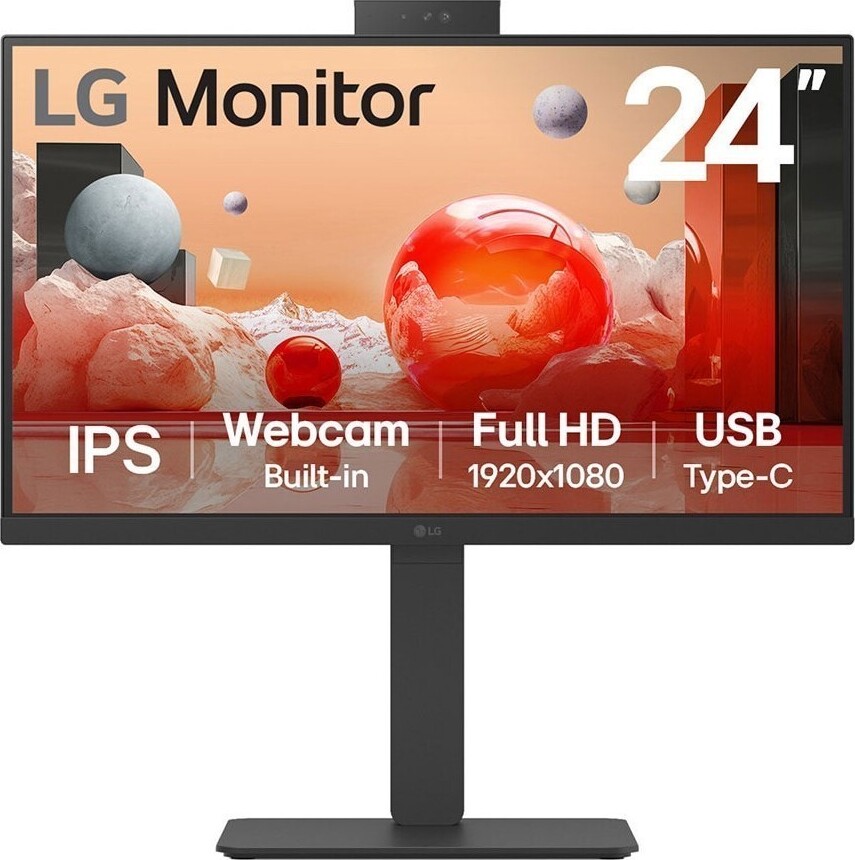
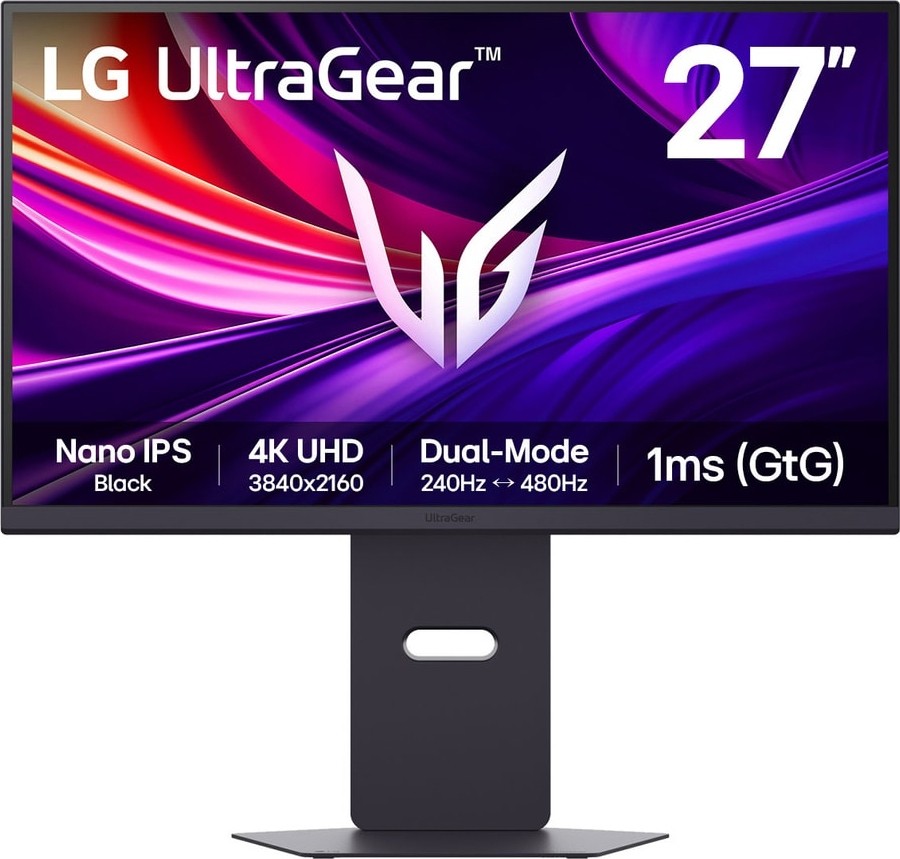
Buy LG monitor? You've come to the right place at Redable. With a wide range of monitors you will always find the LG monitor that suits you. LG Electronics is a South Korean producer of screens and mobile phones, among other things. LG produces monitors for different purposes. For example, LG has a wide range of regular monitors such as at the office, but LG also offers actual high-end monitors. So, before purchasing your monitor, carefully determine what you want to use it for. If you're looking for a general monitor, a full-HD screen between 22 and 27 inches is often enough. If you want to get started with graphic design fanatically, a larger 4k screen might be more suitable. For advice on purchasing your LG monitor, you can always contact our customer service.
Need help choosing?
How can I help you?
Product list changed. Ask again for these products.
- Ordered before 17.00, shipped for free today
- 14 days reflection period
- 68,6 cm (27")
- Full HD
- 1x DisplayPort
- 1x HDMI
- 60,5 cm (23.8")
- Full HD
- 2x DisplayPort
- 1x HDMI
- Ordered before 17.00, shipped for free today
- 14 days reflection period
- Ordered before 17.00, shipped for free today
- 14 days reflection period
- 60,5 cm (23.8")
- Full HD
- 1x HDMI
- 1x VGA
- Ordered before 17.00, shipped for free today
- 14 days reflection period
Need help choosing?(at the end of the list)
How can I help you?
Product list changed. Ask again for these products.
Which LG monitor suits me?
To be able to answer the question of which LG monitor suits you best, it is first of all important that it is clear what kind of activities you are going to perform with your monitor. If you are looking for a reasonable all-round monitor for not too much money, a 60Hz, full-HD screen of between 22 and 27 inches is often sufficient. If you are a diehard gamer or if you are fanatical about graphic design, a 144Hz, 4k screen of 30 inches or more is more suitable. Naturally, a better screen also comes with a higher price tag. So determine in advance what you want to use your monitor for.
What resolution do I need?
The resolution indicates how many pixels there are on the screen. The more pixels, the sharper the image. Today most screens are in full HD or higher. This is already a very sharp resolution and means that you can observe details well. This is often more than enough for standard work. Are you fanatical about graphic design and do you want a screen of razor-sharp quality? Then the investment in a 4k monitor might be worth it. For the real diehards, 8k screens are also available.
What does refresh rate mean?
The refresh rate is indicated by the abbreviation HZ and indicates how often the screen refreshes. The higher this refresh rate, the smoother the image will be. For everyday work, a refresh rate of 60Hz is often more than enough. For editing videos, it may be worthwhile to go for a higher refresh rate of, for example, 120 or 144Hz. For the really fanatical gamers, there are even screens available in 240 hertz or more.
What is a good screen size?
LG monitors are available in many different sizes. There is not so much a “good” screen size, as it is very personal. One likes to work on a very large screen and the other does not. In general, a screen of between 22 and 27 inches is always good. These are the most commonly used screen sizes.
A
B
D
H
I
L
M
P
S
T
U
#