

Shopping Secure
2015 t/m 2026
Tweakers Awards
2022 t/m 2026
Website of the Year
2025 t/m 2026
240 Hz monitor
Buy a 240Hz monitor? An excellent choice if you are looking for a high-end monitor with an incredibly high refresh rate. A 240Hz monitor has about the highest refresh rate available. The refresh rate indicates how often a screen refreshes per second. A 240Hz monitor therefore refreshes itself 240 times per second. This ensures the smoothest image and is especially suitable for professional gamers or for video editing. For everyday work, a 60Hz screen is sufficient as standard. Make sure your computer is equipped with a powerful graphics card to make the most of your 240Hz monitor. A high refresh rate also requires a lot of computing power. If your computer doesn't have the power to produce that many images per second, a 240Hz monitor is not recommended.
- 67,3 cm (26.5")
- Quad HD
- 1x DisplayPort
- 2x HDMI
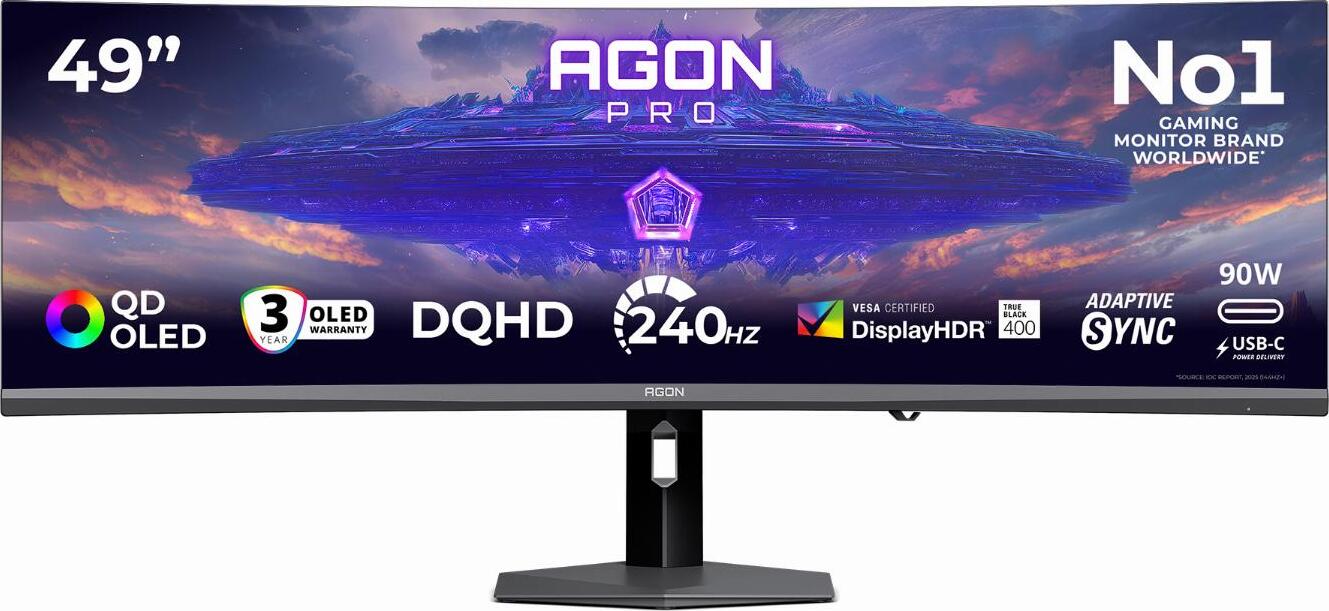
- 124,2 cm (48.9")
- Dual QHD
- 1x DisplayPort
- 2x HDMI
Need help choosing?
How can I help you?
Product list changed. Ask again for these products.
- Ordered before 17.00, shipped for free today
- 14 days reflection period
- 67,3 cm (26.5")
- 4K Ultra HD
- 1x DisplayPort
- 2x HDMI
- 80 cm (31.5")
- 4K Ultra HD
- 1x DisplayPort
- 1x HDMI
- 67,3 cm (26.5")
- 4K Ultra HD
- 1x DisplayPort
- 1x HDMI
- 62,2 cm (24.5")
- Full HD
- 1x DisplayPort
- 2x HDMI
- 86.1 cm (33.9")
- Wide Quad HD
- 1x DisplayPort
- 2x HDMI
- Ordered before 17.00, shipped for free today
- 14 days reflection period
- 80 cm (31.5")
- 4K Ultra HD
- 1x DisplayPort
- 1x HDMI
- 68,6 cm (27")
- Quad HD
- 1x DisplayPort
- 2x HDMI
- 67,3 cm (26.5")
- Quad HD
- 1x DisplayPort
- 2x HDMI
- 80 cm (31.5")
- 4K Ultra HD
- 1x DisplayPort
- 2x HDMI
- 80 cm (31.5")
- 4K Ultra HD
- 1x DisplayPort
- 2x HDMI
- 67,3 cm (26.5")
- 4K Ultra HD
- 1x DisplayPort
- 2x HDMI
- Ordered before 17.00, shipped for free today
- 14 days reflection period
- 67,3 cm (26.5")
- Quad HD
- 1x DisplayPort
- 1x HDMI
- 67,3 cm (26.5")
- 4K Ultra HD
- 1x DisplayPort
- 2x HDMI
- 124,2 cm (48.9")
- 5K Ultra HD
- 1x DisplayPort
- 2x HDMI
- 80 cm (31.5")
- 4K Ultra HD
- 1x DisplayPort
- 2x HDMI
- Ordered before 17.00, shipped for free today
- 14 days reflection period
What do you use a 240 Hz monitor for?
A 240Hz falls within the high-end segment and is suitable for professional gamers. A screen with a high refresh rate is also recommended for people who edit videos, but 240Hz is not necessarily necessary for editing videos. You can also get by with a 120 or 144Hz screen. A 240Hz is really intended for avid e-athletes for whom every millisecond counts and the fastest refresh rate is needed.
Which format is suitable?
240Hz monitors are available in many different sizes. In general, we recommend that if you do opt for a high-end monitor, it is also smart to immediately choose a nice, large screen. The costs of this are not necessarily much higher, but in combination with a fast refresh rate and a high resolution you have the best gaming experience. For everyday tasks, we often recommend a screen between 22 and 28 inches. If you like working on a larger screen, you can of course always opt for a larger format.
What resolution is suitable for a 240Hz monitor?
If you want to purchase a 240Hz monitor, we always recommend a monitor that also has a high resolution. The resolution indicates how many pixels there are on the screen. A 2 or 4k resolution is a nice combination with the fast refresh rate and gives a very nice gaming experience. Of course you can also choose to choose a 240Hz monitor with a full-HD resolution if you have less budget available for your monitor.
Redable's advice
After reading the above questions, are you still not quite sure whether a 240Hz monitor is something for you? That is not a problem at all. You can always contact one of our IT experts free of charge and without obligation. They will talk to you by phone and help you make a good choice. This way you will never be surprised and you will always choose a suitable monitor for your purposes.
A
B
D
H
I
L
M
P
S
T
U
#