

Shopping Secure
2015 t/m 2026
Tweakers Awards
2022 t/m 2026
Website of the Year
2025 t/m 2026
120 Hz monitor
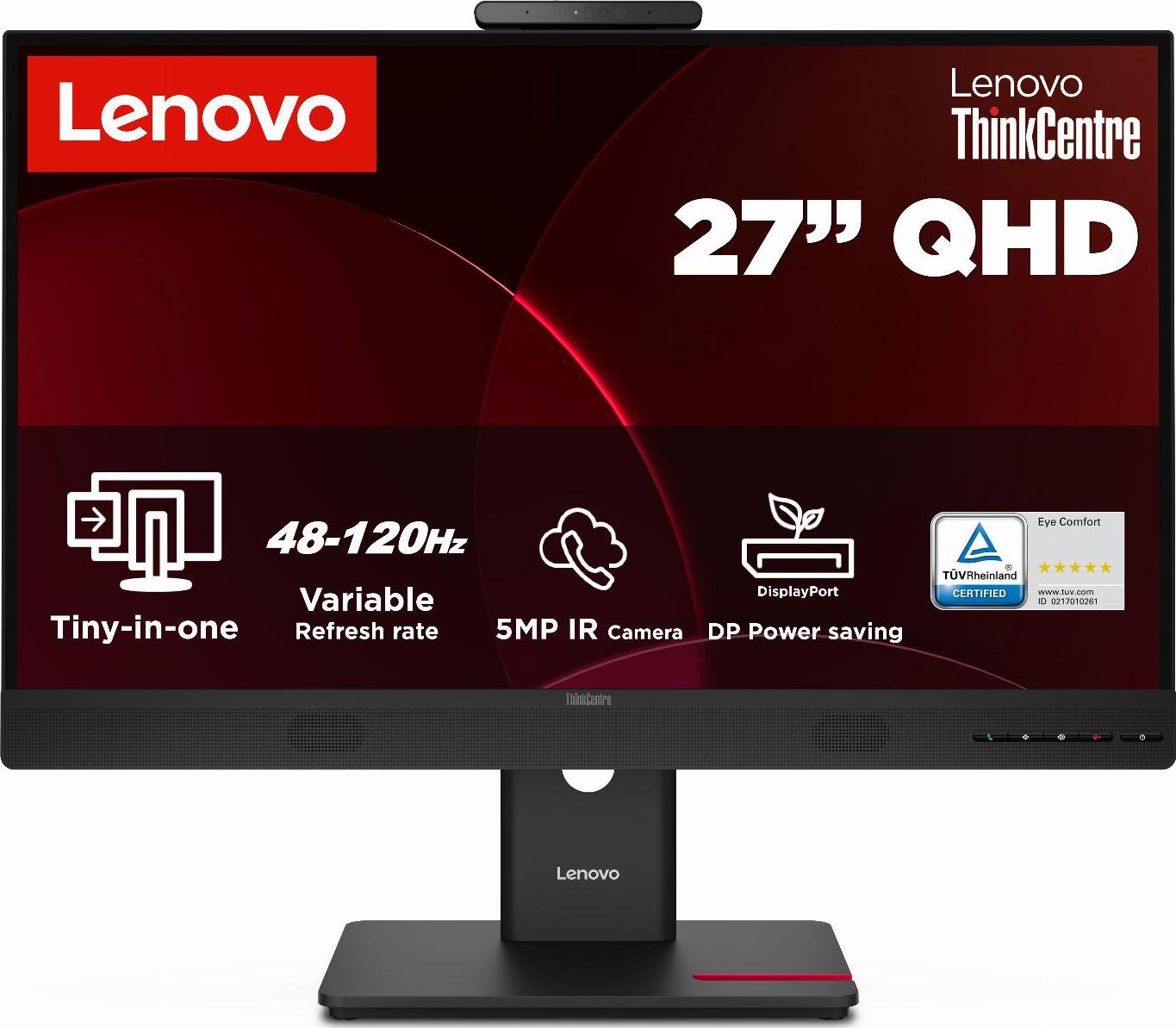
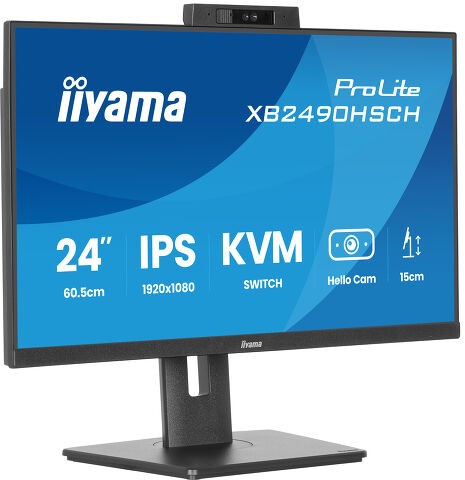
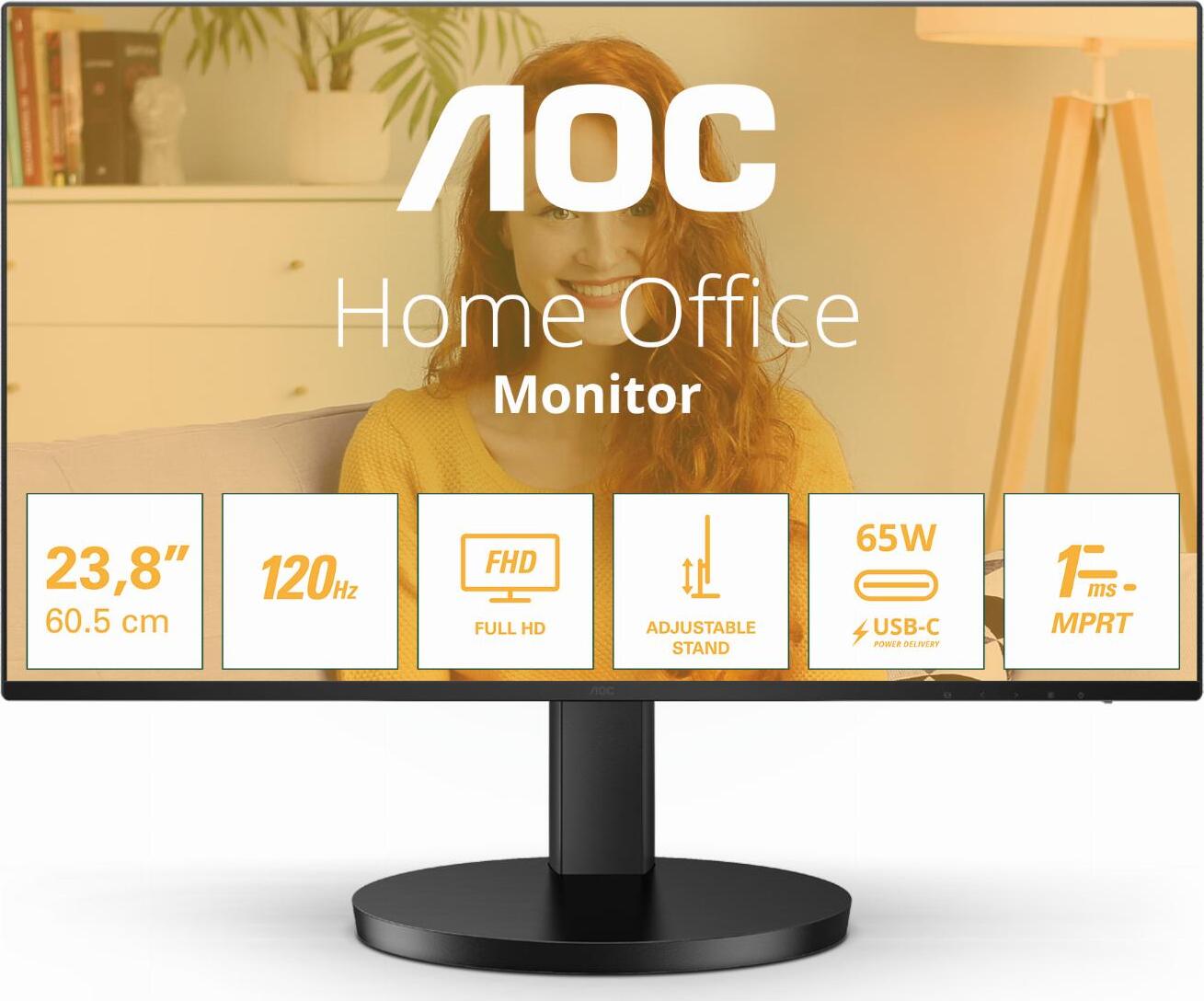
Buy a 120Hz monitor? An excellent choice if you're looking for a monitor with a higher refresh rate for playing games or editing videos. 120Hz means that the screen refreshes 120 times per second. This gives an incredibly smooth image and is ideal if you need an extra smooth screen. Do you really want to get the most out of it and do you want the smoothest screen? Then we recommend taking a look at a 144Hz or 240Hz screen. These screens refresh even more often and therefore provide an even smoother image. For everyday standard activities you can save by choosing a 60 or 75Hz screen.
Need help choosing?
How can I help you?
Product list changed. Ask again for these products.
- Ordered before 17.00, shipped for free today
- 14 days reflection period
- 86,4 cm (34")
- UltraWide Quad HD
- 1x DisplayPort
- 1x HDMI
120Hz monitor, which resolution is suitable?
The resolution indicates how many pixels are on the screen and indicates how sharp the image of your 120 Hz monitor is. If you opt for a 120Hz monitor, you will probably get started with gaming or other demanding graphics tasks in order to get an extra smooth image. For this kind of purpose, we also recommend opting for a slightly higher resolution. Think of a resolution of 2 or 4k. If you plan to mainly perform standard work on your computer, you can also get by with a full-HD resolution.
Which screen size fits a 120Hz monitor?
Monitors are available in many different sizes. 22 to 27 inch monitors are generally used for standard work. Do you enjoy working on a large screen or do you like to multitask? Then it might be smart to opt for a larger screen. The choice of a screen mainly has to do with your personal preference, there is not really a screen size that specifically fits a 120Hz monitor.
Make sure you have a powerful video card
If you buy a 120Hz monitor, make sure that your computer is equipped with a powerful video card. Because the screen has to refresh so often per second, it is important that your hardware is also capable of performing this task. Therefore, always make sure that your video card can also deliver at least 120 fps ( frames per second ) in order to make optimal use of your screen.
Advice from Redable.
Are you still not quite sure whether a 120 hs. monitor is right for you? No problem. You can contact Redable free of charge and without obligation. One of our experts will help you find a suitable monitor. This way you will always find a monitor that suits you.
A
B
D
H
I
L
M
P
S
T
U
#