

Shopping Secure
2015 t/m 2026
Tweakers Awards
2022 t/m 2026
Website of the Year
2025 t/m 2026
1440p monitor
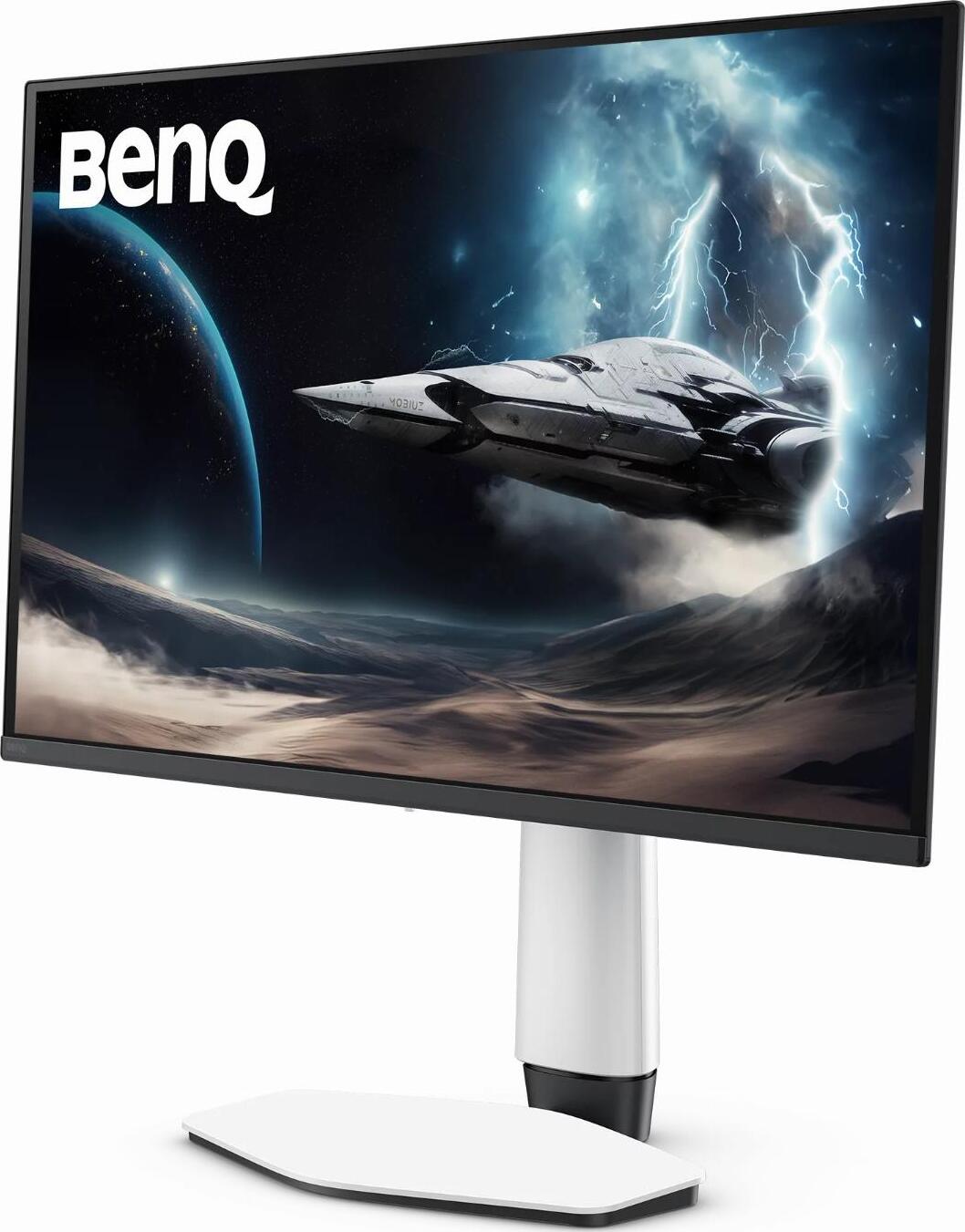
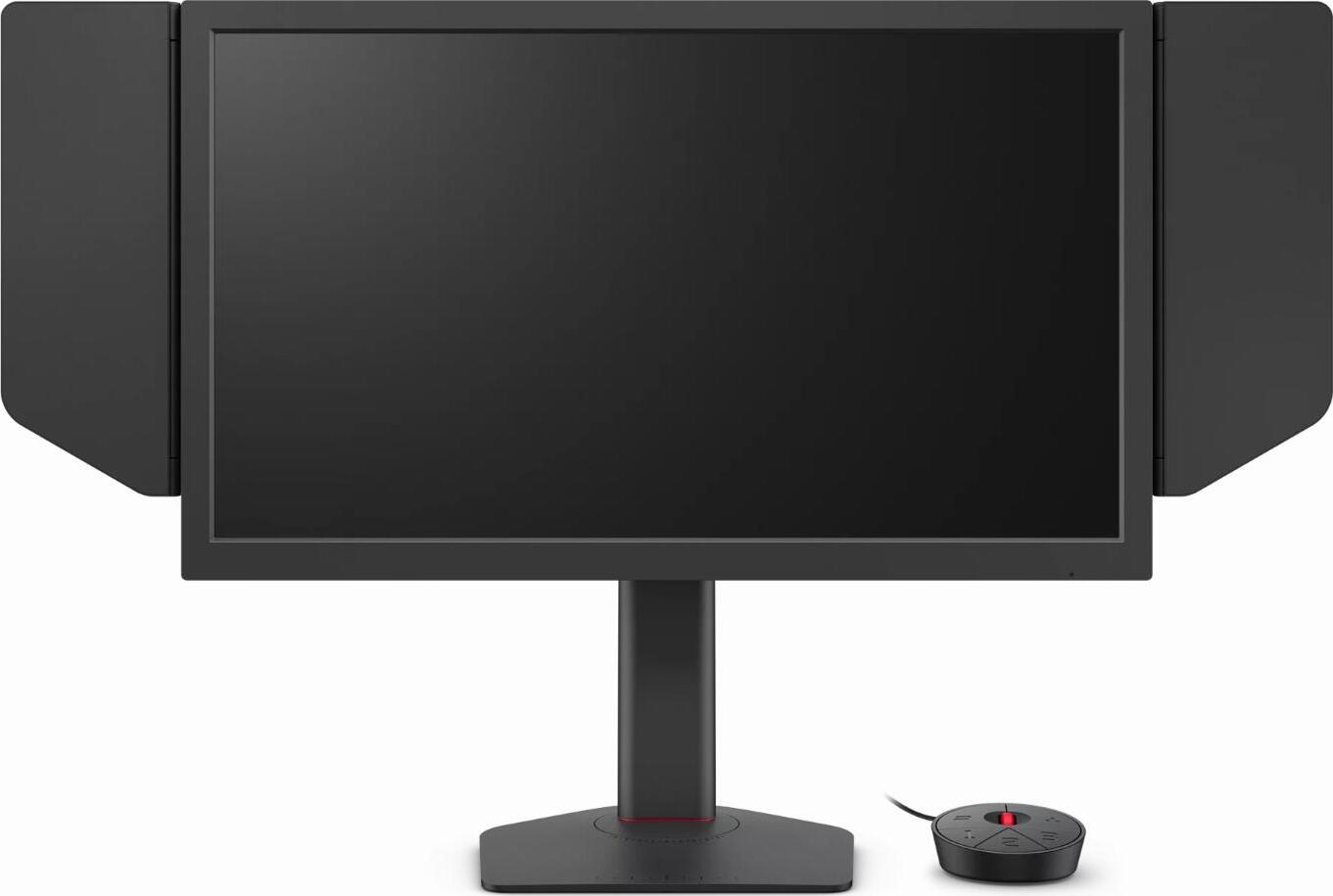
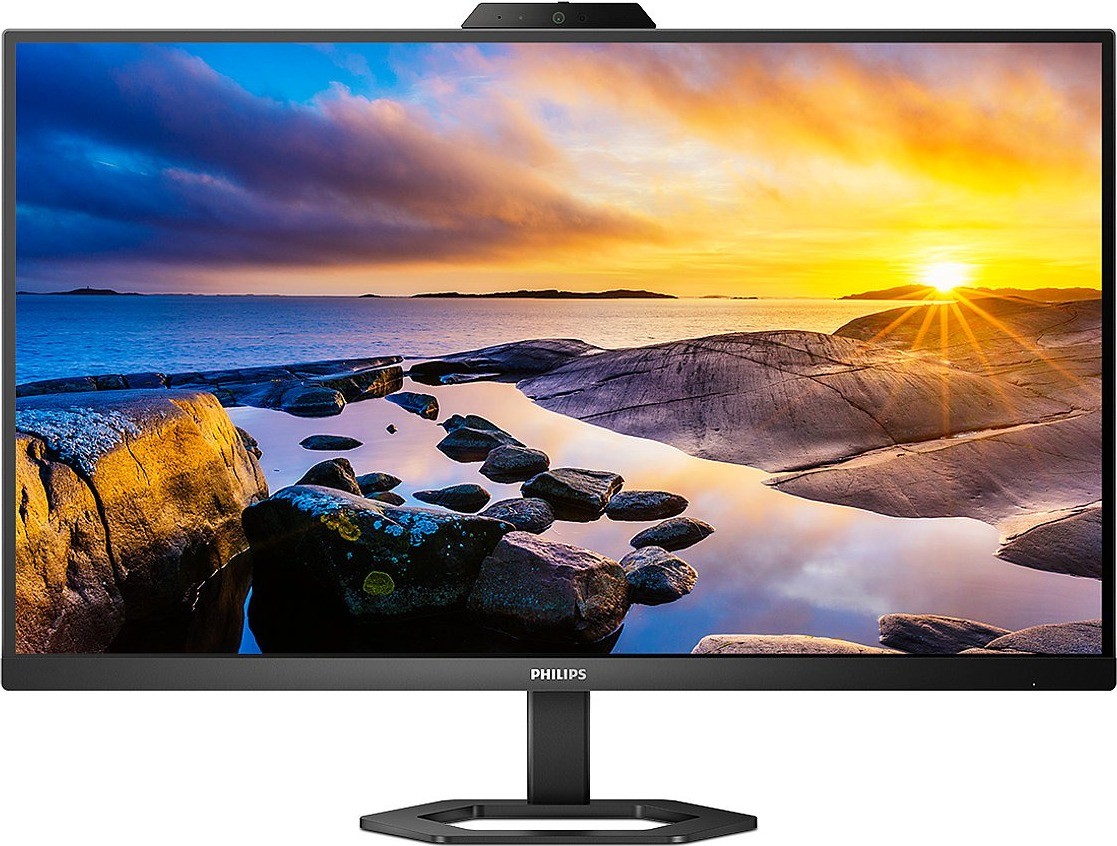
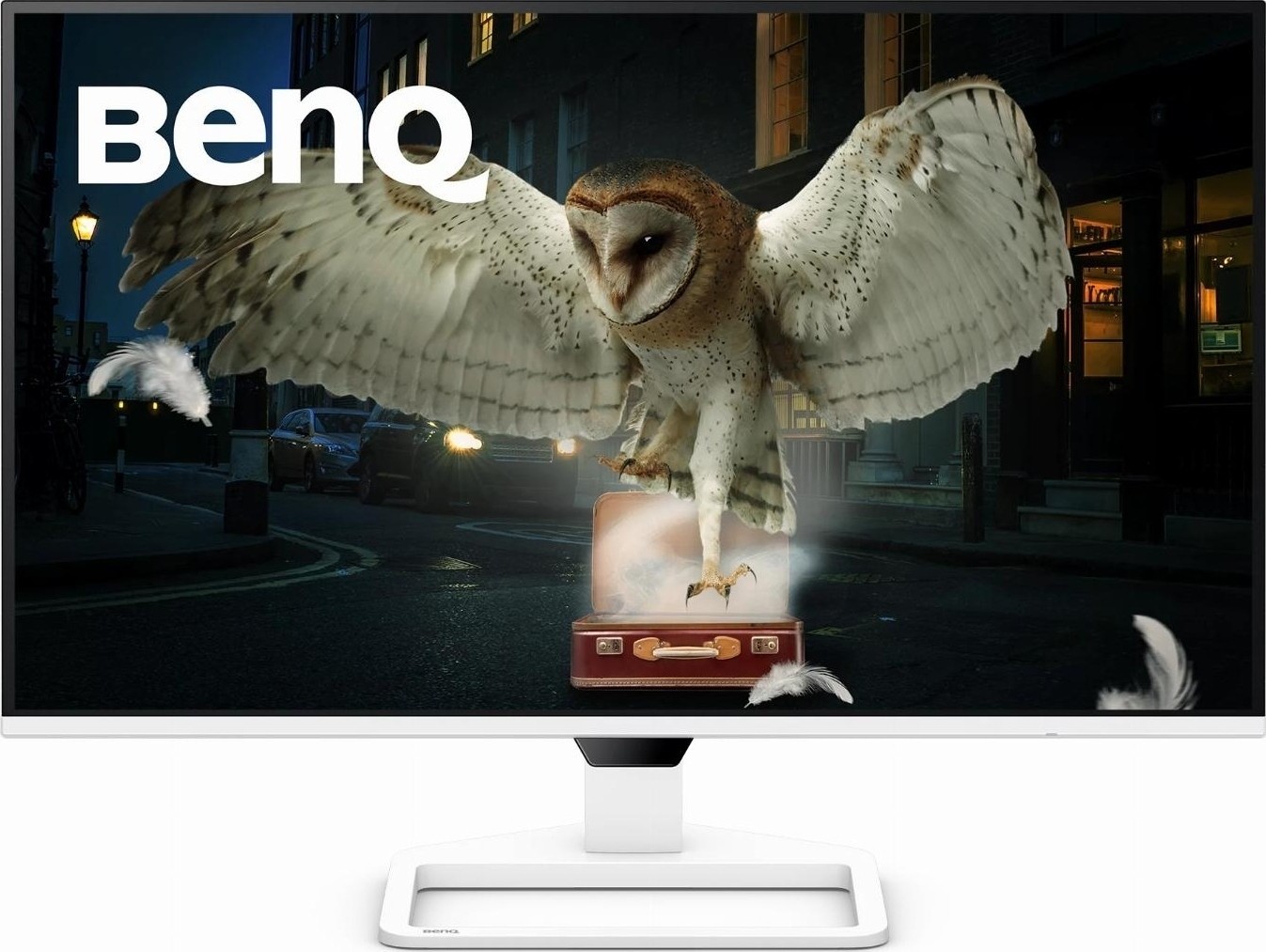
buy a 1440p monitor? An excellent choice if you're looking for a monitor that has a sharper image than a full-HD screen. A resolution of 1440p, also known as Quad HD, is excellent if you're getting into graphic design, gaming, or watching movies. If you are looking for a monitor with an even higher resolution, we recommend that you take a look at a 4k monitor. For everyday work, a full-HD monitor is often enough. This is also an option if you want to save money on your purchase. Choose a 1440p monitor of 22 or 24 inches if you like working on a smaller screen. For an average screen size, we recommend a monitor between 26 and 28 inches. For an extra large screen, we recommend a monitor of 30 inches or larger.
Need help choosing?
How can I help you?
Product list changed. Ask again for these products.
- Ordered before 17.00, shipped for free today
- 14 days reflection period
- 68,6 cm (27")
- Quad HD
- 1x DisplayPort
- 1x HDMI
- 68,6 cm (27")
- Wide Quad HD
- 1x DisplayPort
- 1x HDMI
Which screen size is right for me?
To give a good answer to this, it is first of all important that you look at your personal preference. Do you like working on a large screen or do you also like working on a smaller screen? In addition, it is also good to look at your budget. A smaller screen is generally cheaper than a larger screen. Finally, also look at the space you have available. Do you have a large desk with more than enough space or do you have a somewhat smaller desk where a large screen simply does not fit. You're always in the right place with a screen between 22 and 28 inches. These screens are not extremely good, but you still have enough work space.
Is a 60Hz refresh rate sufficient?
The refresh rate indicates how often a screen refreshes per second. The more often this happens, the more you have the illusion of movement and the smoother the image will be. A 60Hz refresh rate is more than enough for most tasks. You can also watch movies and play games. Do you mainly want to get started with video editing or intensive gaming? Then it may be worth the investment to opt for a 120Hz or 144Hz monitor. Again, it mainly has to do with your personal preference.
What exactly does resolution mean?
The resolution indicates how many pixels there are on a screen. The higher the pixel density, the more pixels there are on the screen and the higher the quality of the image. This will result in you being able to perceive more details. For the everyday computer user, a full-HD screen is fine. Do you want better image quality to get started with graphic design, for example? Then a 1440p monitor is a great option. For even better image quality, you could look at a monitor with a 4k resolution.
A
B
D
H
I
L
M
P
S
T
U
#