




Shopping Secure
2015 t/m 2026
Tweakers Awards
2022 t/m 2026
Website of the Year
2025 t/m 2026
34 inch monitor
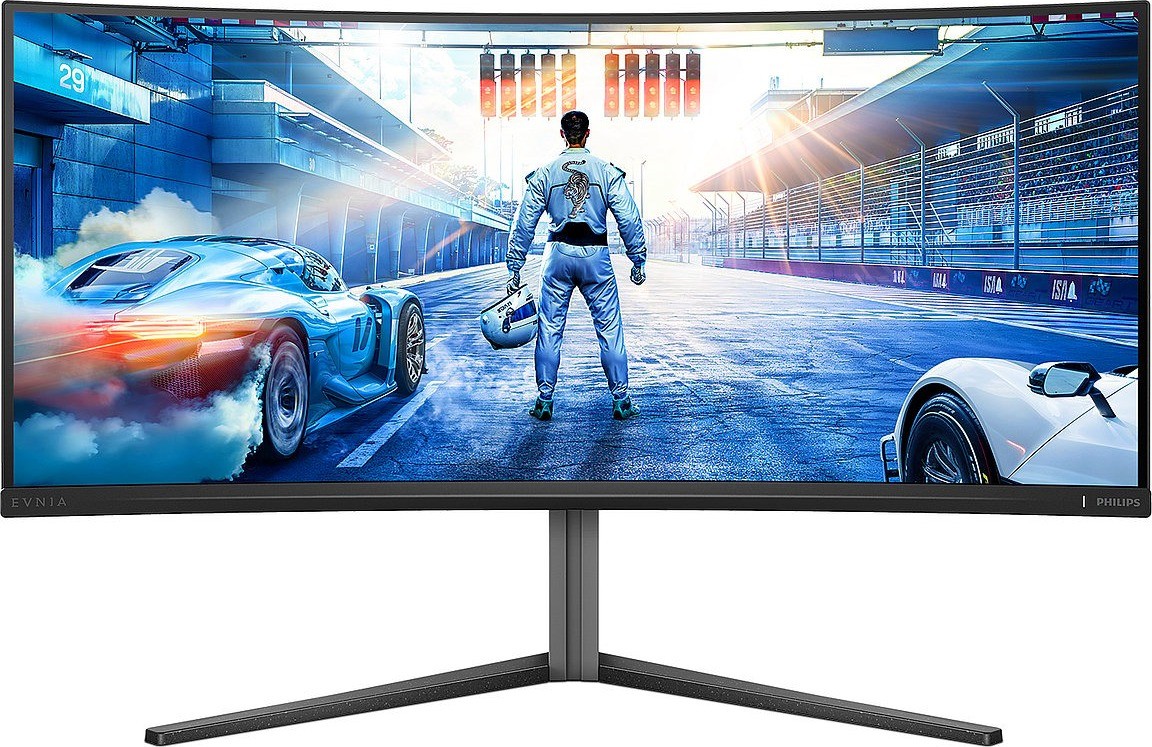
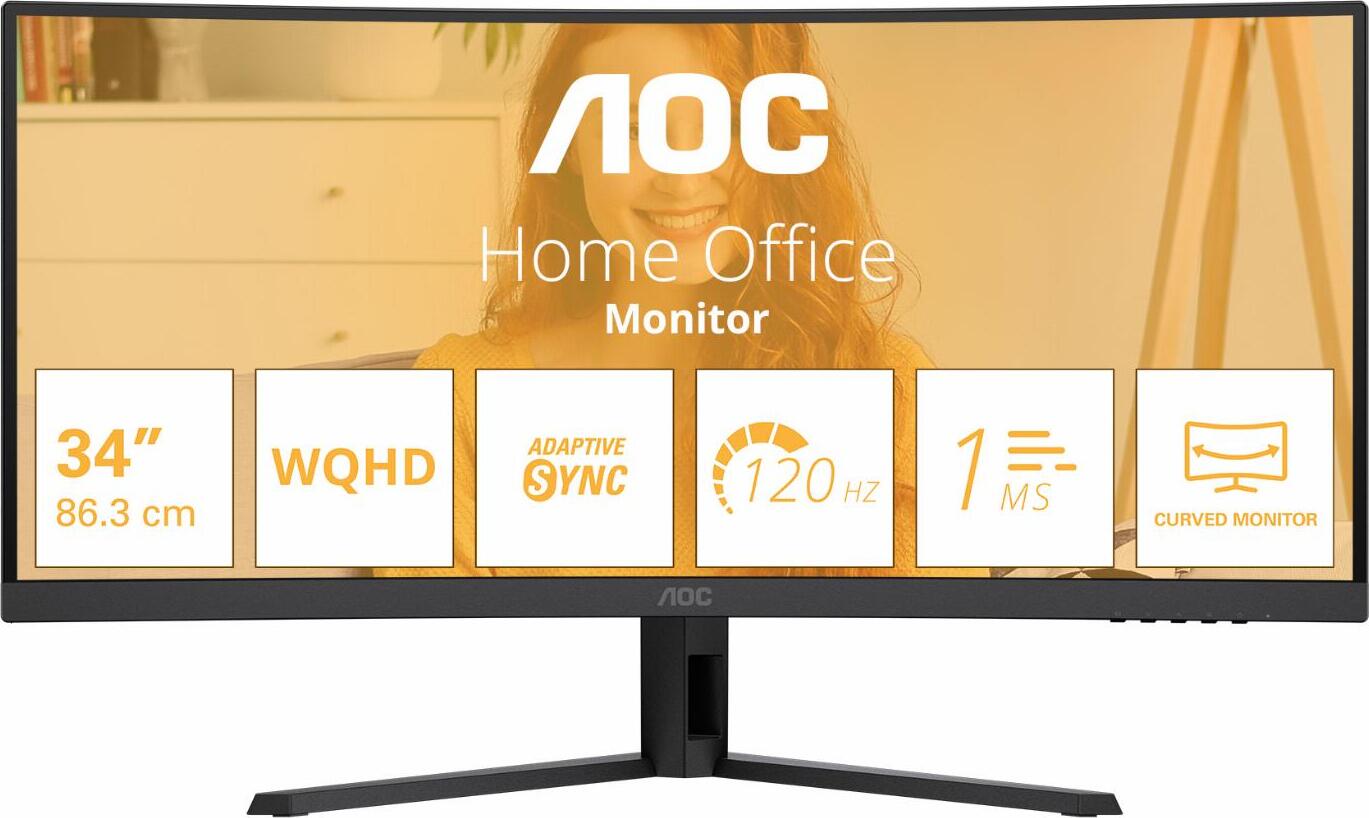
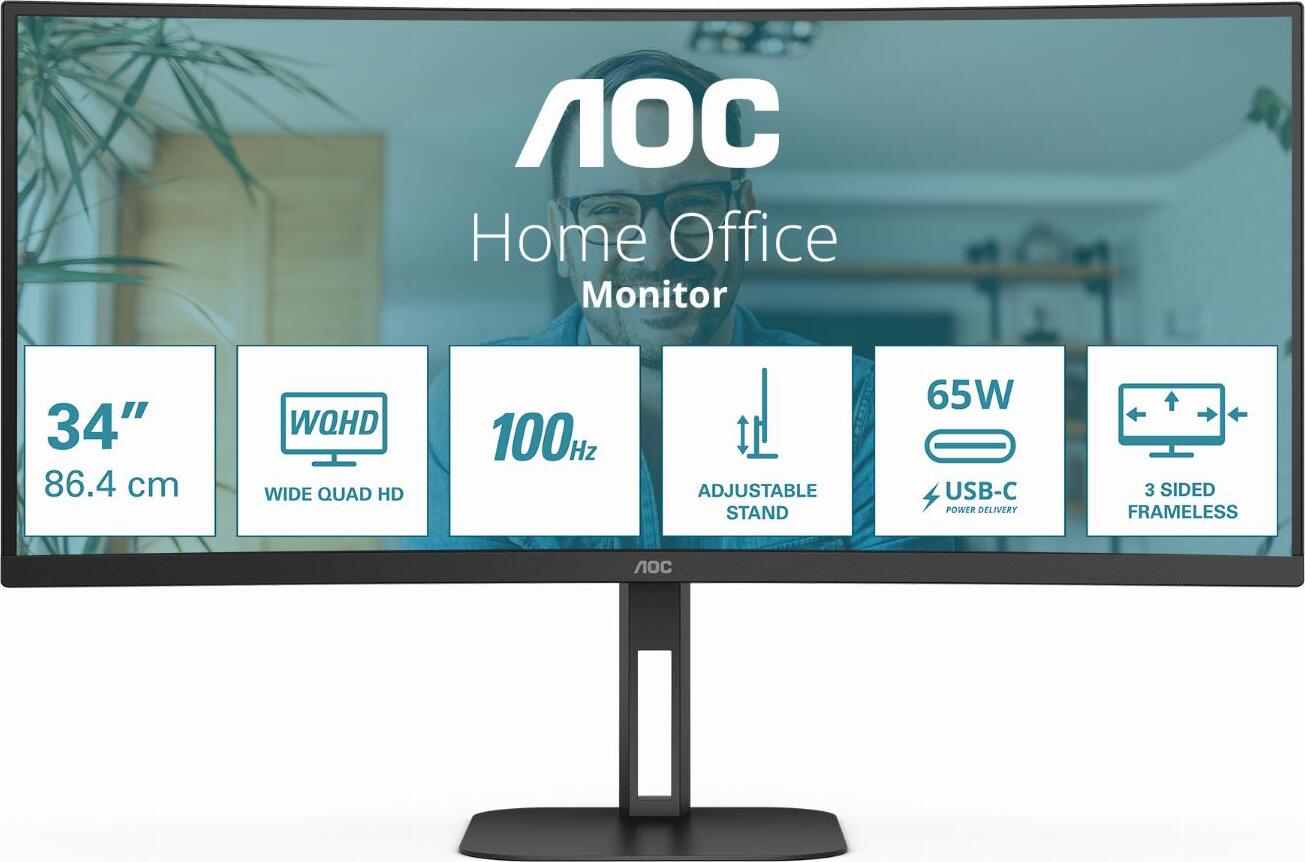
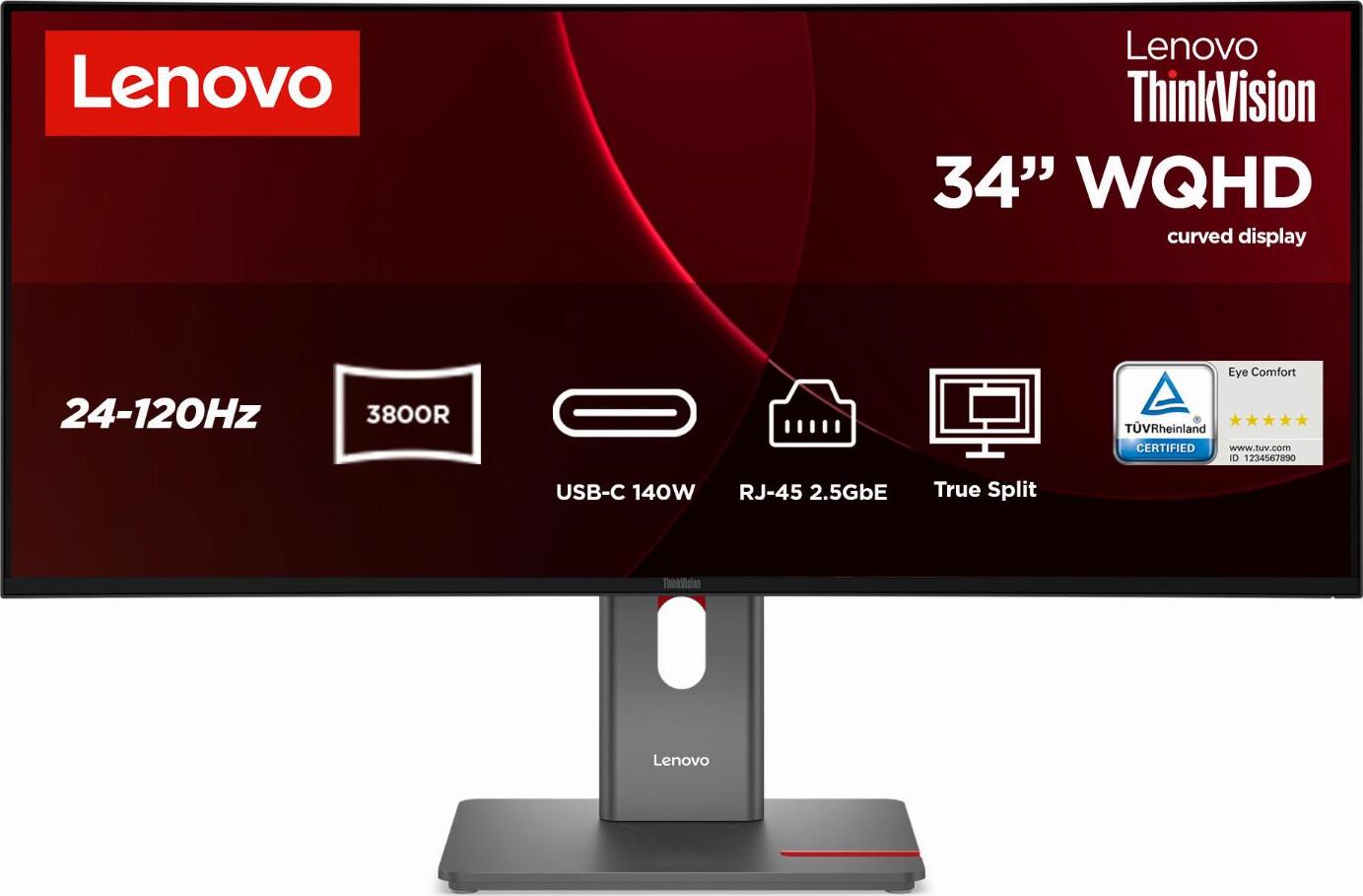
Buying a 34-inch monitor? A good option if you are looking for a screen that is larger than a standard screen. A 34-inch monitor has a screen diagonal of 87 centimeters in total. This means that you have a lot of workspace on your screen to work in multiple programs at the same time, for example, ideal for when you want to get busy, including multitasking. If you want a screen that is somewhat smaller, it is wise to look at a monitor with a size of 22 to 28 inches. These screens are a lot more compact and are better if you don't have that much space on your desk. Are you looking for a 34-inch monitor that you can use to get started with graphic work? Then we recommend purchasing a 34-inch monitor with a high resolution. For video editing or playing games, an option is to look at a screen with a high refresh rate of 120 Hz or higher.
- 86,4 cm (34")
- Wide Quad HD
- 1x DisplayPort
- 2x HDMI
- 86,4 cm (34")
- Wide Quad HD
- 1x DisplayPort
- 1x HDMI
Need help choosing?
How can I help you?
Product list changed. Ask again for these products.
- Ordered before 17.00, shipped for free today
- 14 days reflection period
- 86,4 cm (34")
- Wide Quad HD
- 1x DisplayPort
- 1x HDMI
- 86,4 cm (34")
- Wide Quad HD
- 2x DisplayPort
- 1x HDMI
- 86,4 cm (34")
- UltraWide Quad HD
- 1x DisplayPort
- 1x HDMI
- 86,4 cm (34")
- UltraWide Quad HD
- 1x DisplayPort
- 1x HDMI
- 86,4 cm (34")
- Wide Quad HD
- 1x DisplayPort
- 1x HDMI
- Ordered before 17.00, shipped for free today
- 14 days reflection period
- 86,6 cm (34.1")
- Wide Quad HD
- 1x DisplayPort
- 1x HDMI
- 86,4 cm (34")
- Dual WQHD
- 1x DisplayPort
- 1x HDMI
- 86,4 cm (34")
- Wide Quad HD
- 1x DisplayPort
- 2x HDMI
- 86,4 cm (34")
- UltraWide Quad HD
- 1x DisplayPort
- 2x HDMI
- Ordered before 17.00, shipped for free today
- 14 days reflection period
- 86,4 cm (34")
- UltraWide Quad HD
- 1x DisplayPort
- 2x HDMI
- 86,4 cm (34")
- UltraWide Quad HD
- 1x DisplayPort
- 1x HDMI
- 86,4 cm (34")
- UltraWide Quad HD
- 1x DisplayPort
- 2x HDMI
- 86,4 cm (34")
- UltraWide Quad HD
- 1x DisplayPort
- 2x HDMI
- 86,4 cm (34")
- Wide Quad HD
- 1x DisplayPort
- 2x HDMI
- Ordered before 17.00, shipped for free today
- 14 days reflection period
- 86,4 cm (34")
- UltraWide Quad HD
- 1x DisplayPort
- 2x HDMI
- 86,4 cm (34")
- Wide Quad HD
- 1x DisplayPort
- 1x HDMI
Need help choosing?(at the end of the list)
How can I help you?
Product list changed. Ask again for these products.
Why a 34 inch monitor?
Because a 34-inch monitor is a lot larger than average, it is ideal for tasks that require more image space. With a 34-inch monitor, you can easily work in multiple tabs. Perfect for when you want to perform several tasks at the same time. You also have a nice image for gaming or watching movies. If you have limited space on your desk, a 34-inch monitor is not a good option. A screen between 24 and 28 inches is a better option. In addition, it also has to do with your personal preference. If you like working on a large screen, a 34-inch monitor is a great option.
What is a suitable resolution?
Again, your personal preference plays the most important role. Do you think it's important that your screen is very sharp? Then it's smart to take a look at a 34-inch monitor with a high resolution. The resolution indicates how many pixels are present on the screen. The more different pixels, the sharper and better the image is. A full-HD resolution is very common these days. Most new monitors have at least a full-HD resolution. This is a great resolution for everyday work. If you plan to do a lot of graphic design, we recommend that you take a look at a 34-inch monitor with a 2 or 4k screen.
How many Hz should my screen have?
The refresh rate is indicated in hertz (Hz). The refresh rate is also called refresh rate in Dutch and indicates how often a screen refreshes per second. The higher this number, the smoother the image on your screen will be. A screen with 120Hz or higher is especially interesting for gaming or video editing. For everyday tasks, a 60Hz screen is more than enough.
A
B
D
H
I
L
M
P
S
T
U
#