

Shopping Secure
2015 t/m 2026
Tweakers Awards
2022 t/m 2026
Website of the Year
2025 t/m 2026
AOC monitor
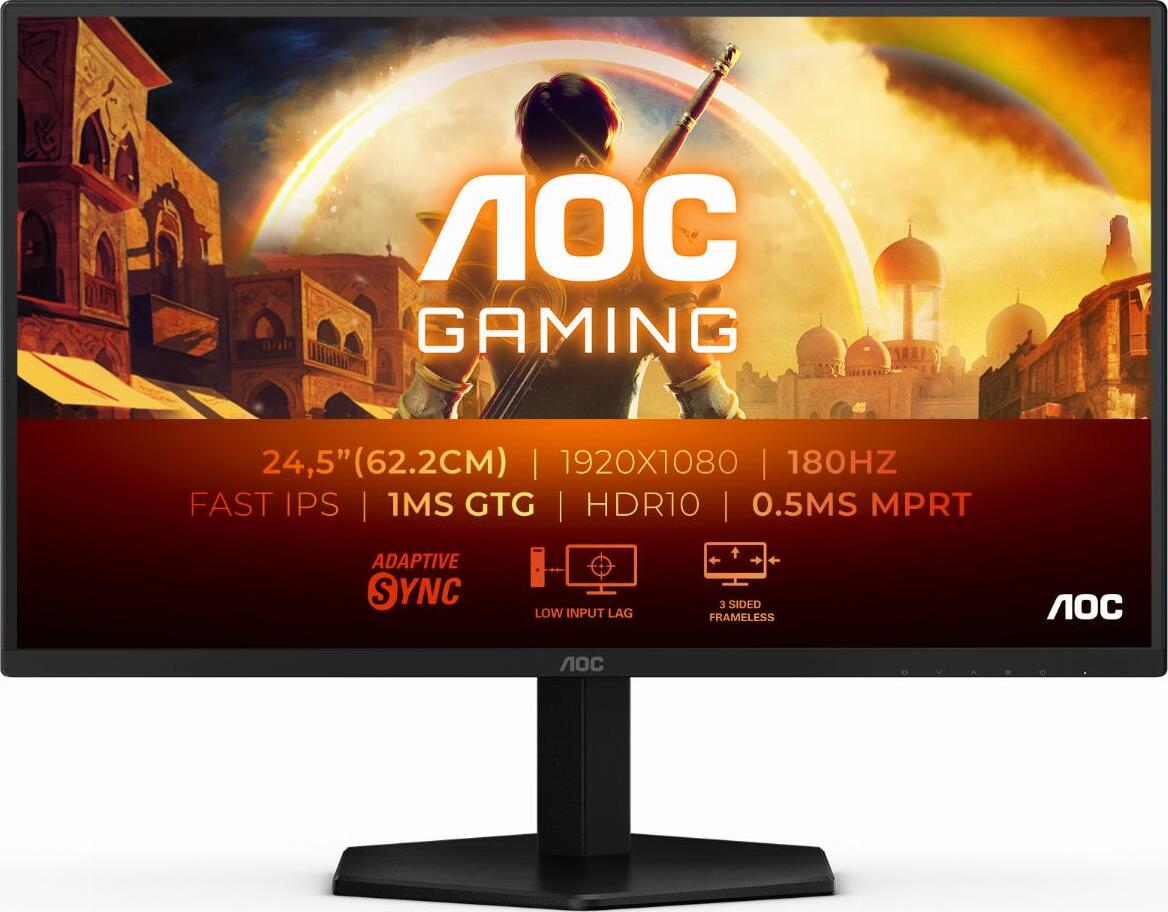
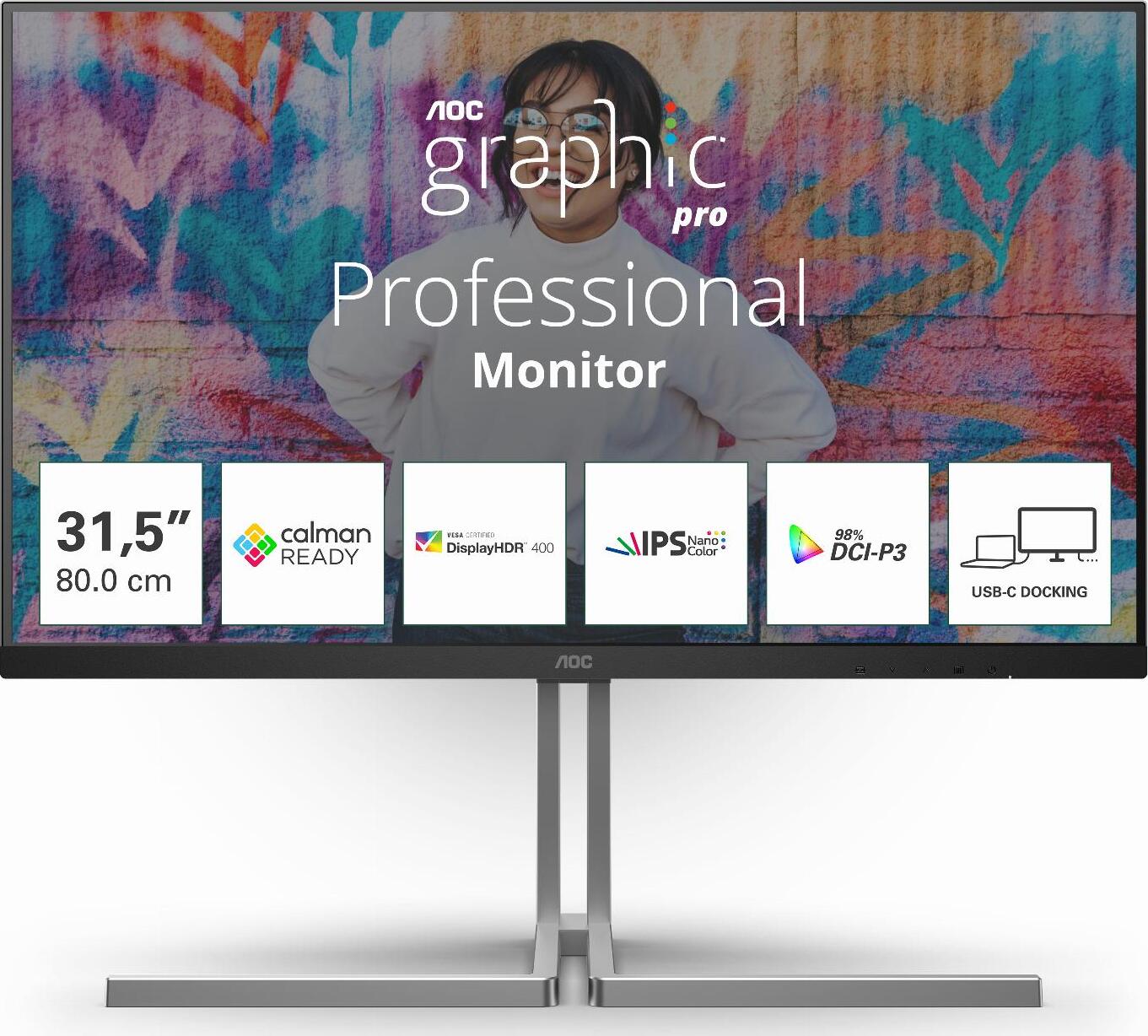
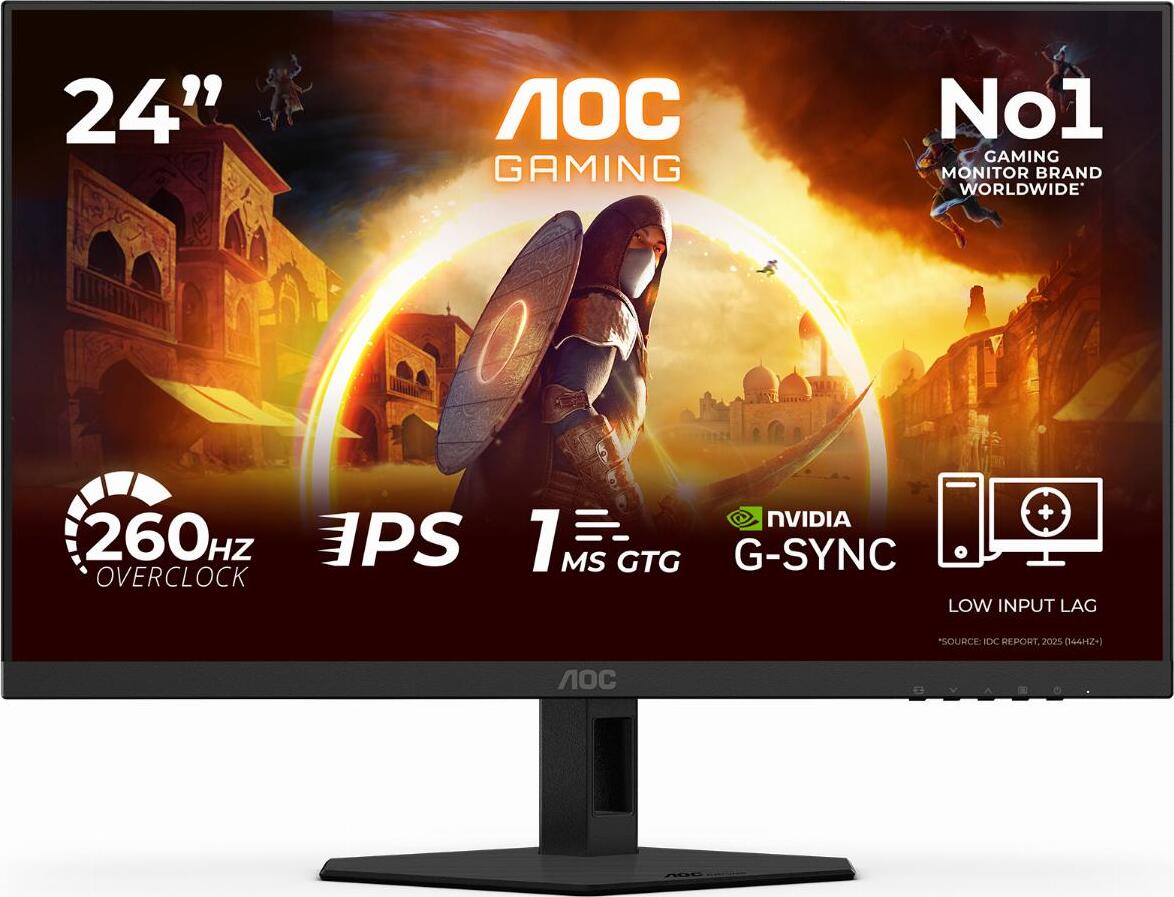
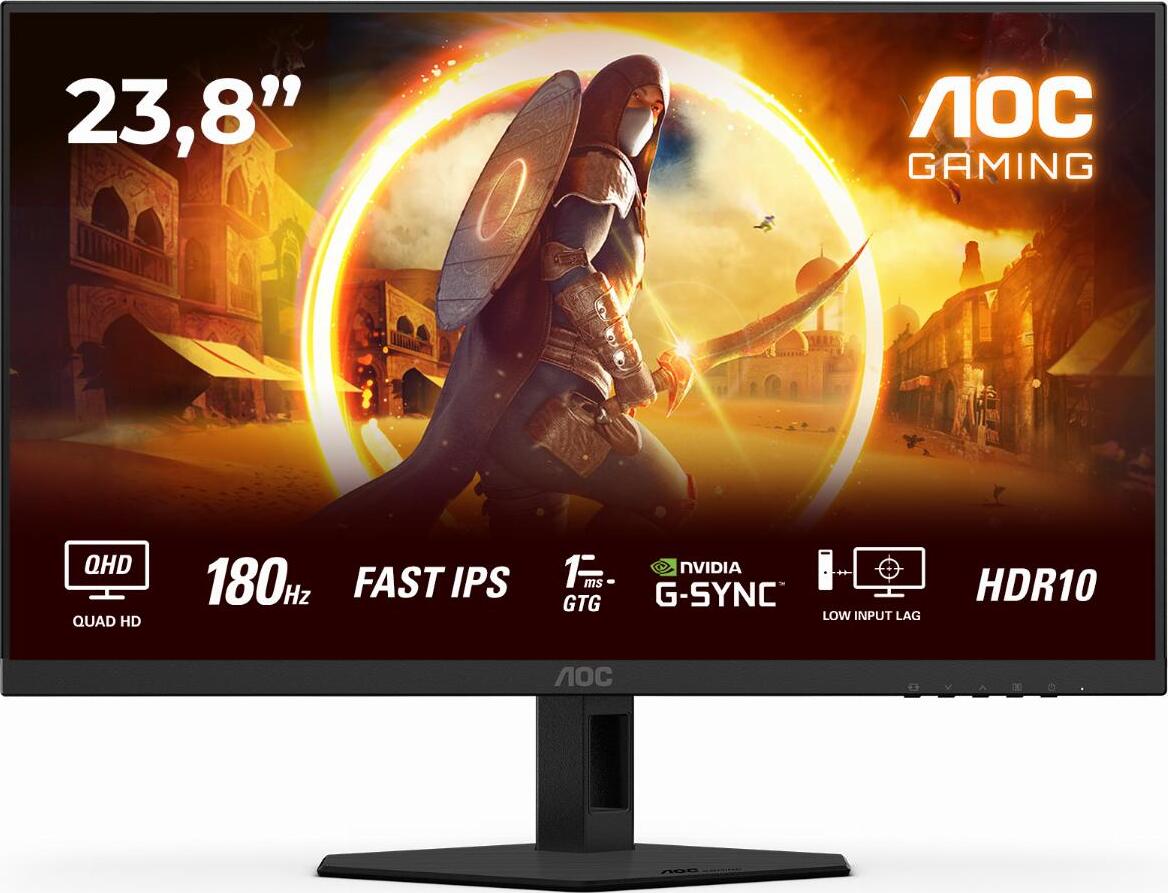
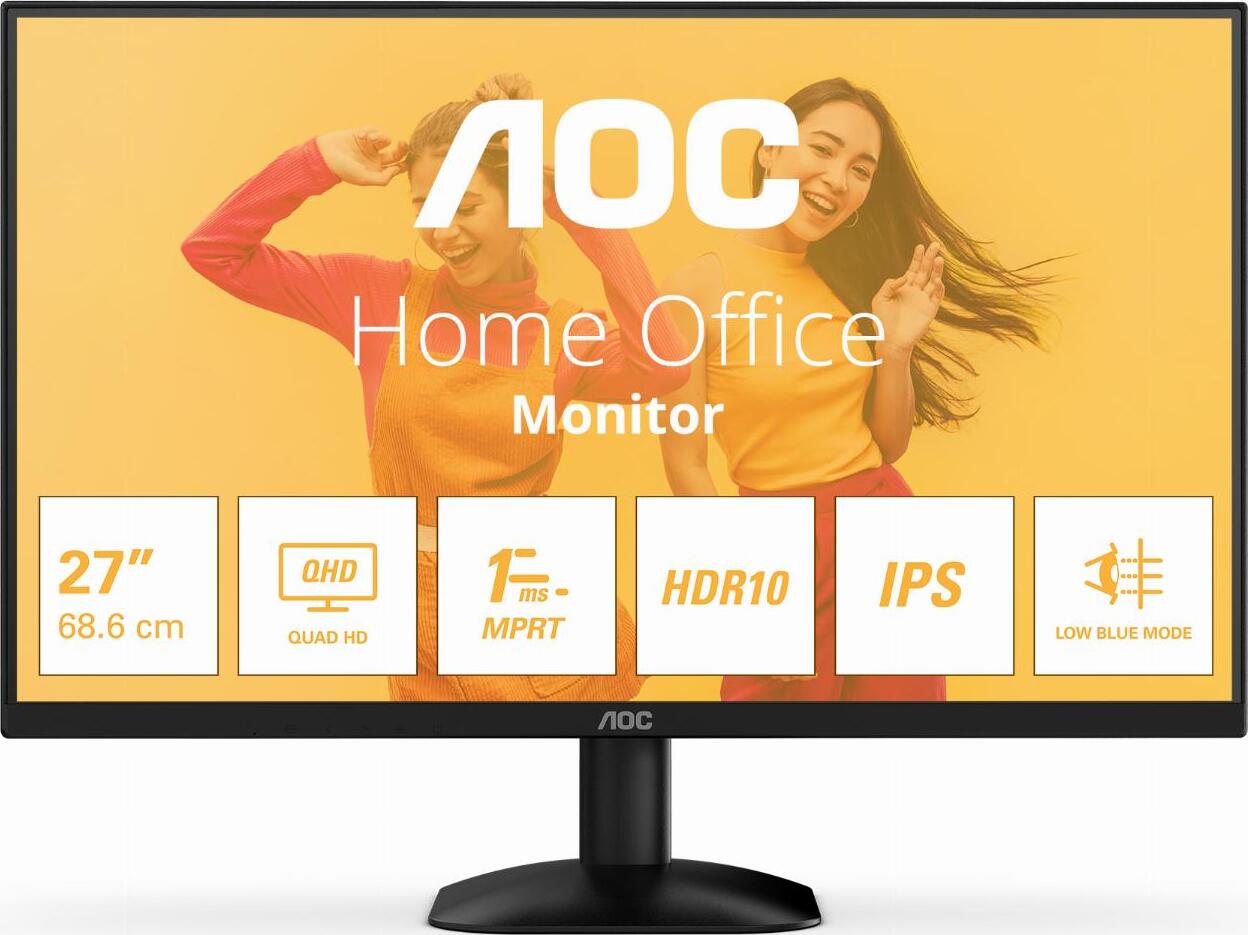
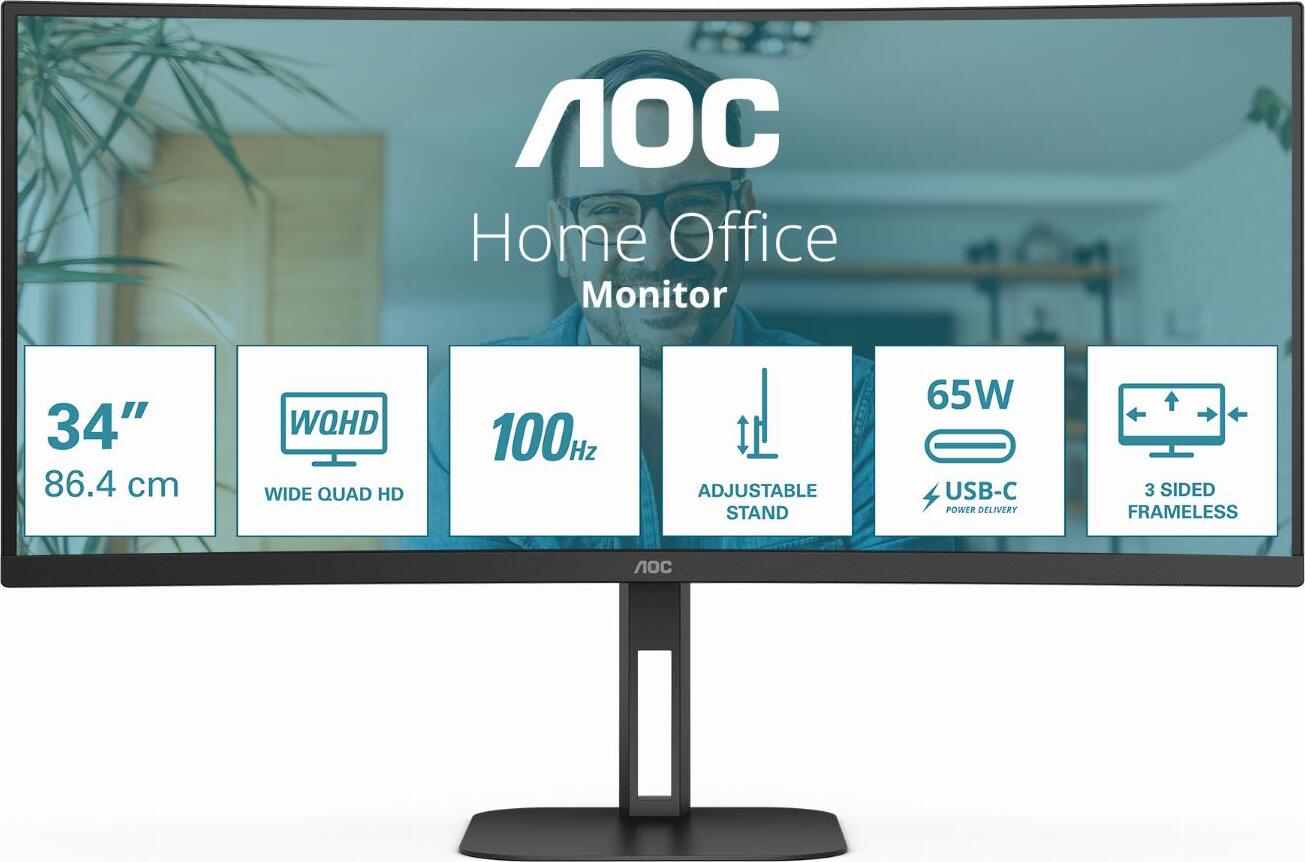
buy AOC monitor? You have come to the right place for an AOC monitor at Redable. With a wide range of AOC monitors, there is always a monitor that suits your needs. AOC monitors are available in various sizes from 15 inches to 49 inches. So take a good look at your personal preference to make a good choice. A larger screen is not necessarily better than a smaller screen. When purchasing an AOC monitor, also take a good look at the resolution of the screen. For example, a full-HD screen is suitable for most standard tasks. If you really want a razor-sharp image and you think it's important that you can see all the details on your screen, a 4k screen is better suited. In short, take a good look at what you are going to use the screen for before you make a choice.
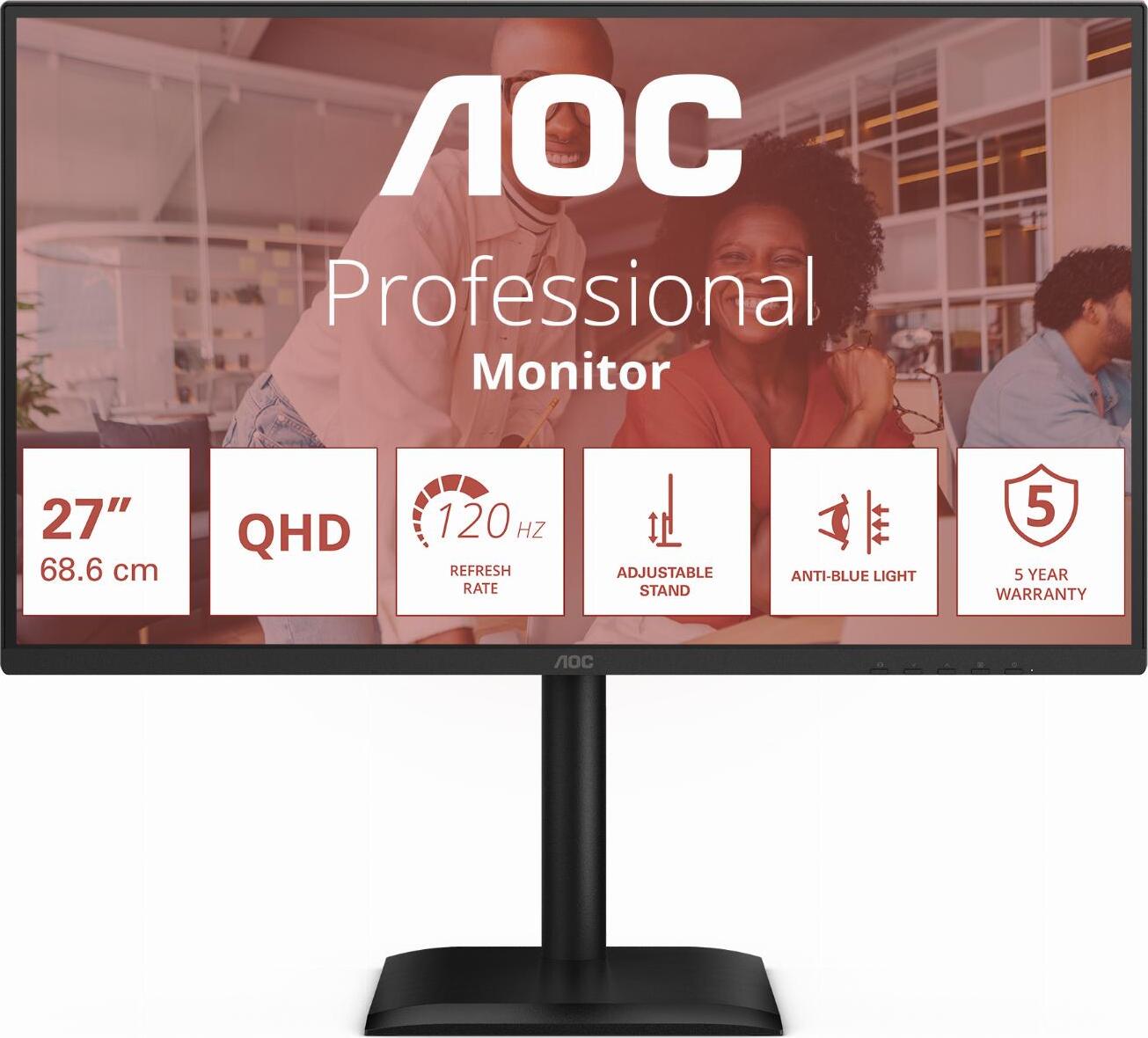
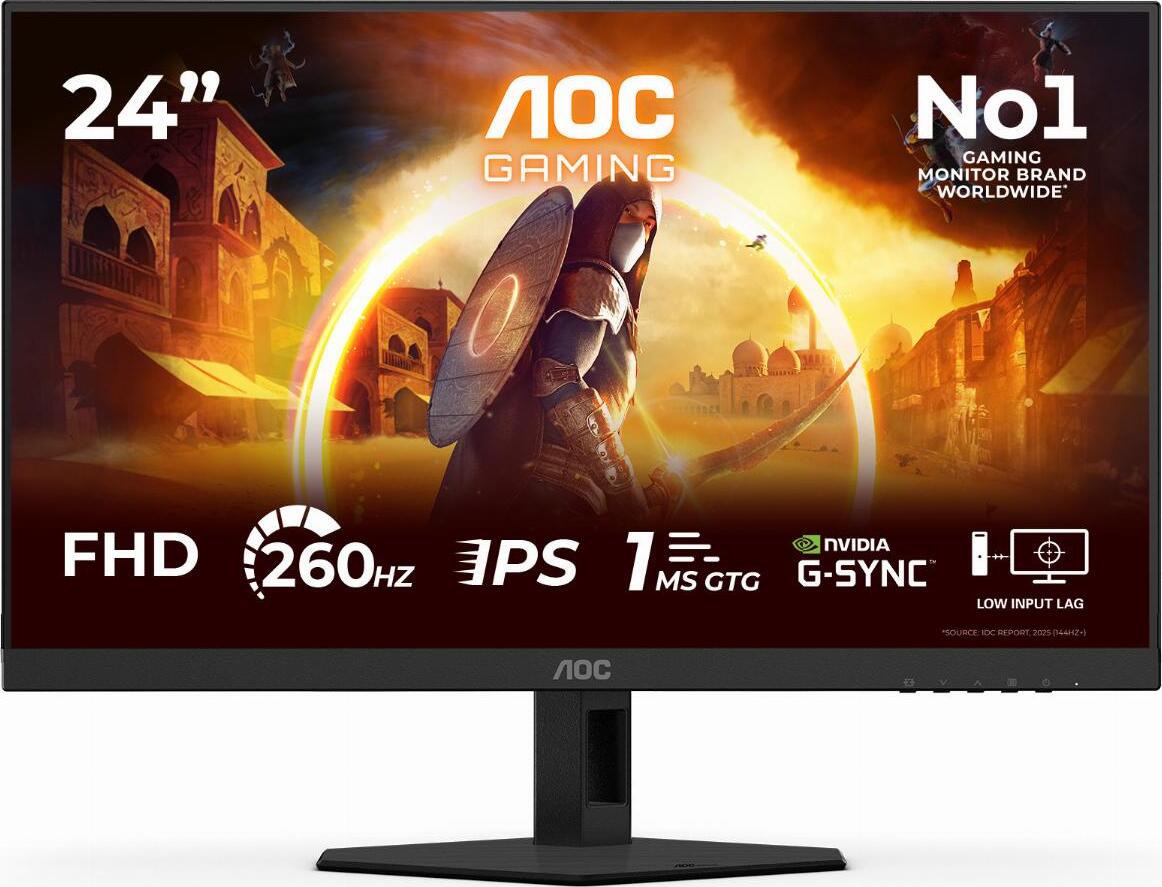
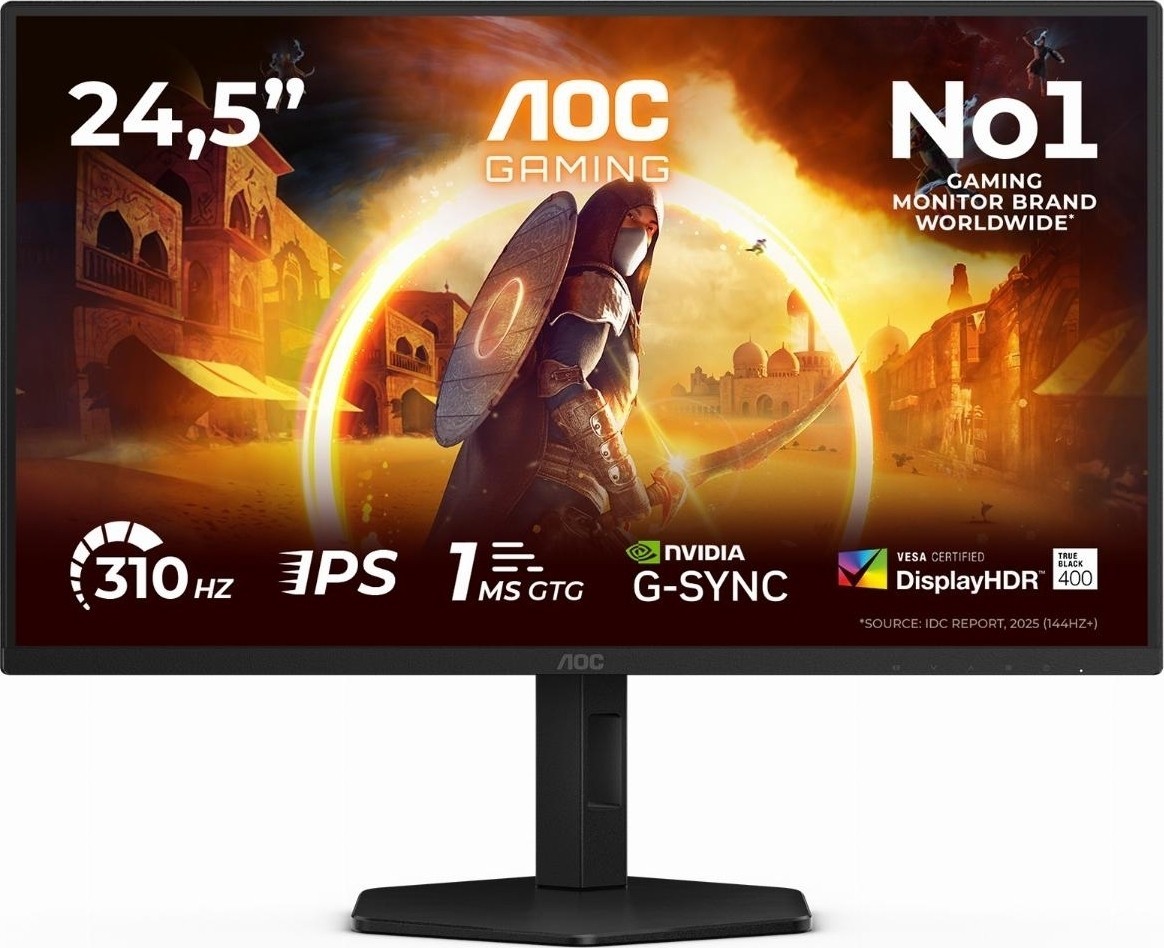
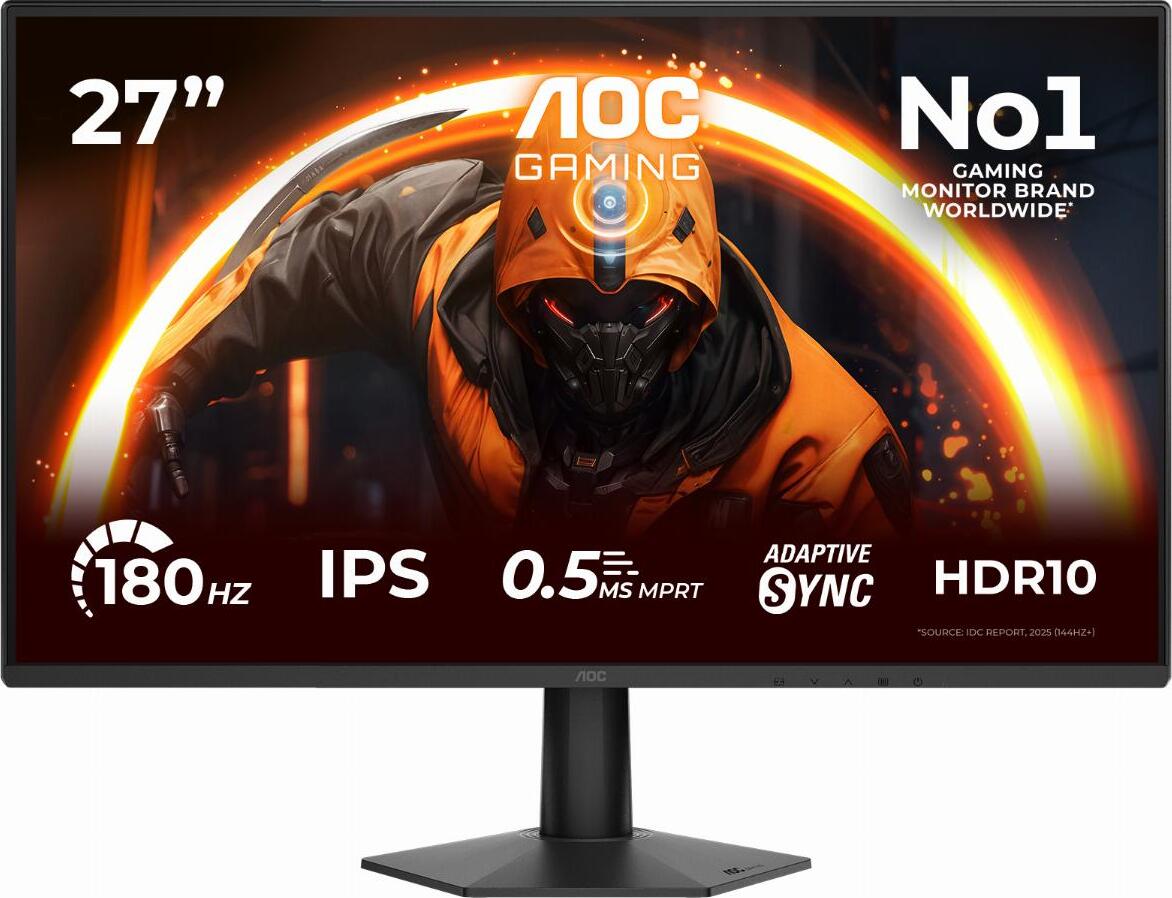
- 62,2 cm (24.5")
- Full HD
- 1x DisplayPort
- 1x HDMI
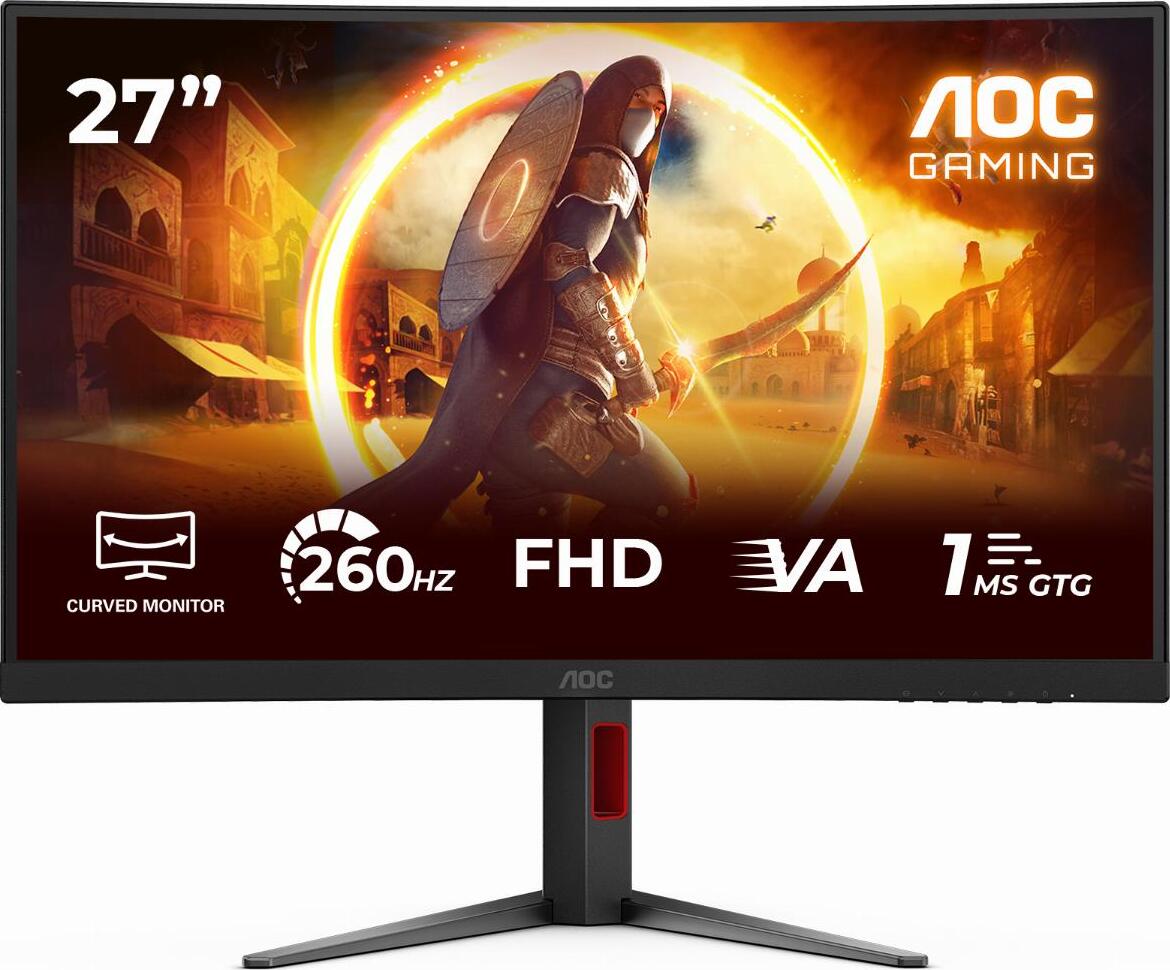
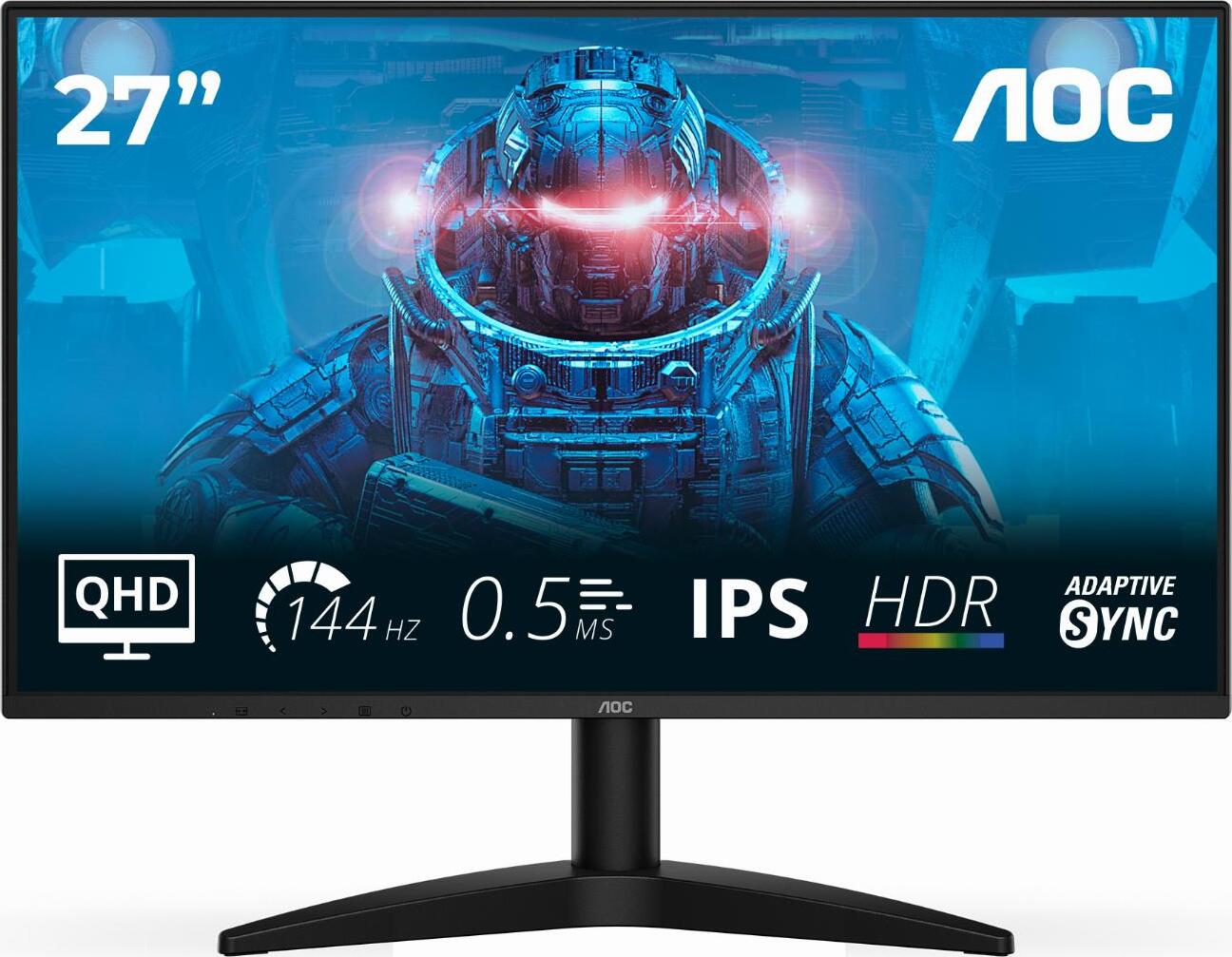
- 68,6 cm (27")
- Full HD
- 1x DisplayPort
- 2x HDMI
Need help choosing?
How can I help you?
Product list changed. Ask again for these products.
- Ordered before 17.00, shipped for free today
- 14 days reflection period
- 60,5 cm (23.8")
- Full HD
- 1x DisplayPort
- 2x HDMI
- 60,5 cm (23.8")
- Quad HD
- 1x DisplayPort
- 1x HDMI
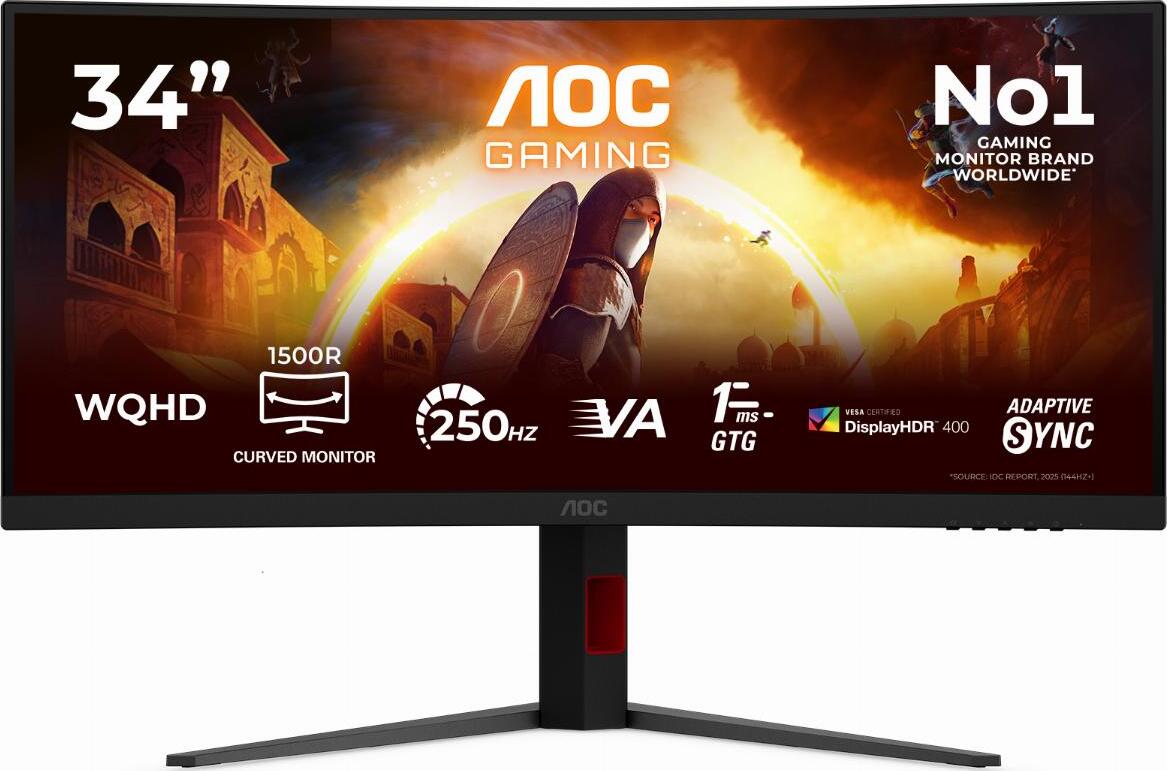
- 86,4 cm (34")
- Wide Quad HD
- 1x DisplayPort
- 1x HDMI
- Ordered before 17.00, shipped for free today
- 14 days reflection period
- 60,5 cm (23.8")
- Full HD
- 1x DisplayPort
- 2x HDMI
- 68,6 cm (27")
- 4K Ultra HD
- 1x DisplayPort
- 2x HDMI
- 68,6 cm (27")
- Full HD
- 1x DisplayPort
- 1x HDMI
- Ordered before 17.00, shipped for free today
- 14 days reflection period
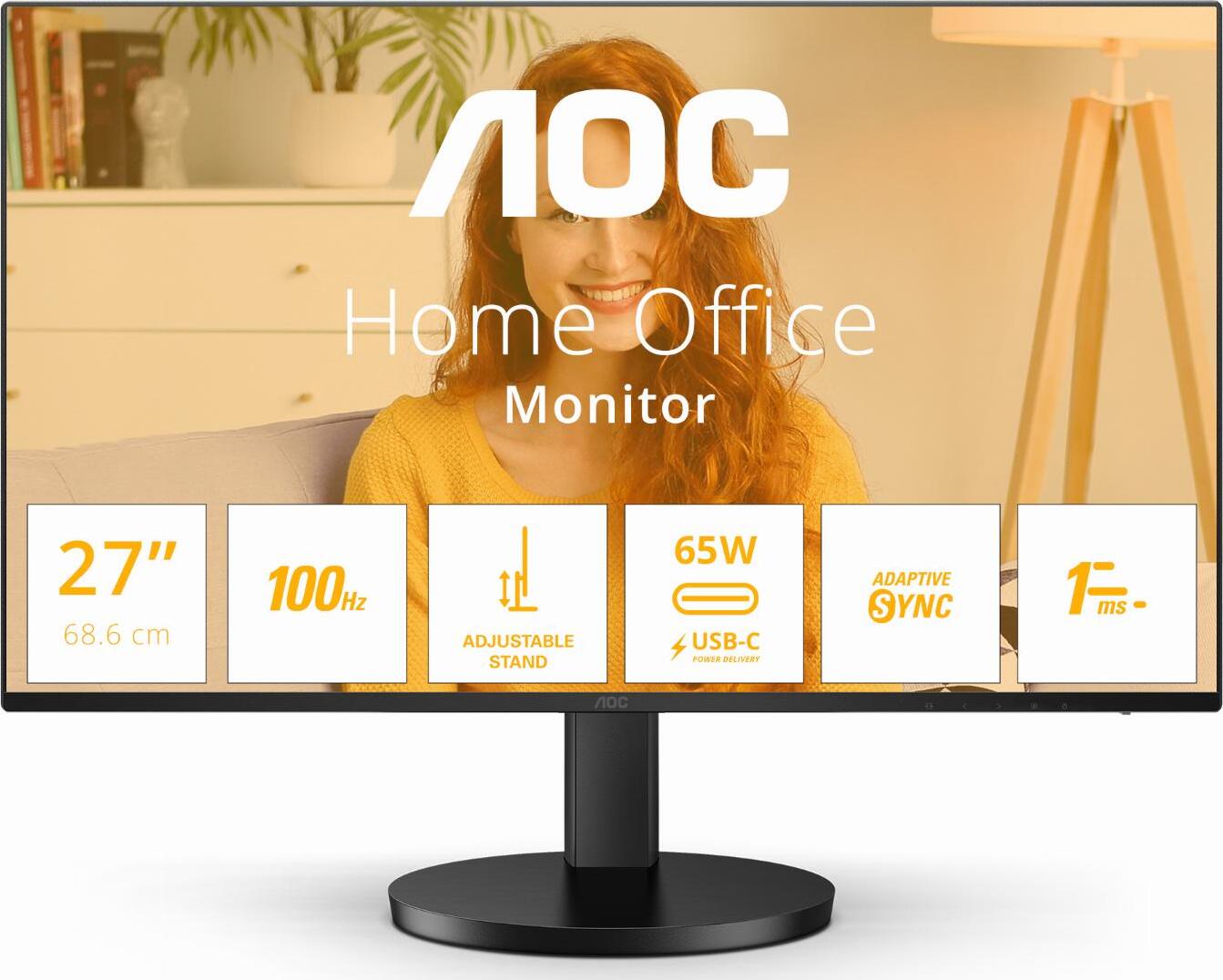
- 68,6 cm (27")
- Full HD
- 1x DisplayPort
- 1x HDMI
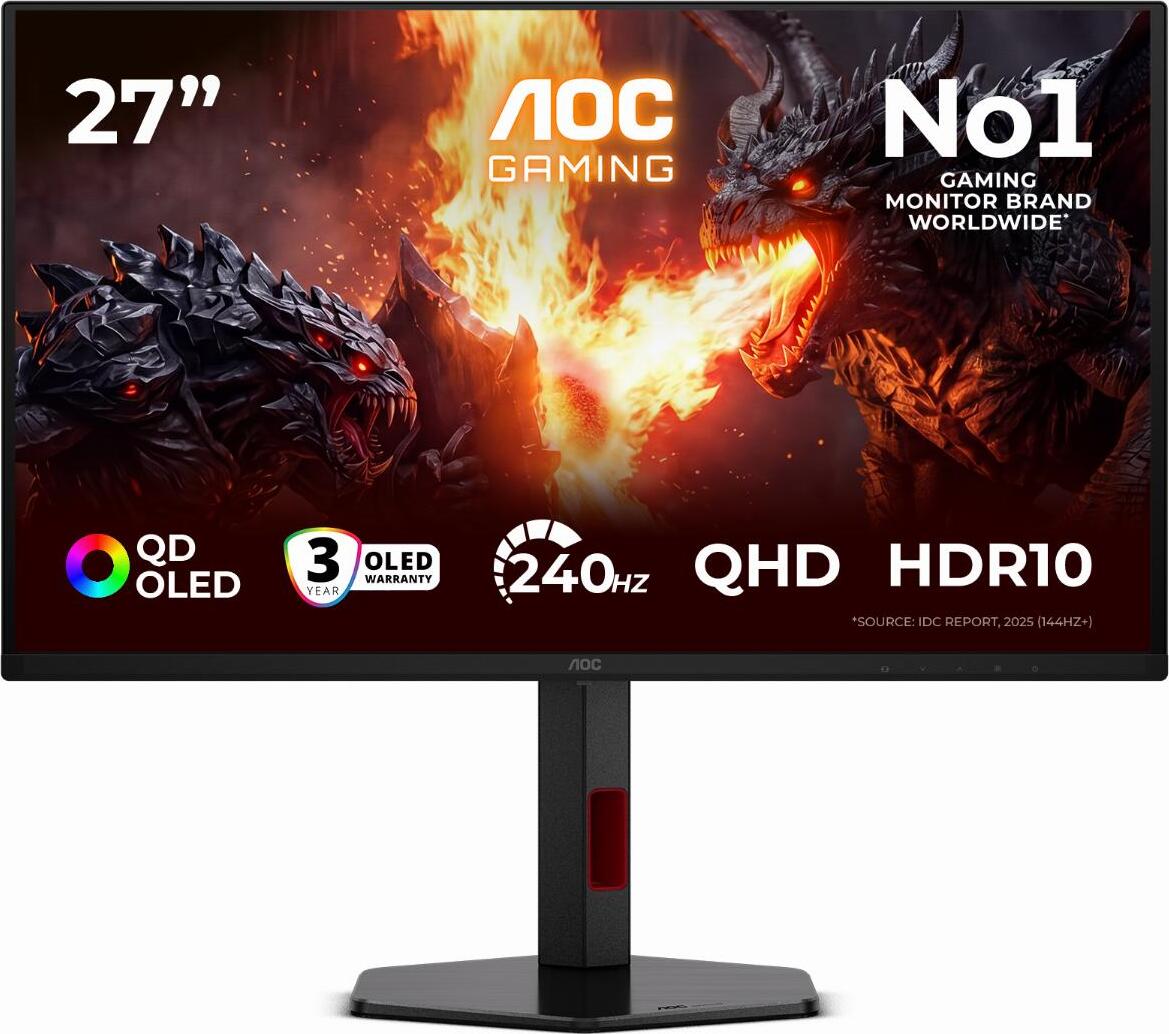
- 68,6 cm (27")
- Quad HD
- 1x DisplayPort
- 1x HDMI
- Ordered before 17.00, shipped for free today
- 14 days reflection period
- 67,3 cm (26.5")
- Quad HD
- 1x DisplayPort
- 2x HDMI
- 86,4 cm (34")
- UltraWide Quad HD
- 1x DisplayPort
- 2x HDMI
Need help choosing?(at the end of the list)
How can I help you?
Product list changed. Ask again for these products.
Which AOC monitor is right for me?
In order to be able to answer the question of which AOC monitor is suitable for you, it is important that you first clearly map out what you will be using the monitor for. For example, do you enjoy working on a large or small screen or do you find it important that your screen refreshes often and images run smoothly. Of course, it may also be the case that you just want a standard screen for everyday tasks. In short, think for yourself what you want to use the monitor for. You can then make a choice that fits this.
What size screen do I need?
AOC monitors are available in many different sizes. These sizes are indicated in “inch”. The higher the inch, the larger the screen. There is not so much a “right” format. It mainly depends on your personal preference. Some people like working on a big screen and others don't. In addition, a large screen is generally also more expensive and you may not have the money for it. For standard work, we recommend a screen between 22 and 27 inches, these are the most common sizes.
What is the resolution of a screen?
The resolution of the display indicates how sharp the image is. This sharpness is determined by the number of pixels. For example, a Full-HD screen has fewer pixels than a 4k screen. To make a good choice when choosing a monitor, it is also important to ask yourself what resolution you want. In general, full HD screens are used these days. These are well suited for everyday standard work. If you work a lot with photo editing or if you think it's important that you can see every little detail on your screen, then a 4k screen might be more suitable.
What refresh rate should I have?
The refresh rate is indicated in hertz. This number indicates how often the screen is refreshed per second. For example, a 60Hz screen is refreshed 60 times per second. This is generally enough if you perform standard tasks on your computer. If you are intensively involved in playing games or you are busy with video editing, then you might be better off going for a 144 or 240Hz screen.
A
B
D
H
I
L
M
P
S
T
U
#