



Shopping Secure
2015 t/m 2026
Tweakers Awards
2022 t/m 2026
Website of the Year
2025 t/m 2026
USB-C monitor
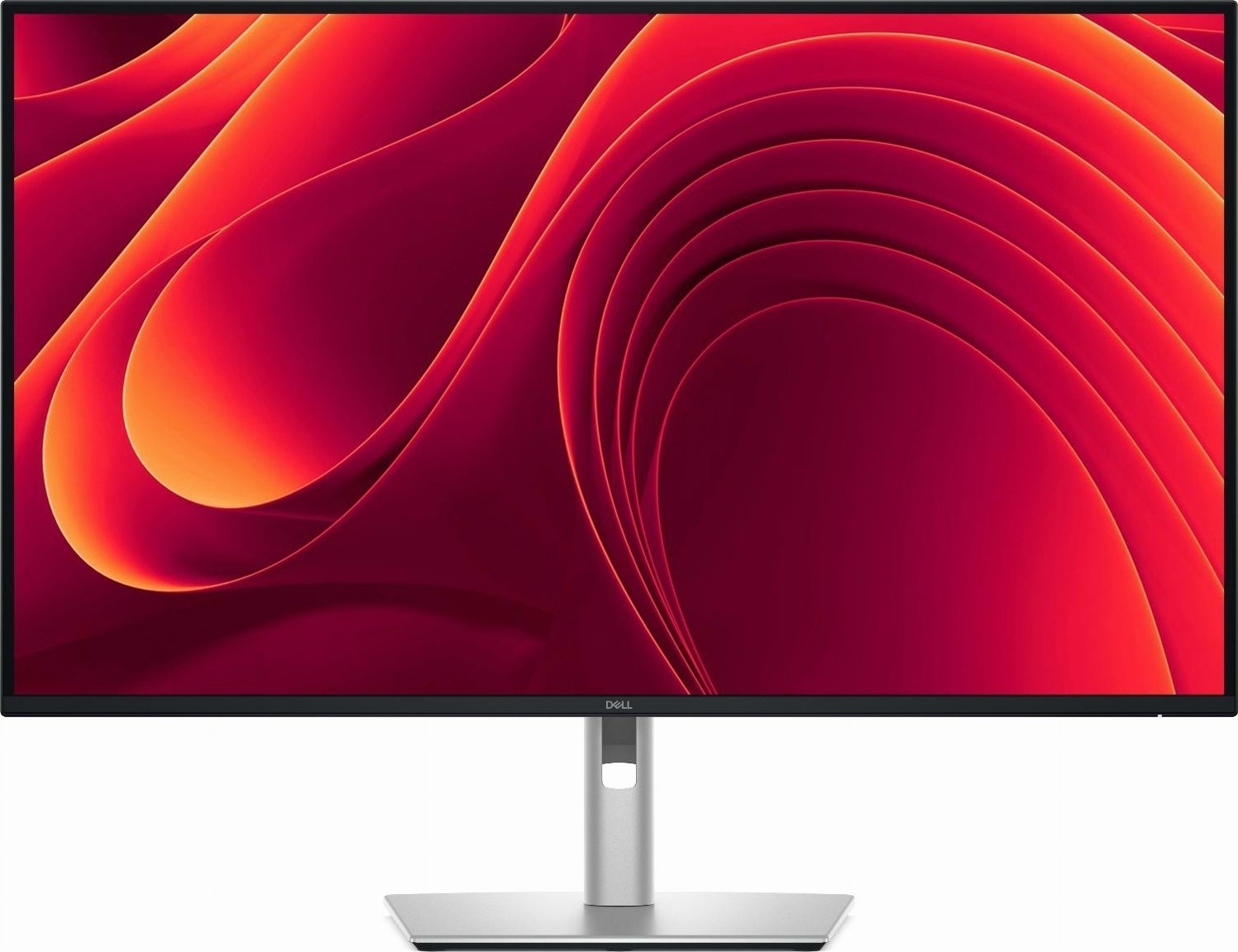
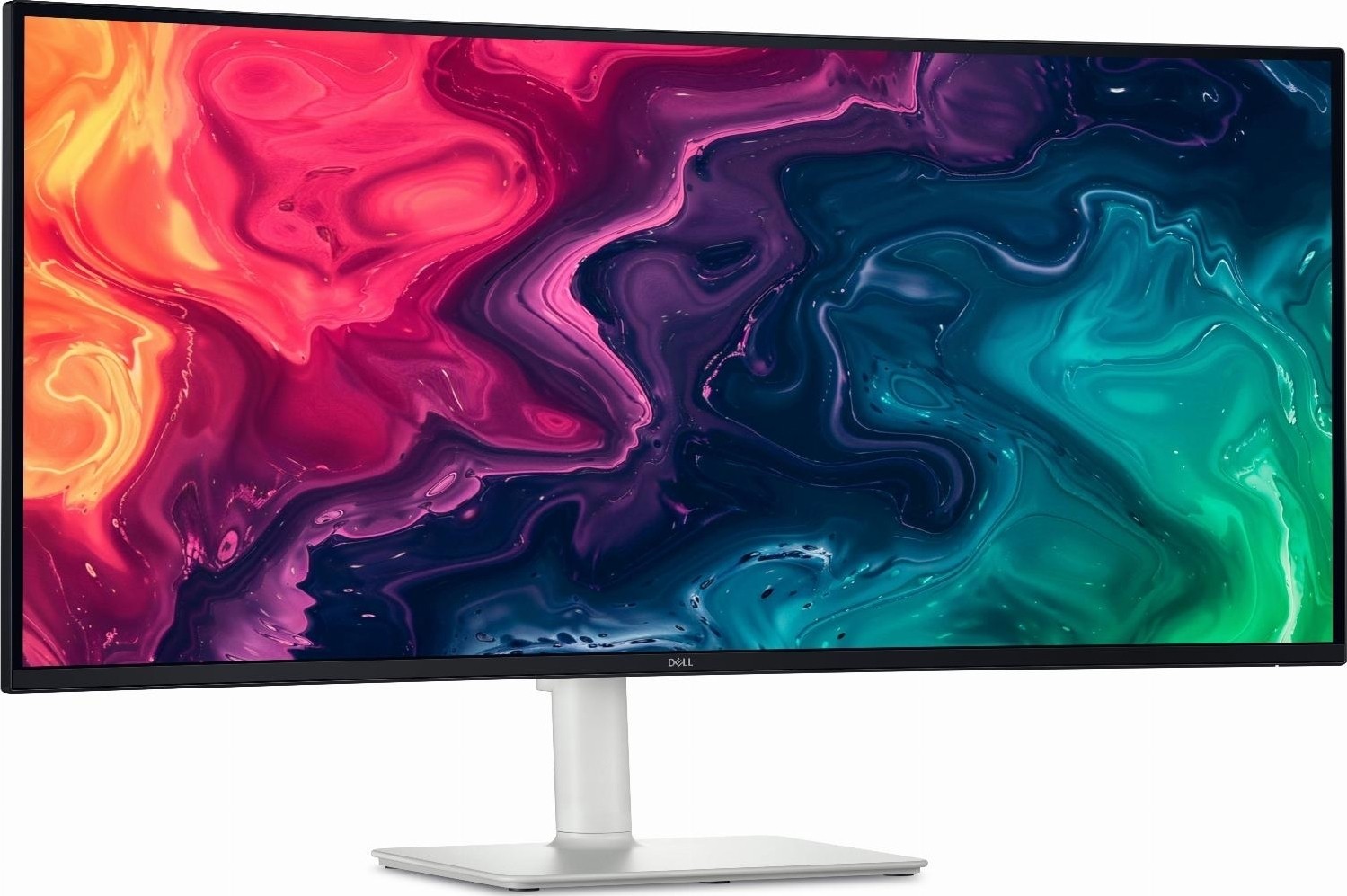
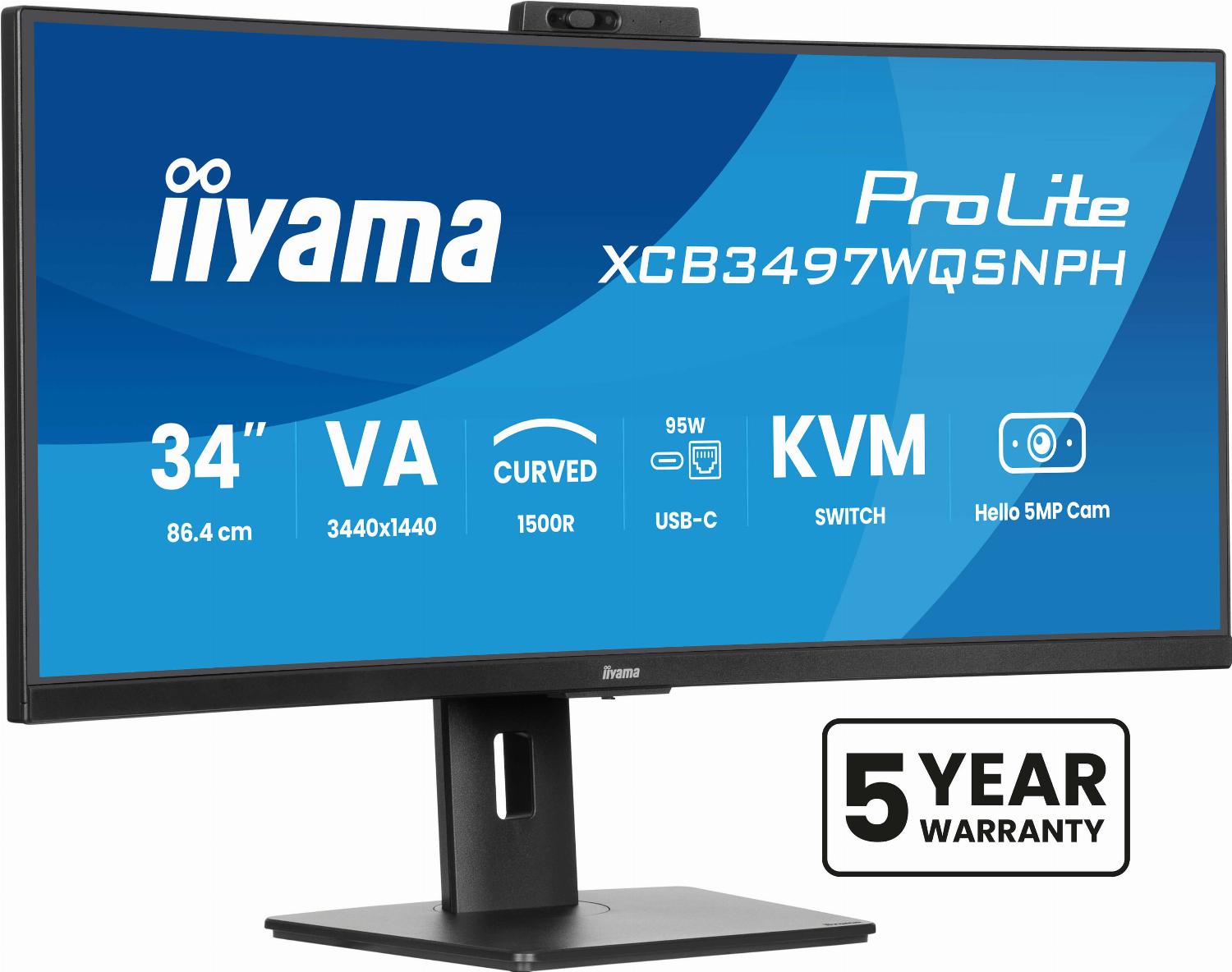
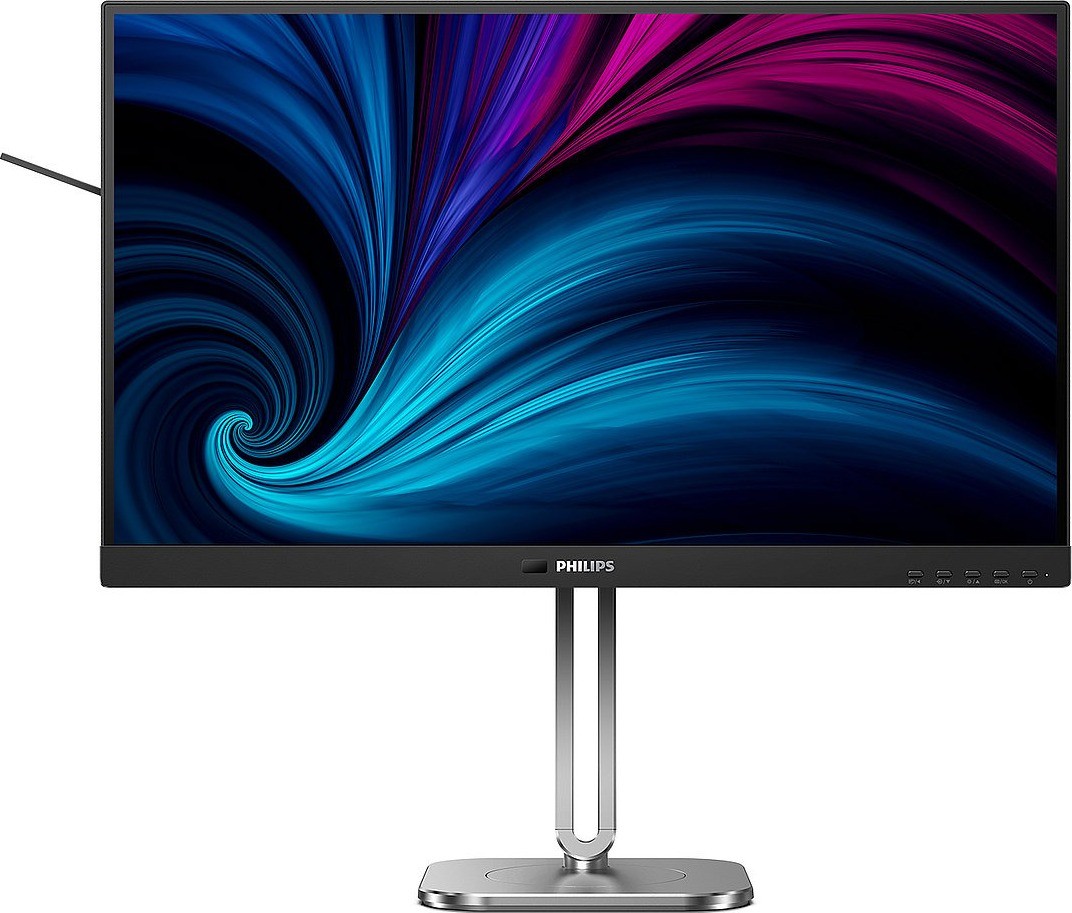
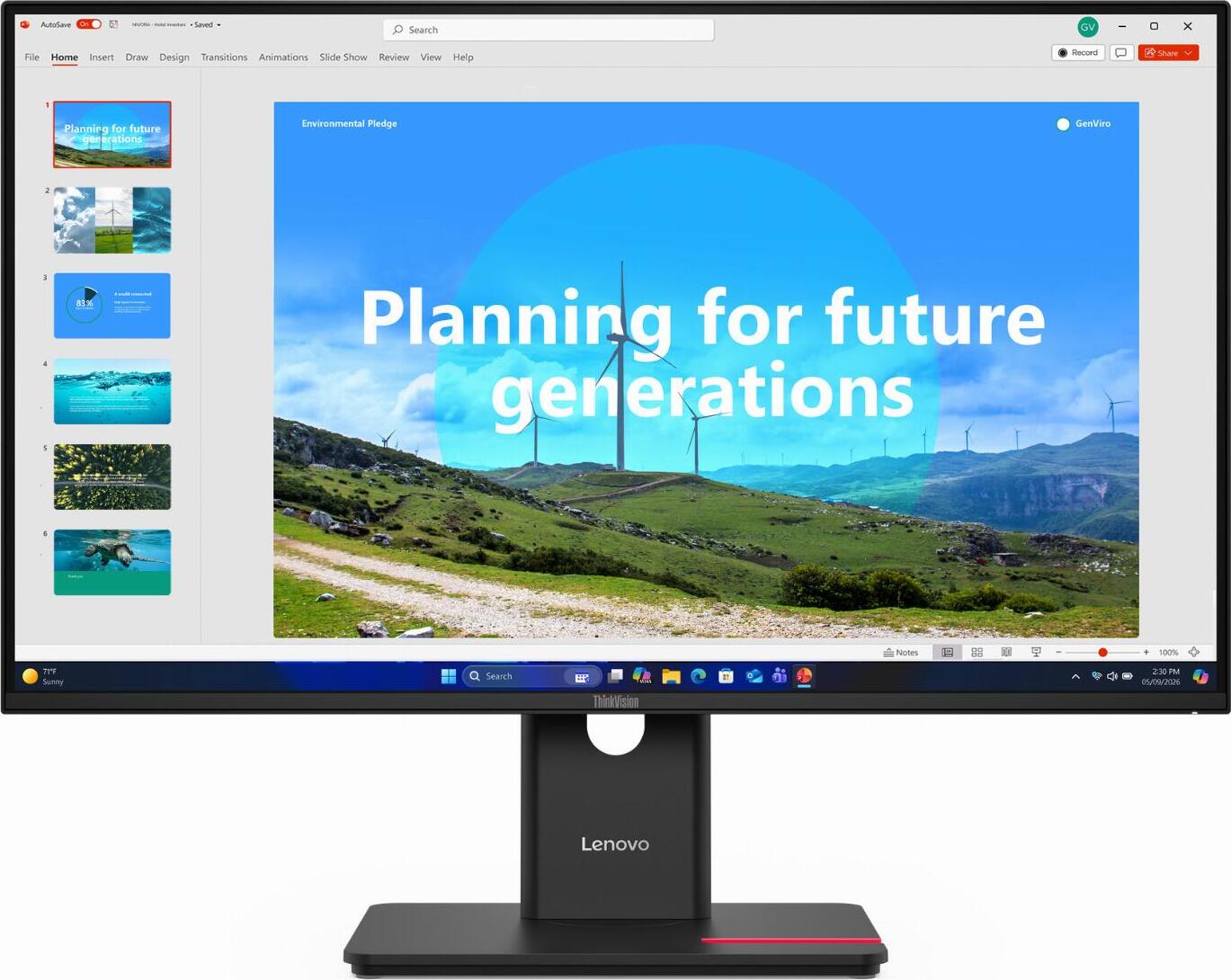
Buy USB-C monitor? You've come to the right place at Redable. With a wide range of USB c monitors you will always find a suitable monitor. With a USB-C monitor you can connect a monitor without an adapter to a MacBook or USB-C laptop. The USB-C connection supports high resolution and in some cases the connection has a charging function. Choose a USB-C monitor between 22 and 24 inches if you're looking for a compact screen that takes up little space. If you're looking for an average-sized USB-C monitor, we recommend looking at a monitor between 26 and 28 inches. For a large monitor, it is smart to look at a screen of 30 inches or larger.
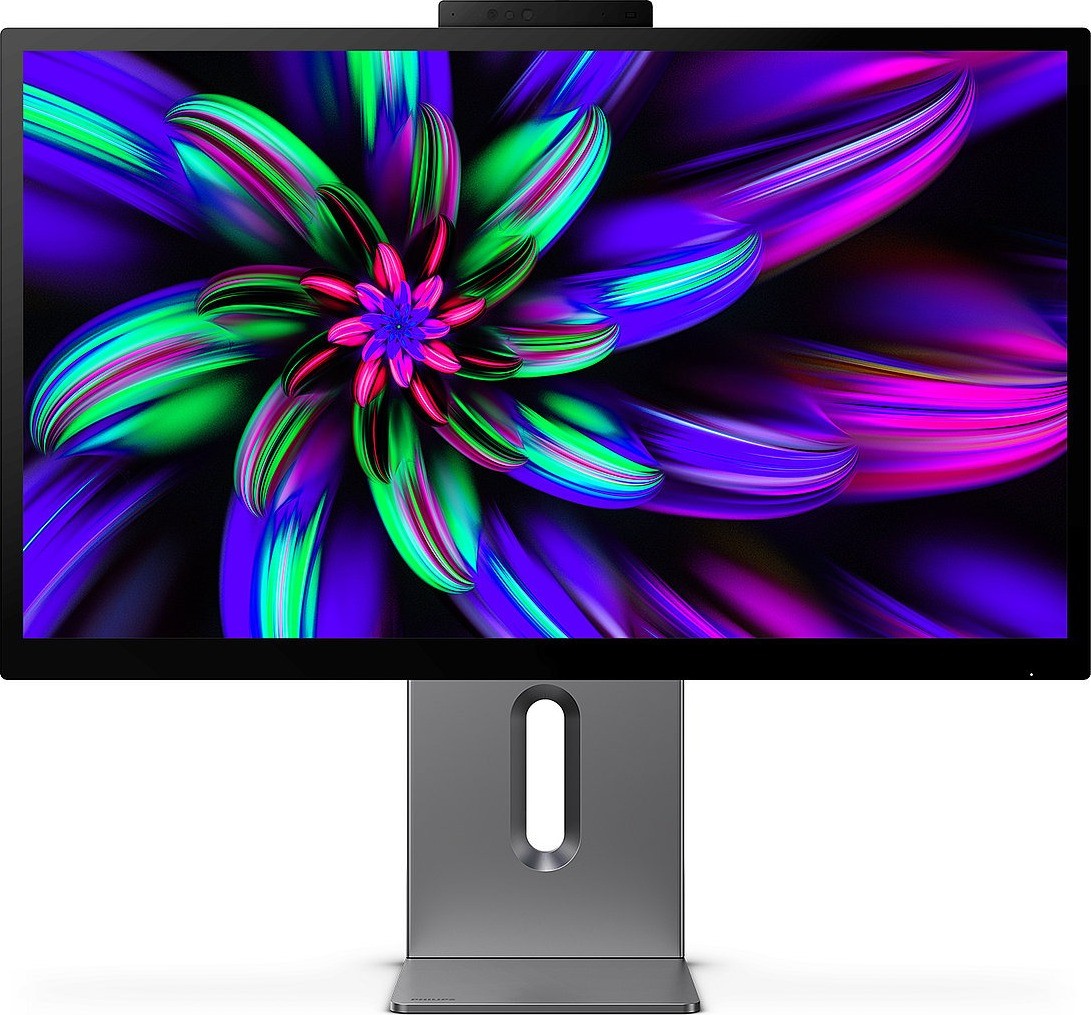
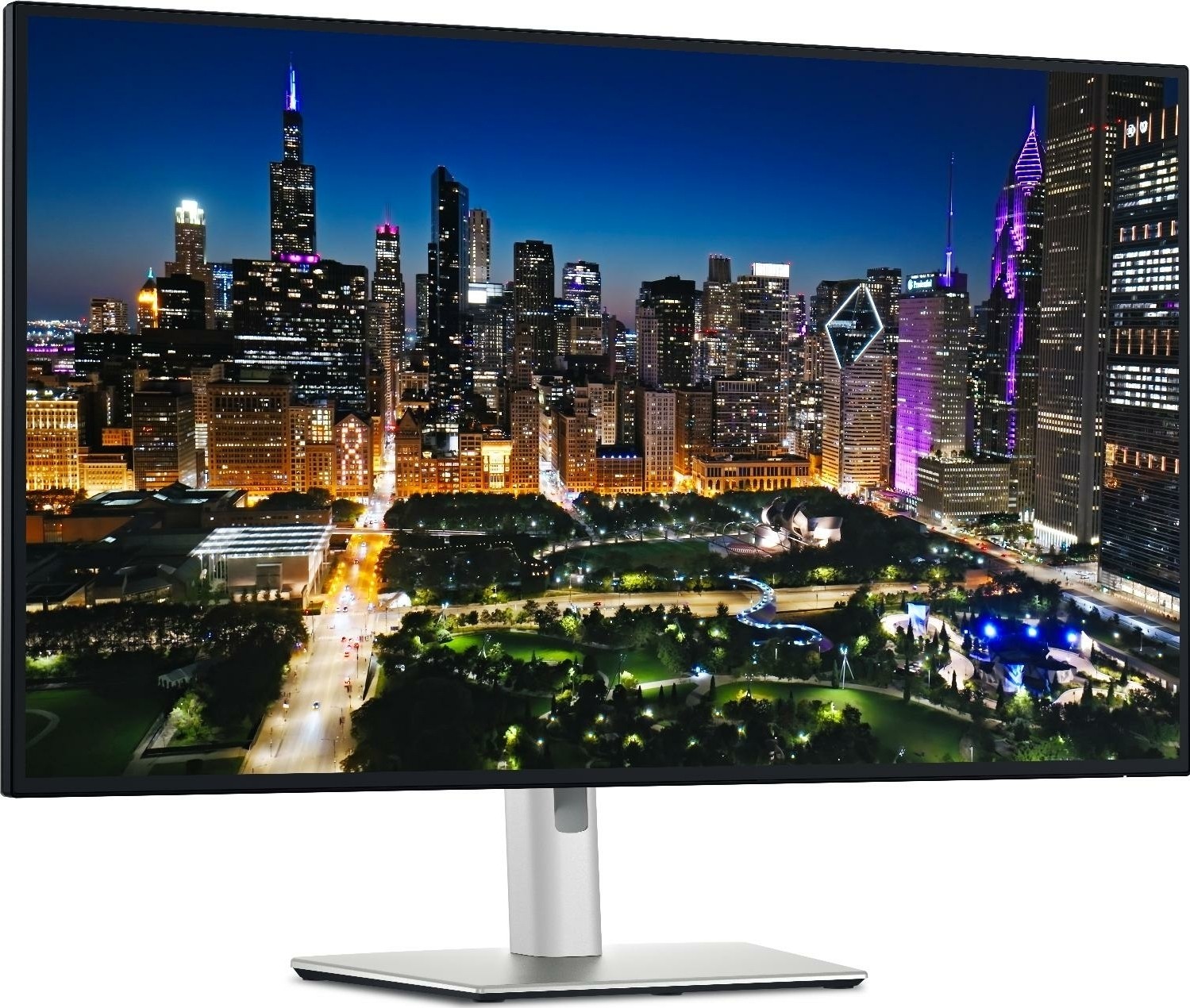
- 80 cm (31.5")
- Wide Quad HD
- 2x DisplayPort
- 1x HDMI
Need help choosing?
How can I help you?
Product list changed. Ask again for these products.
- Ordered before 17.00, shipped for free today
- 14 days reflection period
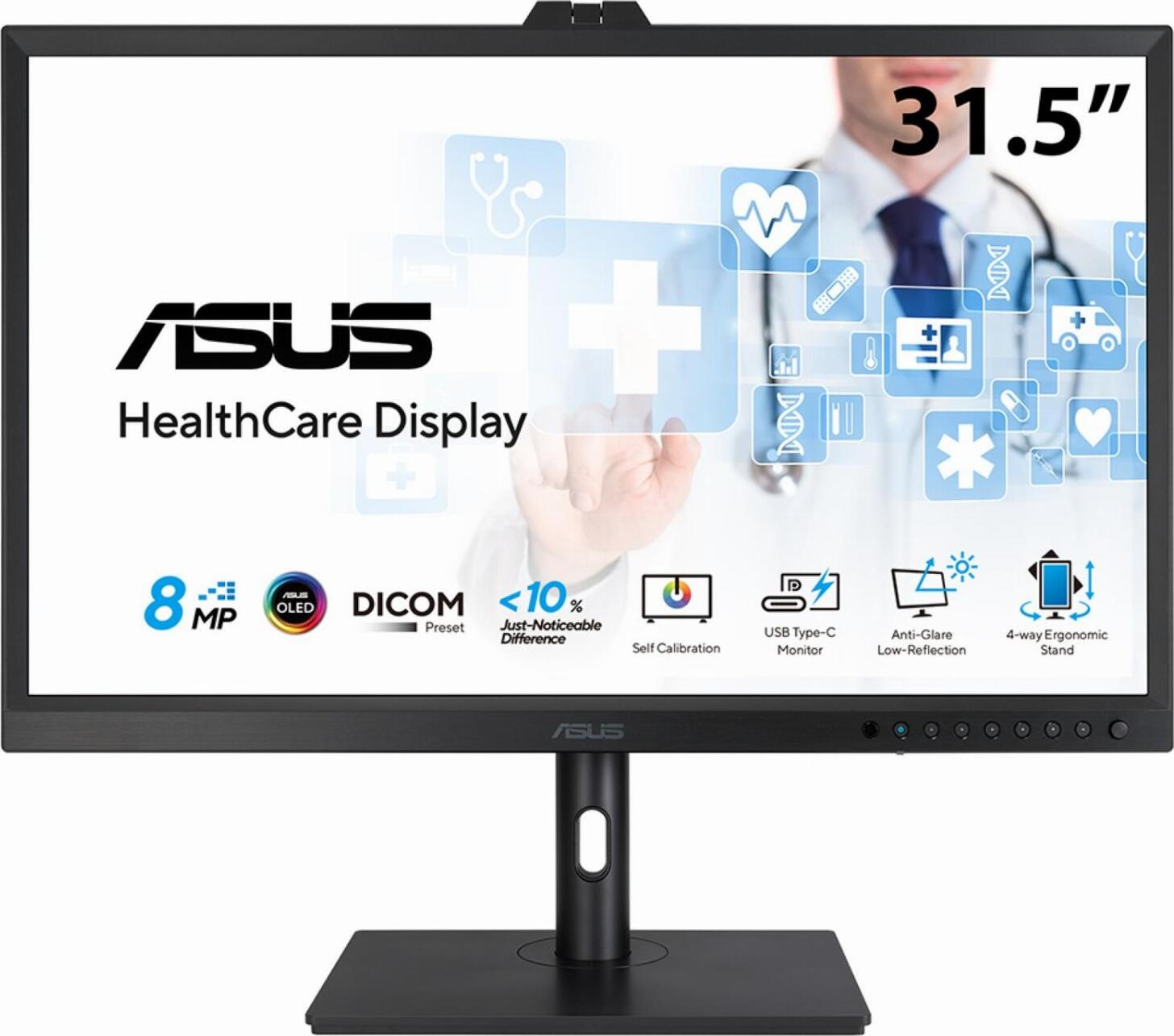
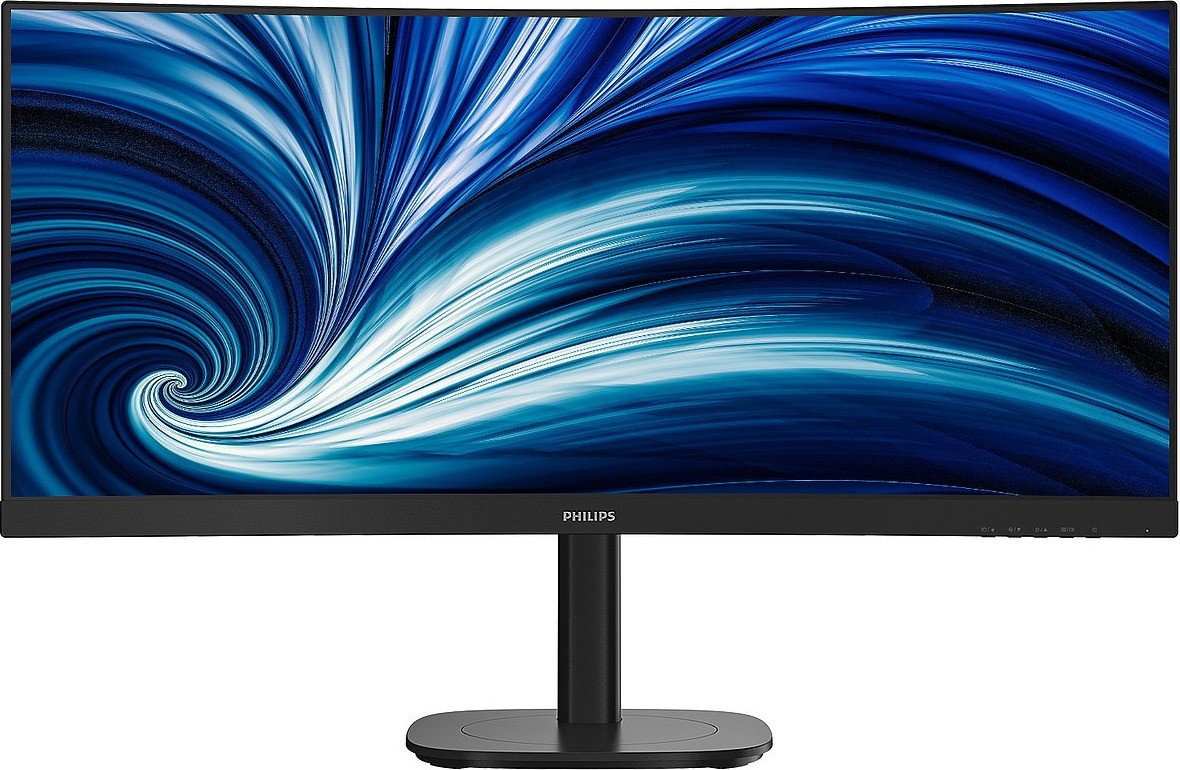
- 86,4 cm (34")
- UltraWide Quad HD
- 1x DisplayPort
- 2x HDMI
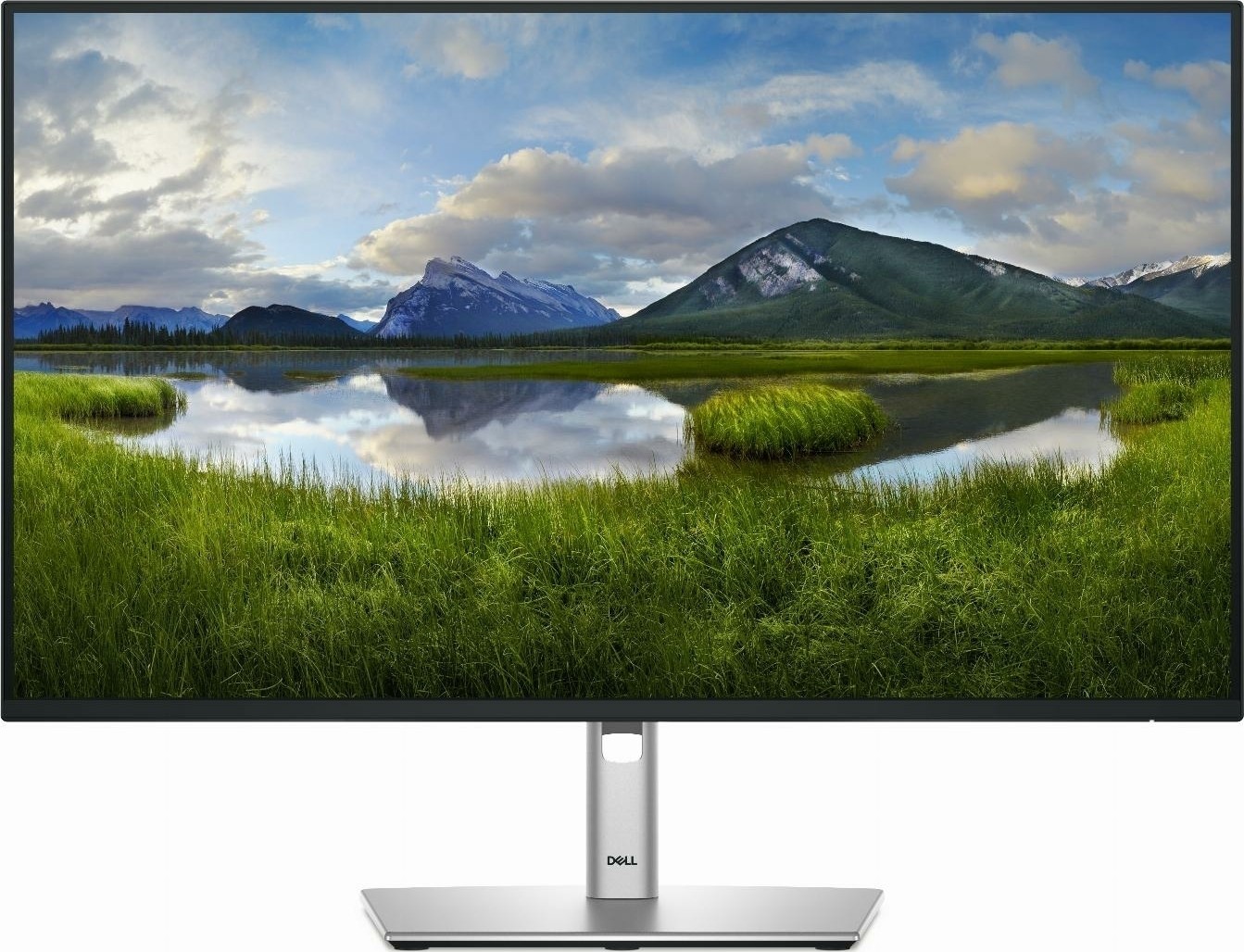
- 60,5 cm (23.8")
- Quad HD
- 2x DisplayPort
- 1x HDMI
- Ordered before 17.00, shipped for free today
- 14 days reflection period
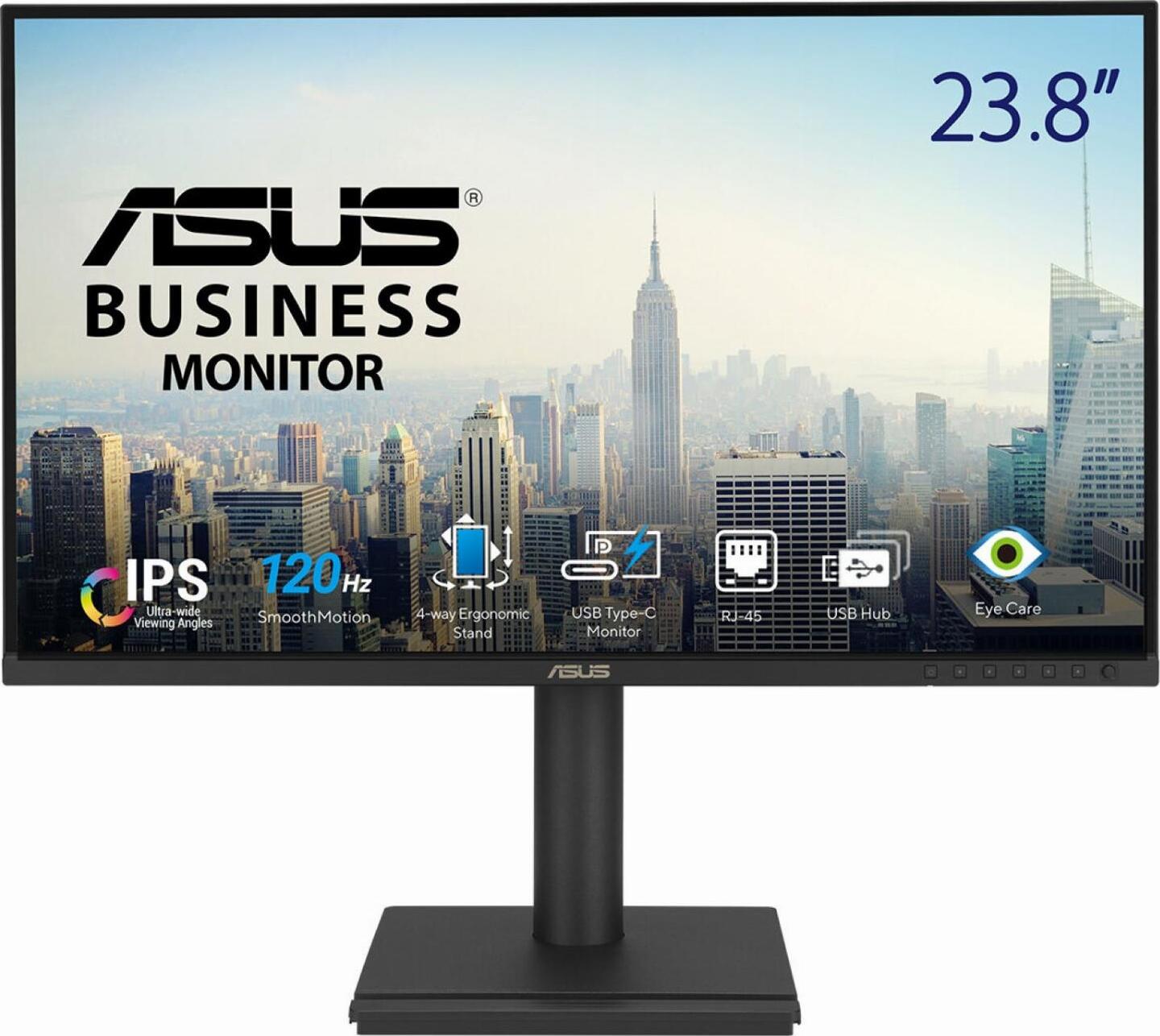
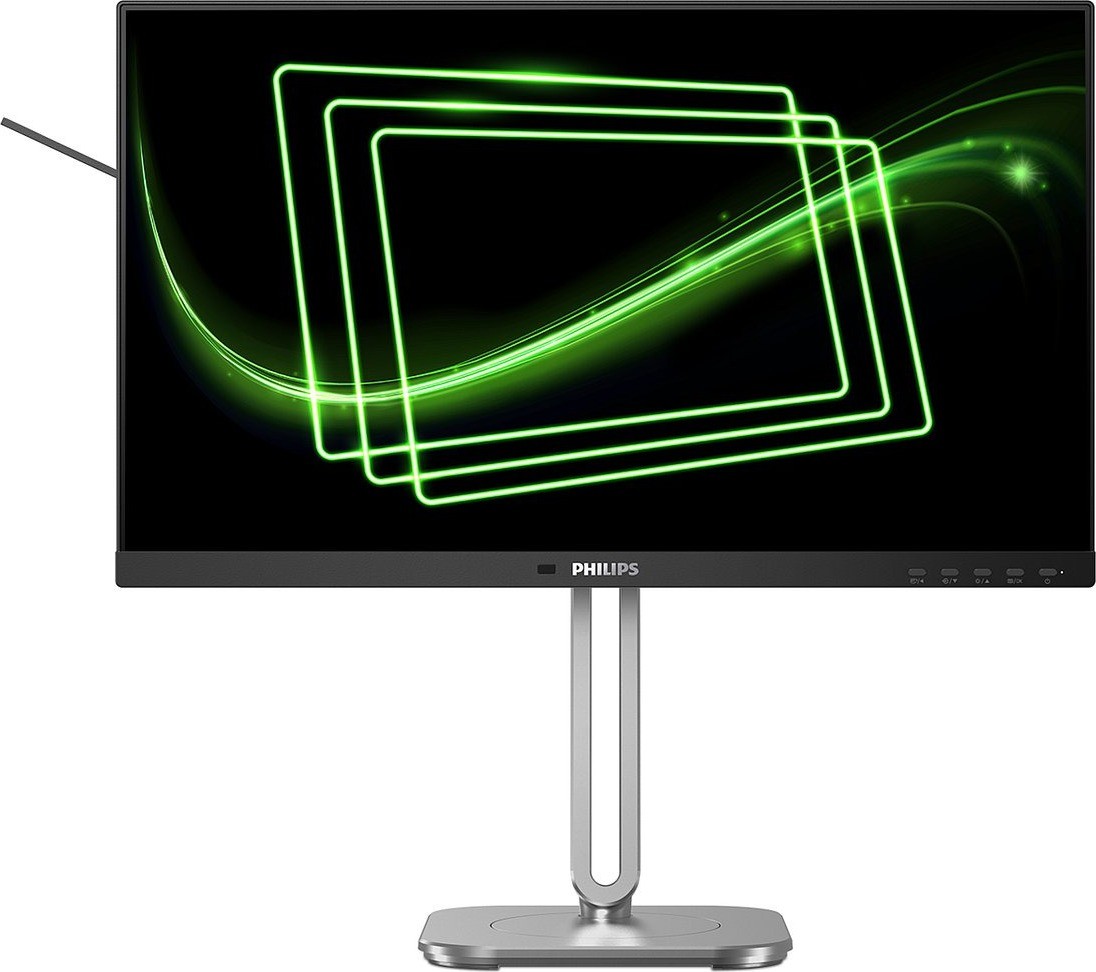
- 60,5 cm (23.8")
- Full HD
- 2x DisplayPort
- 1x HDMI
- Ordered before 17.00, shipped for free today
- 14 days reflection period
- 60,5 cm (23.8")
- Full HD
- 1x DisplayPort
- 1x HDMI
- 1x VGA
- Ordered before 17.00, shipped for free today
- 14 days reflection period
Need help choosing?(at the end of the list)
How can I help you?
Product list changed. Ask again for these products.
Which screen resolution is suitable for me?
The resolution of your screen is an important aspect to look at. The resolution indicates the screen quality. The higher the resolution, the more pixels there are on the screen and the sharper the image. Most USB-C monitors are nowadays equipped with at least a full-HD resolution. This is an excellent resolution for everyday work. Are you looking for a USB-C monitor that is suitable for graphic work? Then we recommend that you look at a screen with a 4k resolution. This means that you can observe all details well.
What is an appropriate screen size?
This mainly has to do with your own preference. Do you enjoy working on a large screen or do you prefer a monitor that is more compact? For a compact screen size, we recommend monitors between 20 and 24 inches. For an average screen size, we recommend monitors between 26 and 28 inches. If you are looking for a really large screen, we recommend looking at monitors of 30 inches or more.
What is the refresh rate?
The refresh rate is the number of times a screen refreshes per second. Because a screen refreshes itself, it gives the illusion of movement on your screen. The more often an image refreshes, the smoother it looks. For everyday tasks, a 60Hz screen is more than enough. For intensive gaming or graphical tasks such as video editing, it may be worthwhile to look at a screen of 120Hz or more.
Buy a USB-C monitor?
At Redable, you can buy your USB-C monitor quickly and easily online. You always have 14 days to change your mind and a generous warranty period. Not quite sure whether you should buy a USB-C monitor? You can contact one of the IT experts for free. They will speak to you and help you make a good choice. This way you will never be surprised afterwards.
A
B
D
H
I
L
M
P
S
T
U
#